This issue seems to come and go… currently it seems stuck on ‘go’
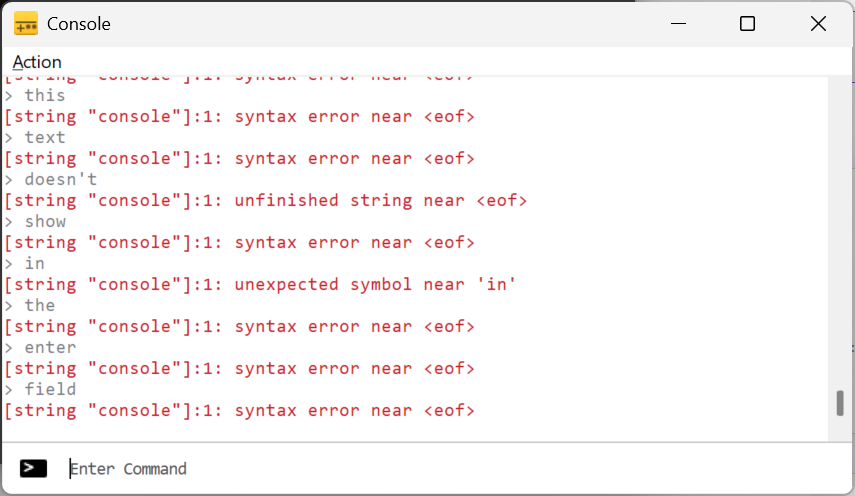
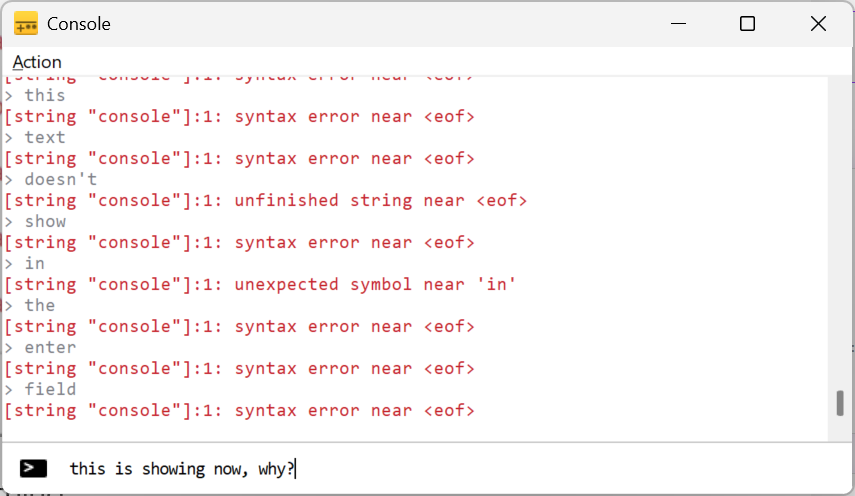
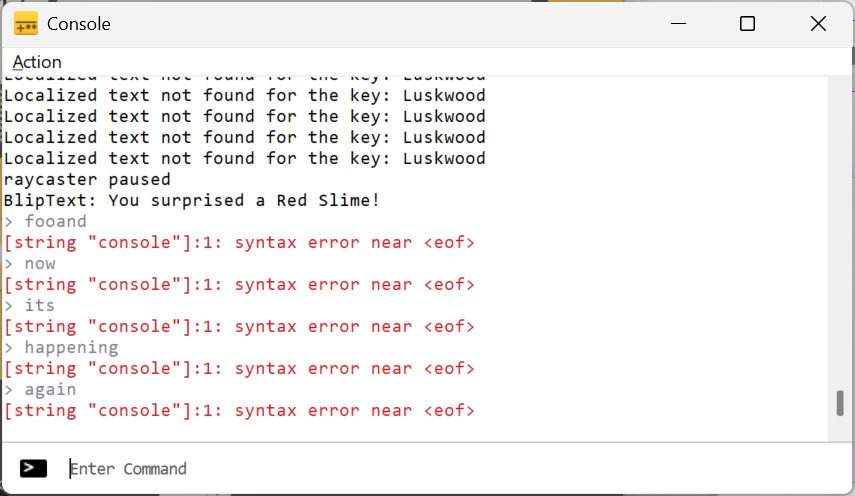
When I type in the ‘Enter Command’ field in the console (as in ‘printTable(foo)’) the keystrokes aren’t shown in the field - so I can’t see what I’m typing - leading to confusion and typos:
There is no blinky caret. If I type, I see nothing in the enter field… unless I click in the text widget.
I took a video… it looks like most of it is just an inactive console recording, but any ‘nothing is happening’ parts in the video is me typing in the text entry field:
This is very weird, I can’t reproduce this at all. The only thing I can think of is maybe updating your C++ Windows runtime but that seems like a stretch.
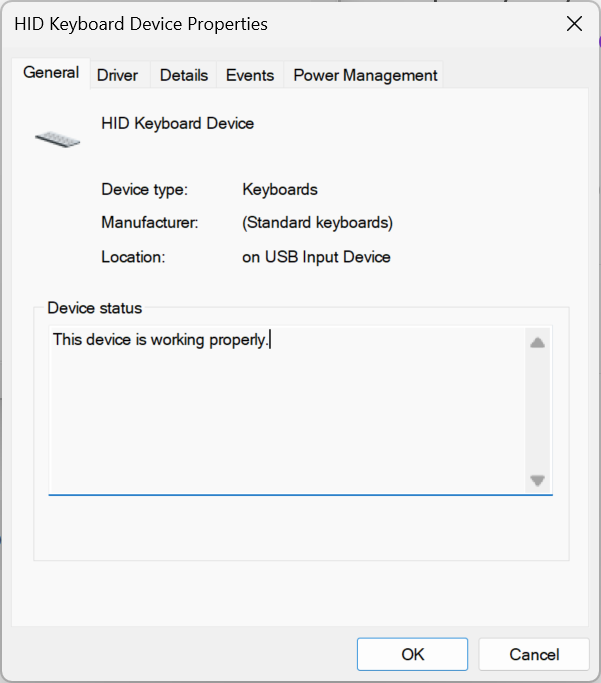
There were a large number of changes from 2.x to 3.x under the hood which could have introduced this issue. But I can’t reproduce it and no one else has mentioned it which is very odd. Are you using a 3rd party keyboard? You could try updating the C++ runtime found here. https://aka.ms/vs/17/release/vc_redist.x64.exe
When I bring up the console, the issue is right there… you don’t see any keystrokes unless I mouse over the main text display widget (not even a click, just the mouse entering the area). But if I minimize the console and restore it, things now work ok:
The third monitor (not the primary one - GSV2K7) is actually a third 32” Acer on a KVM switch - switches between Windows and a MacMini (Mac is currently off and all 3 monitors doing Windows).
Edit: I’m using the ‘minimize then restore the console’ trick as a workaround for now .
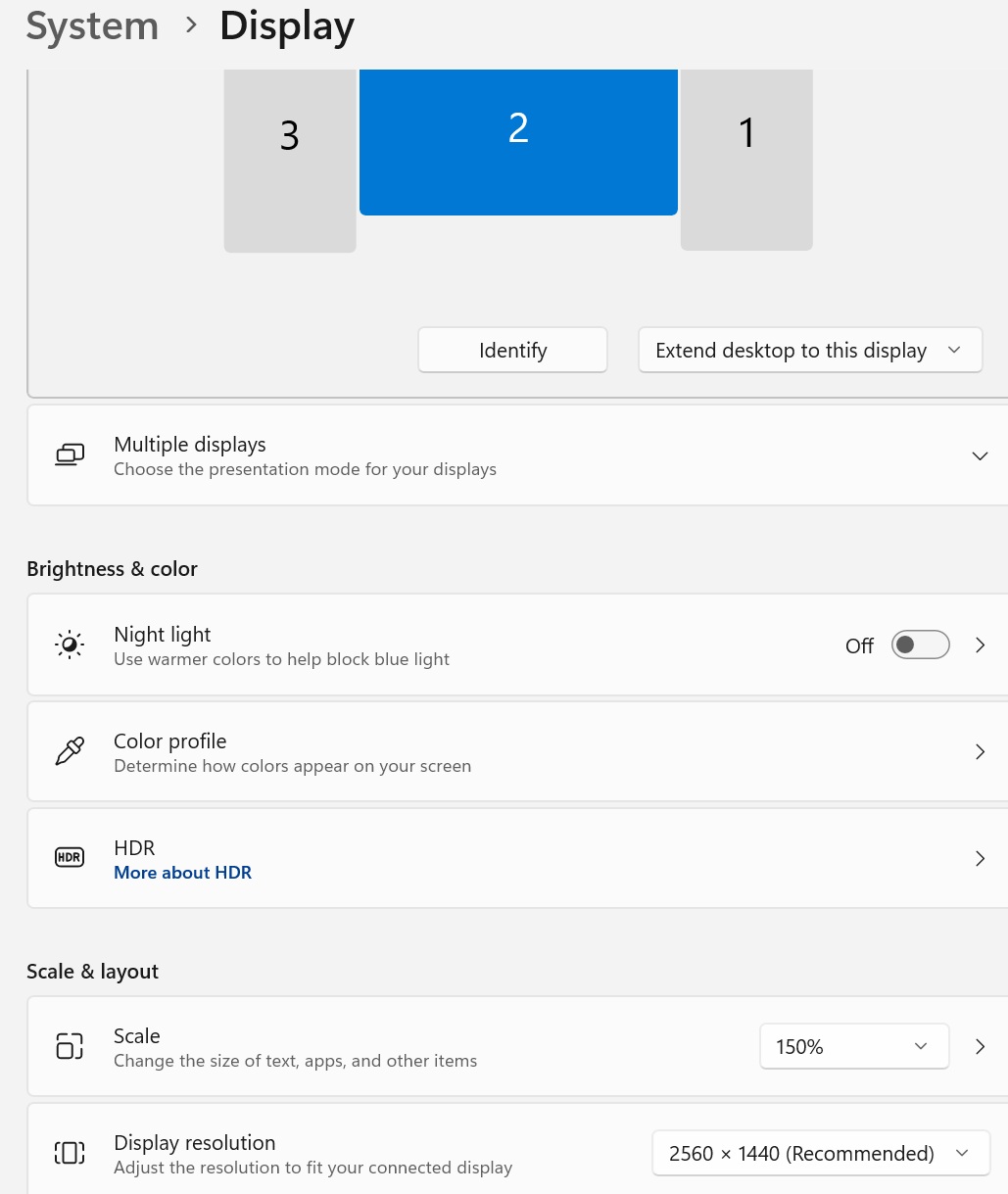
I think I may have pinpointed the environment that makes this happen… I noticed today that this issue only happens when the simulator’s console is displayed on my main (center) monitor. I’d shunted it off to the side this morning and noticed that the caret was blinking again.
I then looked at my display settings and saw that I’d altered the scale for the main monitor, but not the others:


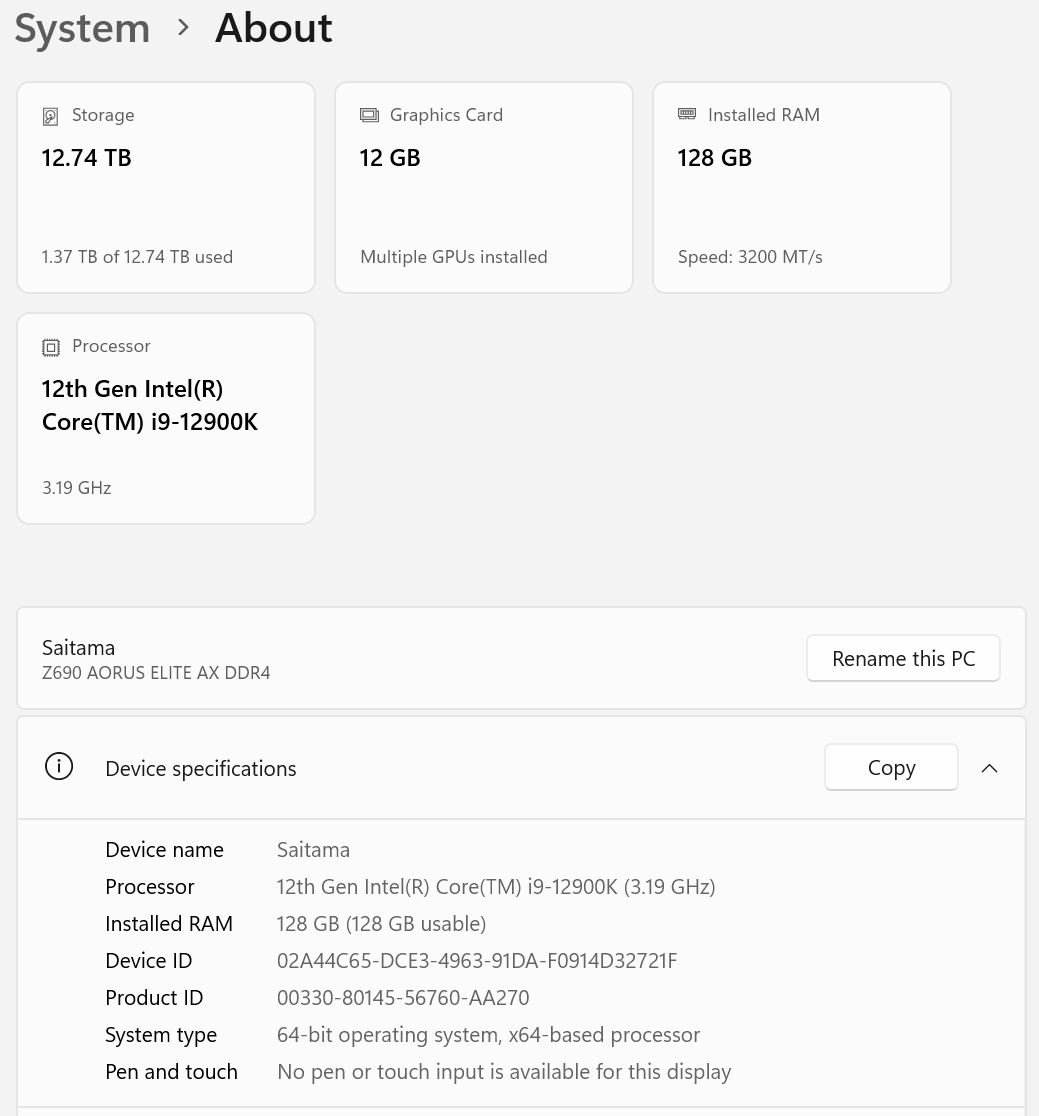
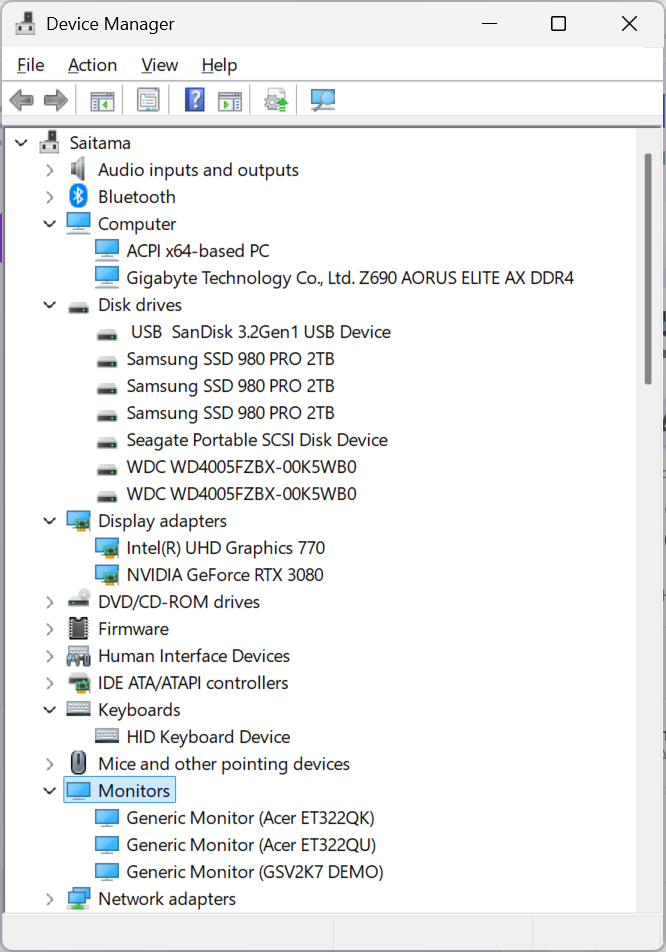
 .
.
 .
.