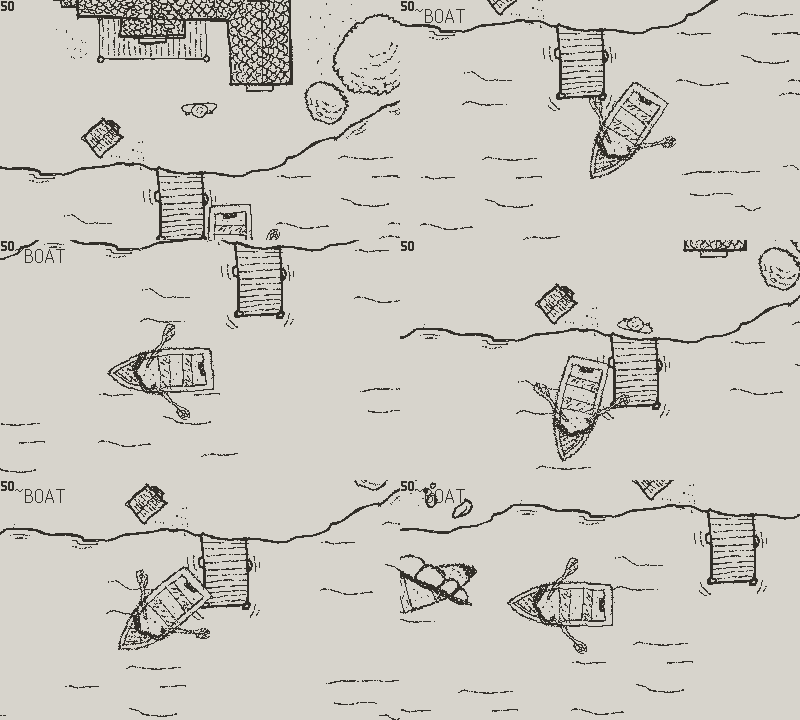
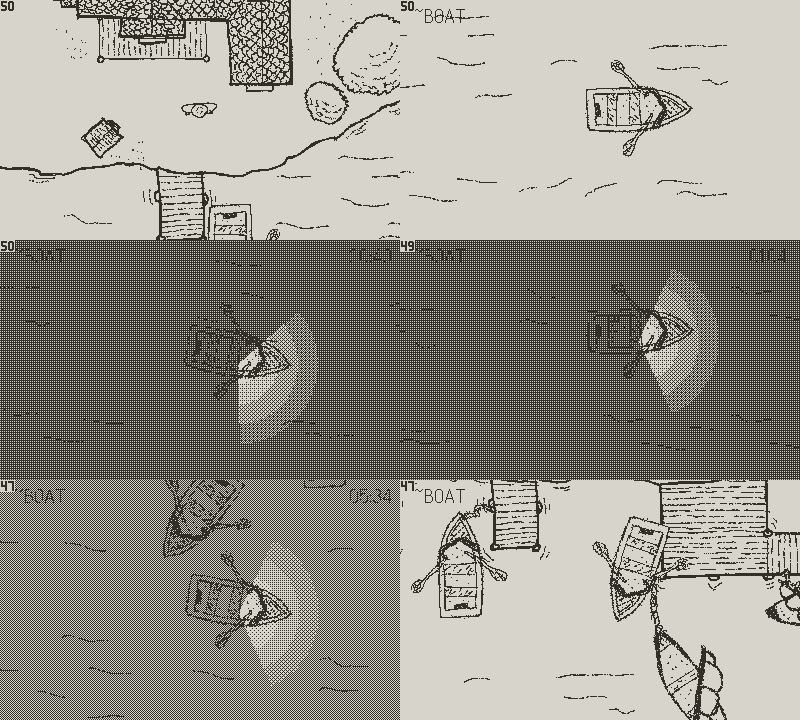
Drawing Workflow
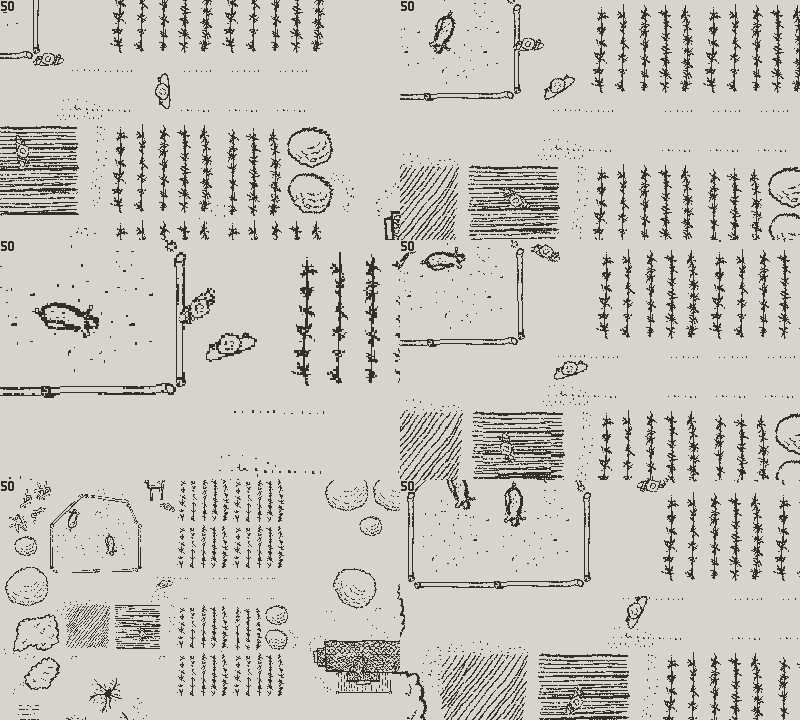
I am using a reMarkable Paper Pro for the game's drawings. I use the mechanical pencil with two different sizes, and the regular pencil in some initial sketches, with multiple layers to allow me to compose a more detailed scene. Since reMarkable have limited number of layers I need to be conscious of when to use them, and usually I end-up merging or removing the initial sketched layer. I use the dot template background to help me with dimensions and tile nature of some of the drawings.
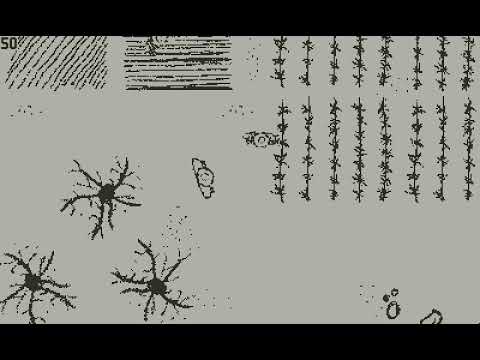
Here's a composite example:
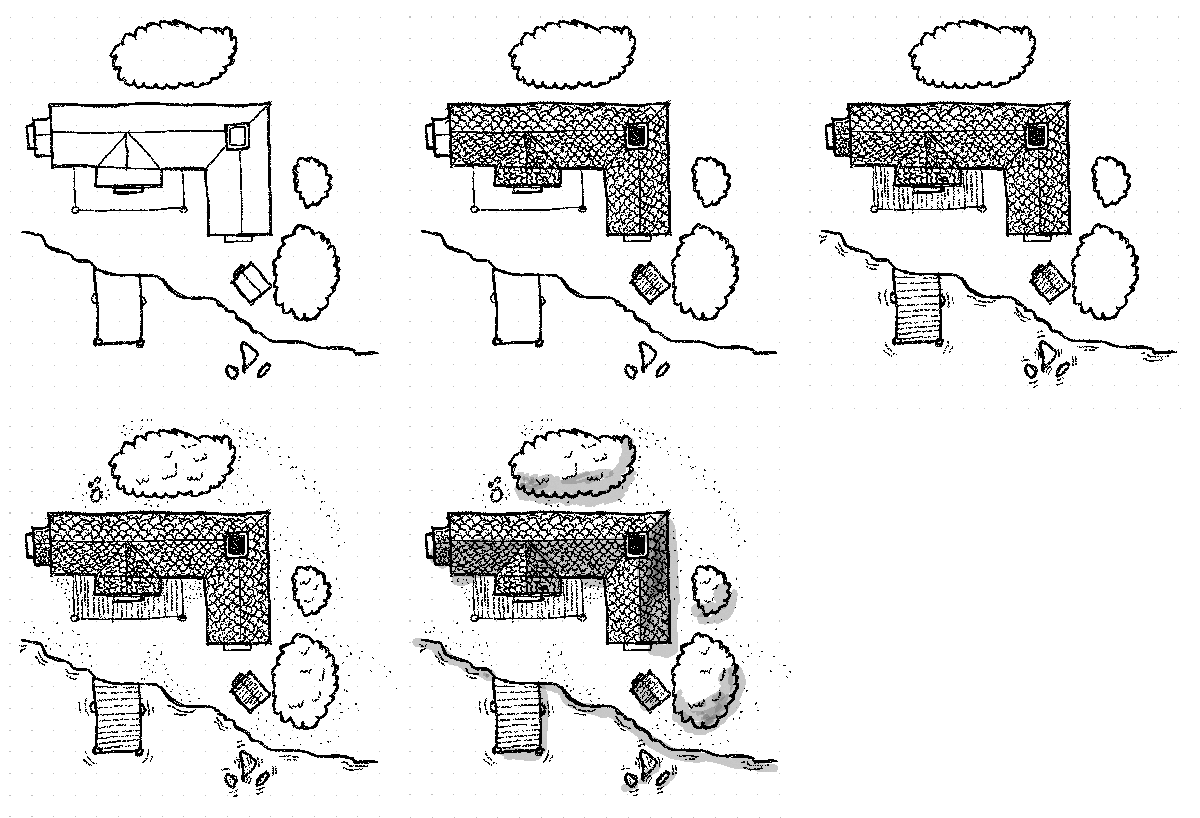
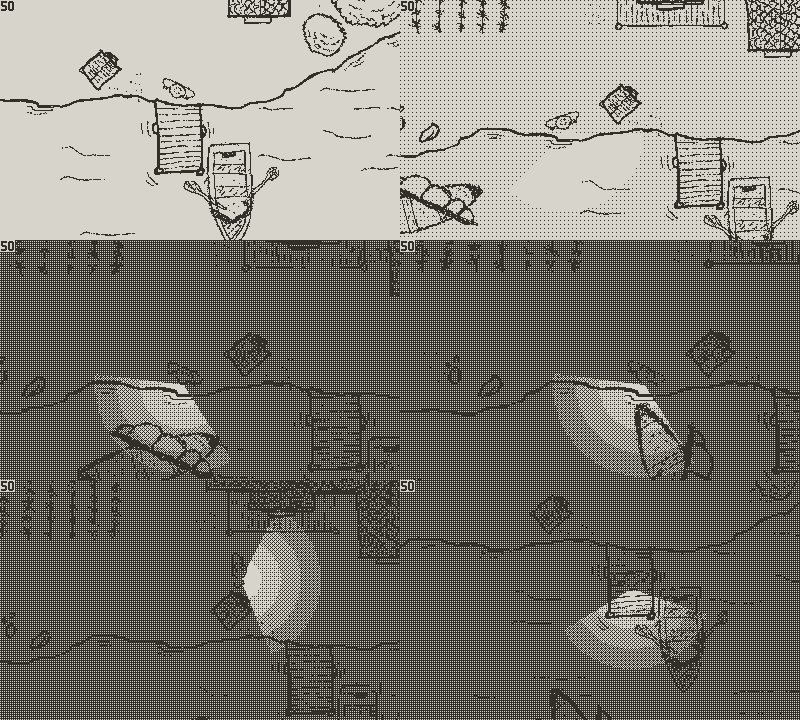
Shadow layer end up not being used on Playdate, as it's hard to make it work without introducing too much noise to the drawings.
Doing it in a digital form helps to quickly iterate through the drawings, rollback, erase etc, or even copy some of the drawings and modify them to create a similar or different alternative. It allows me to quickly sketch and experiment different forms of the same object before exporting them to the game. I still need to experiment how easy it will be to create some of the animations this way before importing to a Aseprite, as I want to keep drawing using the reMarkable instead of doing it in the laptop with Aseprite.
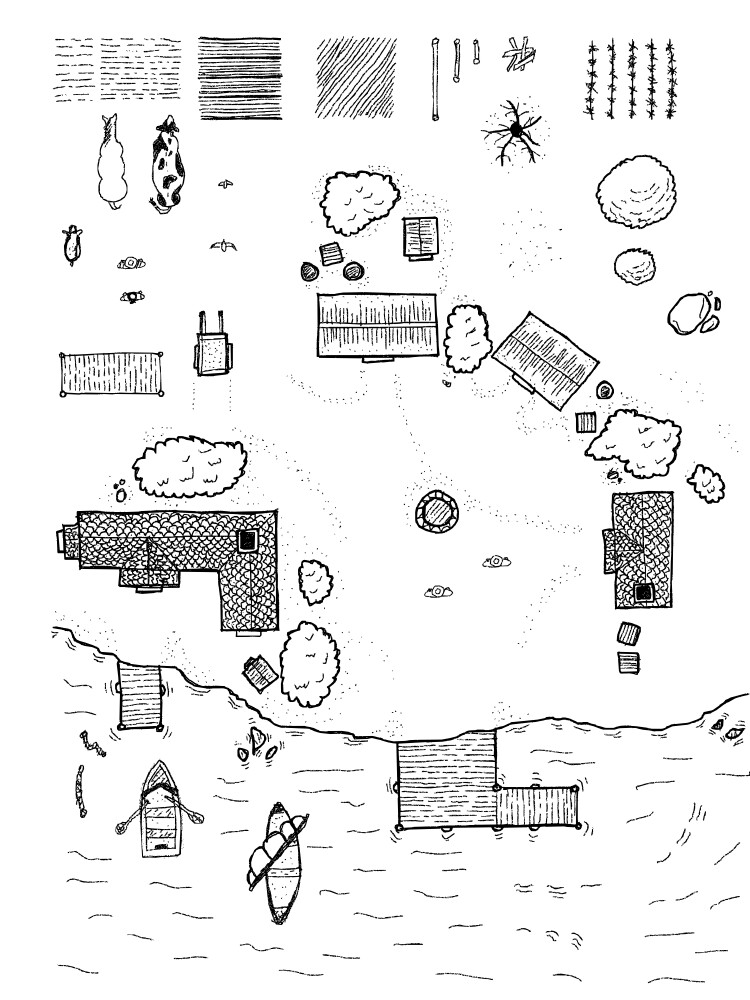
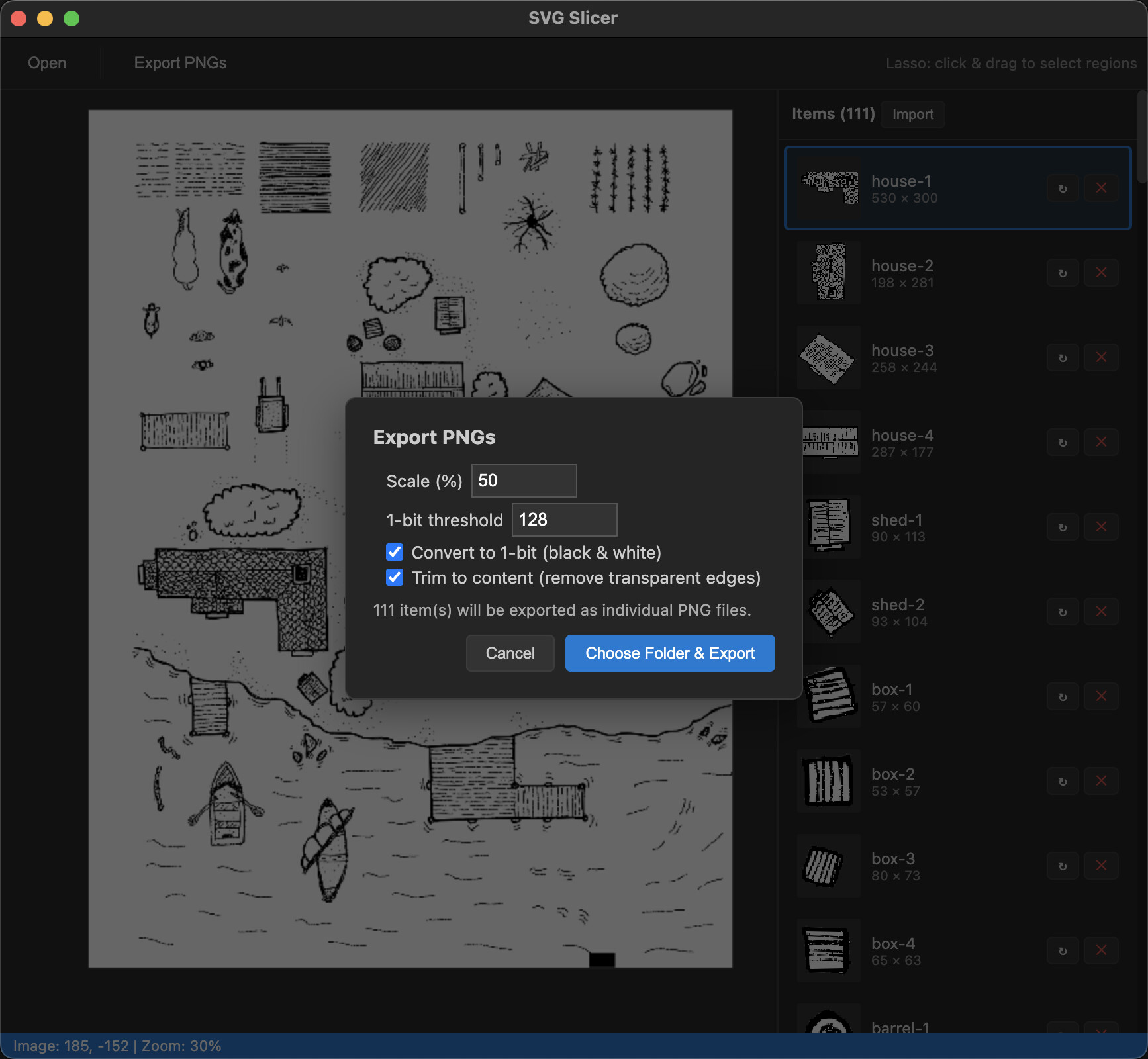
As a result, I have a A4 page full of small drawings I can export as SVG vector image:
SVG because using PNG export creates a very large resolution image that loses the detail after resizing, so I end up using the SVG to try to preserve the details as much as possible until the very last resize.
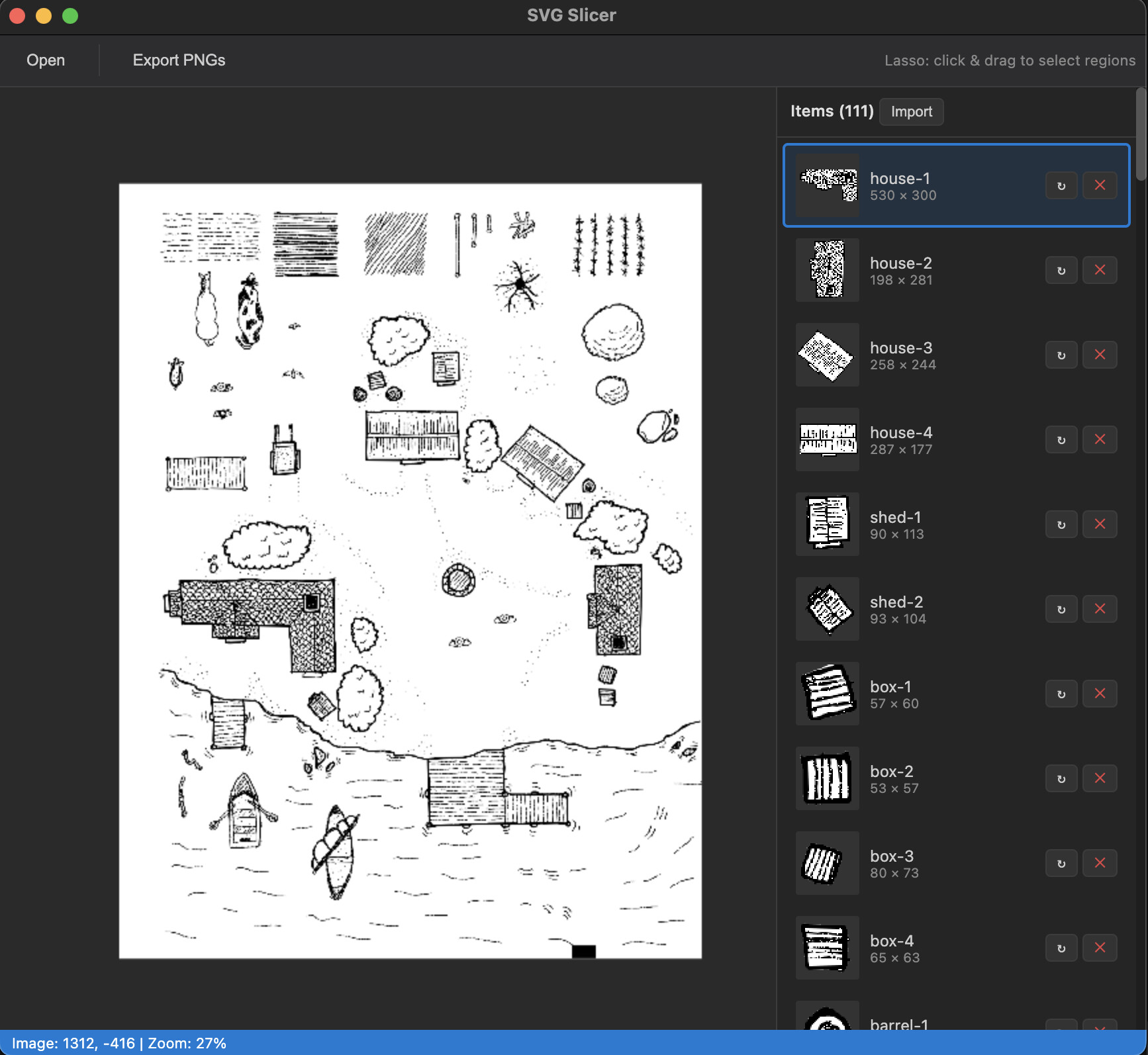
I created a HTML+JavaScript+Electron tool that helps me importing the SVG file and allows me to Lasso each independent sprite, creating a tilemap I could export for Playdate as individual PNG images.
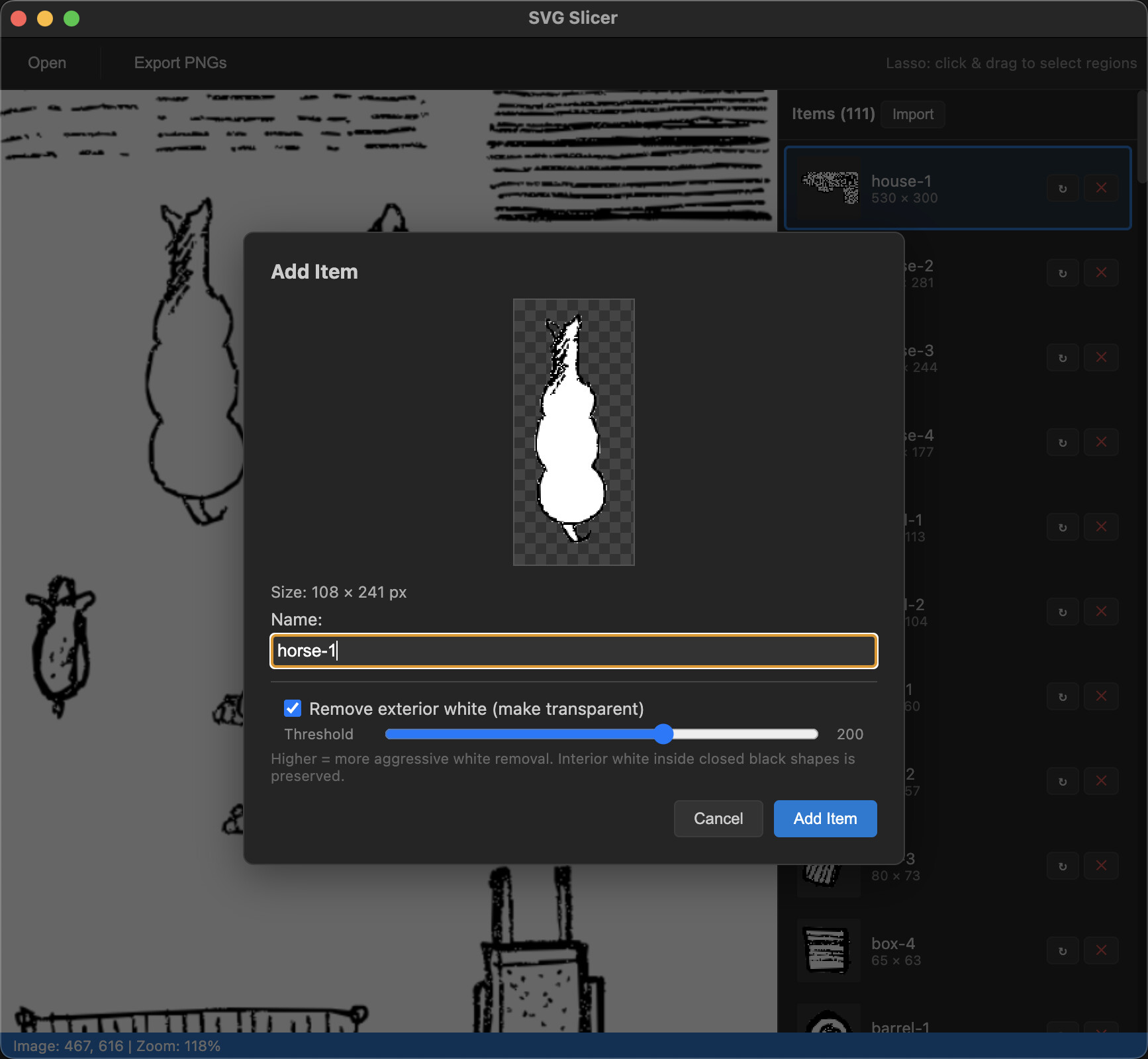
During lasso, I can remove the outer white background programmatically (if the drawing lines are fully closed), so any drawing artifact is removed and we export a transparent png image. In cases where we don't need the white background, I can open a SVG file that doesn't have the template dotted background and can import the images fully transparent.
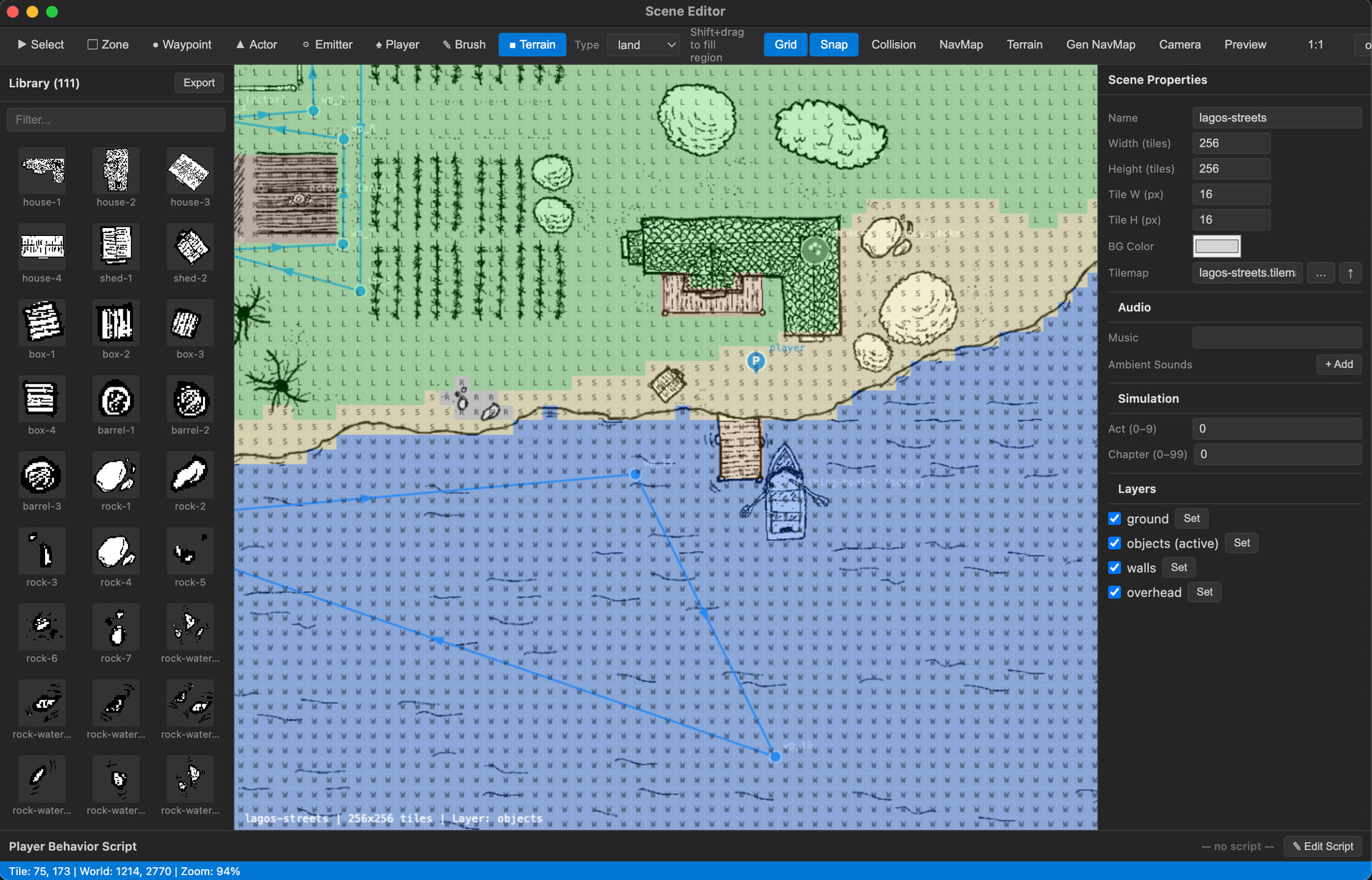
Each image can then be resized during Export, so it is easy to keep the dimensionality of both the drawings and the export for Playdate. A library.json file is created containing the Lasso and SVG details of the image region, that makes it easier to re-export if needed. A tilemap is also generated that can be used directly in the game and referenced in the scene file.
tilemap lagos-streets
entry mn0mmcqdmzet8 house-1 265 150
entry mn0mmcru3n5j6 house-2 99 141
entry mn0mmcrvtbul8 house-3 129 122
entry mn0mmcrws2eaj house-4 144 8
entry mn0mmcryejsmc shed-1 45 57
entry mn0mmcrzjd53n shed-2 47 5
entry mn0mmcrzdx3zz box-1 29 30
entry mn0mmcs0fylq1 box-2 27 29
There's still some improvements to be made to this workflow but I am happy with how it turned out. The process is not too time consuming and I can spend more time either in drawing or placing the objects in a scene where I can experiment more quickly different layouts without drawing them all.