Hi everyone, I’m Danilo. I’ve been a developer for over 10 years and I received my Playdate less than a month ago—I think it’s absolutely fantastic!
My apologies if this isn't the right section; I wasn't able to find one more specific for my issue.
I’m reaching out because I’ve encountered a strange issue while developing a game that triggers sounds based on crank movement. I noticed that audio would occasionally trigger even when the crank was supposedly stationary.
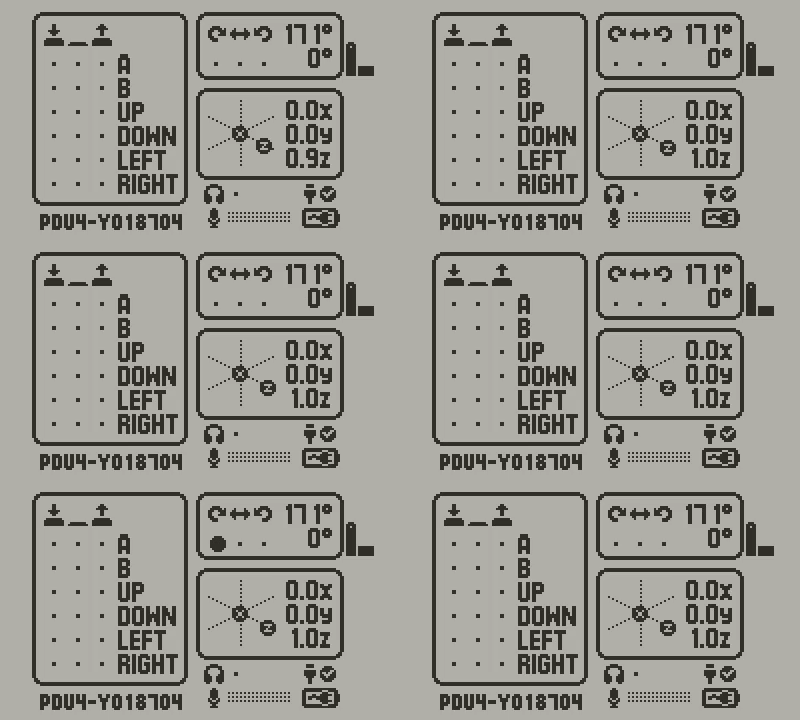
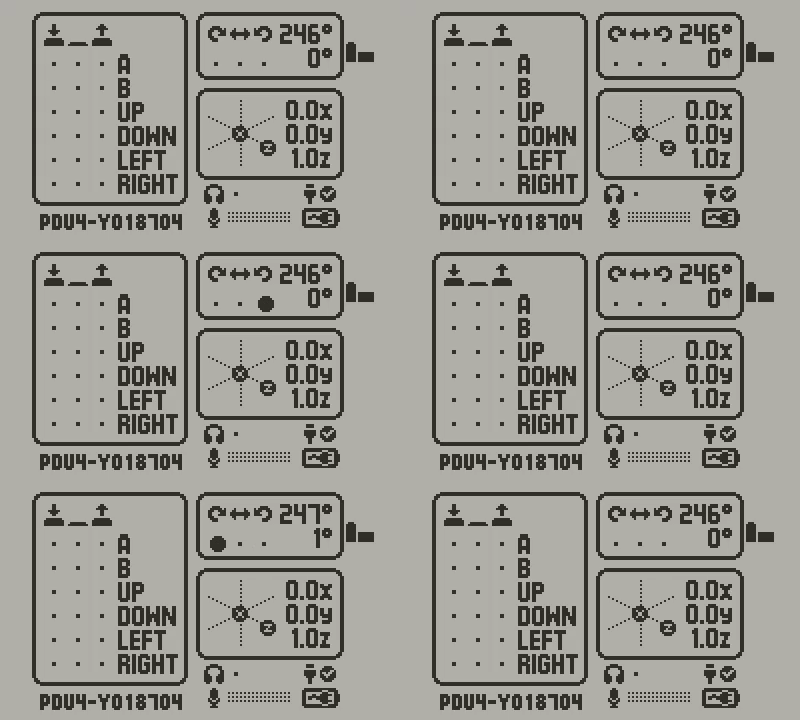
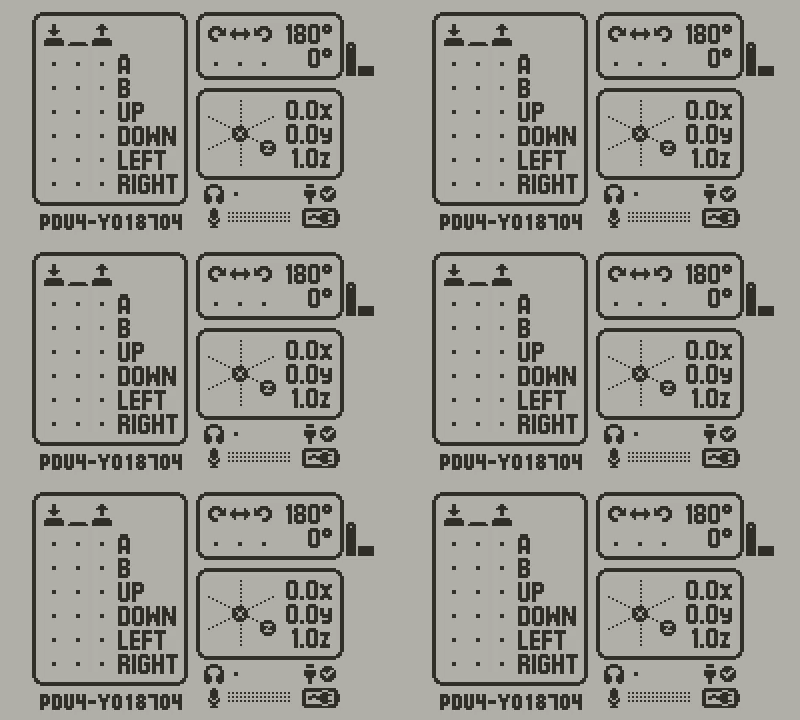
The Issue: After opening the Input Test in the system settings, I confirmed that the crank is reporting rapid, tiny positive and negative input values even when it is not being touched.
Tests I’ve Conducted: To rule out external factors, I performed the following:
- Placed the console on a flat, stable table (no vibrations).
- Tested the crank at various angles/positions.
- Restricted the crank physically by resting it against the table surface to ensure zero mechanical movement.
In all cases, the diagnostic screen still shows flickering input values. I have attached videos of the diagnostic screen showing this behavior.
My Question: Is this a known software/calibration quirk that I should account for with a small deadzone in my code, or does this look like a hardware defect (noisy sensor/potentiometer) specific to my unit?
Any insight would be greatly appreciated!
Screen videos:
-
on table with crank raised
-
on table with crank aligned with console
-
on table with crank resting against the table surface