Game play updates 10/4/25:
- Began the process of updating the various instances "on interact do" to detect and use the A button vs. just using the D-Pad and bumping into things. Mainly for interacting with the Presents, Rocks, Trash Bins, Holes, Save Kiosks and various Signs throughout the game. Helps to make it feel like a more interactive game.
Thanks so much for the example in this topic: How to specify Bump to Interact or A to Interact for different Sprites example from orknScott.
- Began to create basic sprites for the 4 directions:
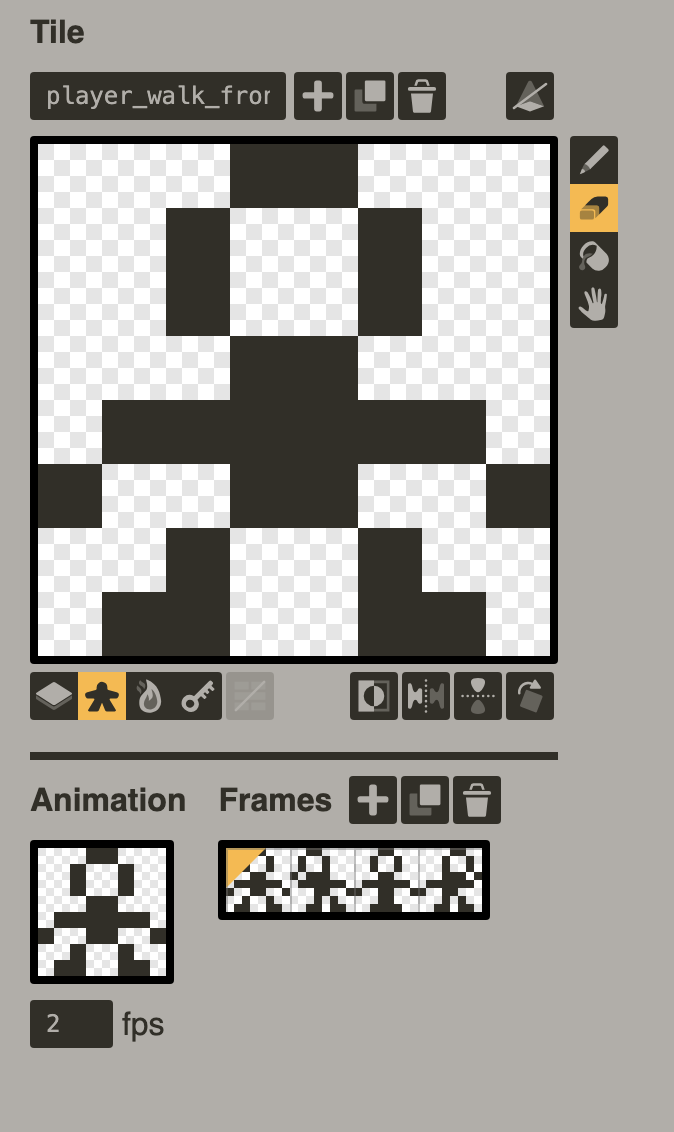
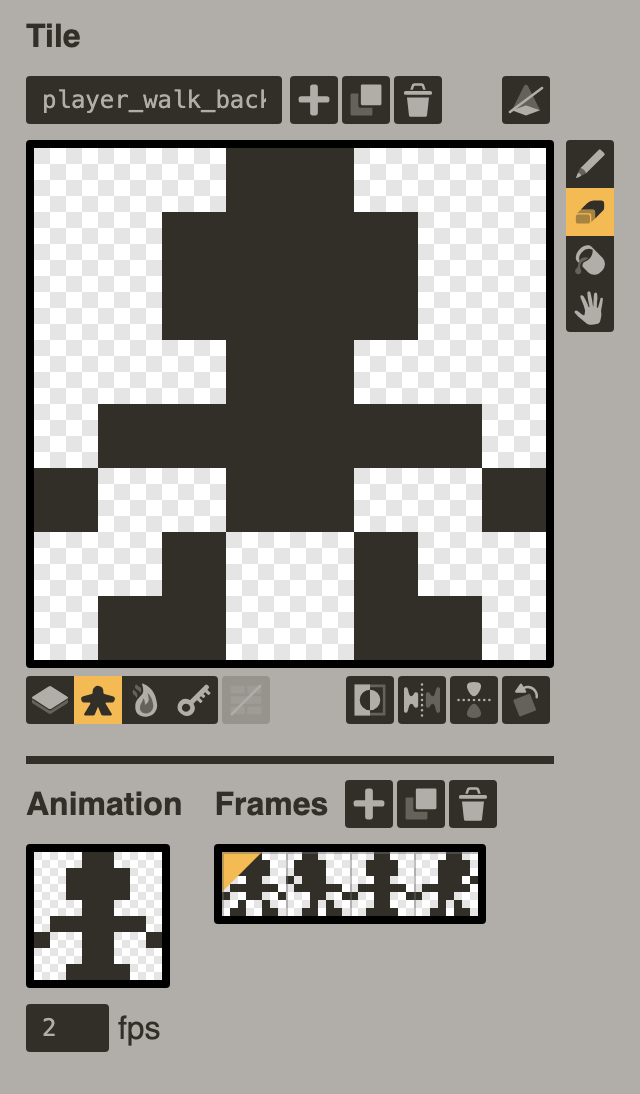
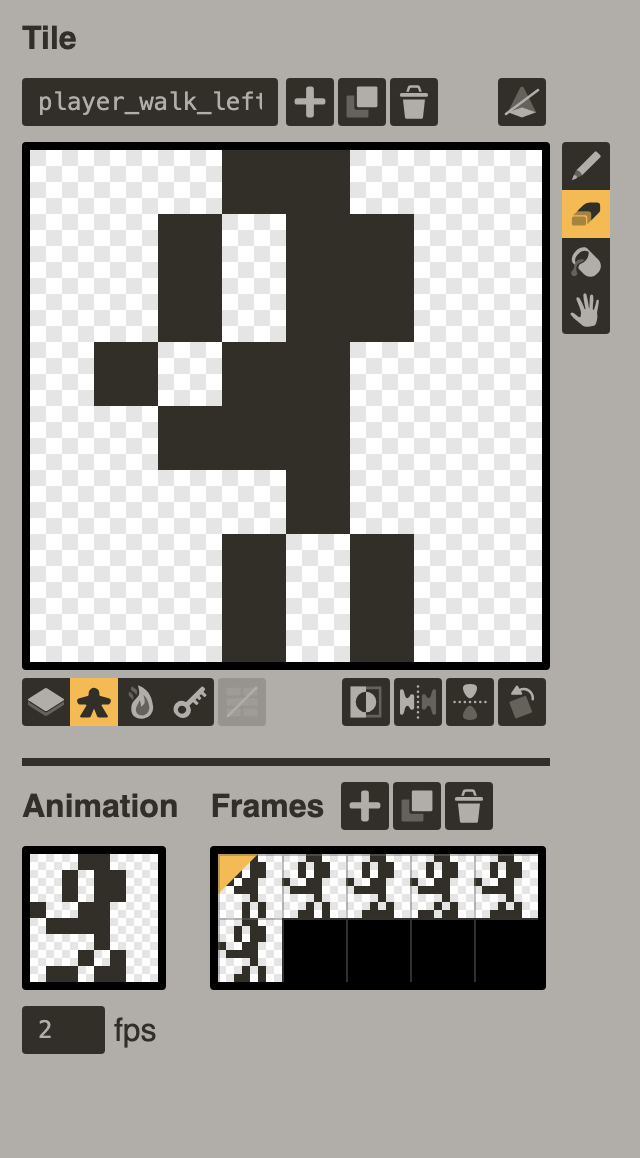
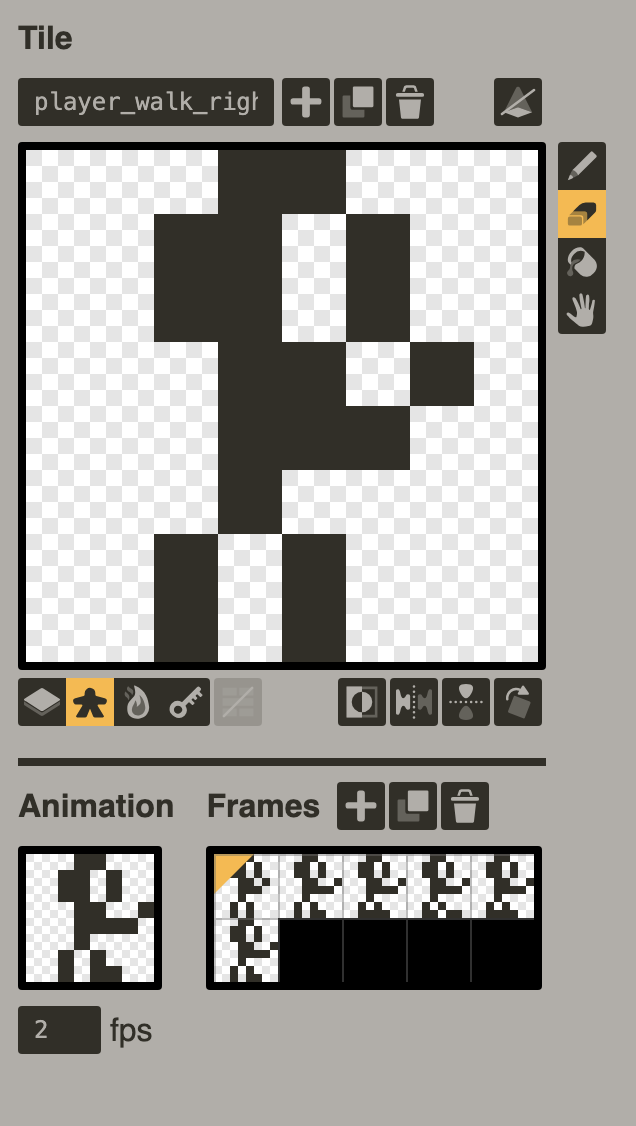
The sprites are definitely basic. I'm using this as an exercise to see if I can get back into creating again. I used to enjoy drawing as a kid so, this should be a fun experience to get back in touch with that part of myself again 
- Got player movement and sprite directions working thanks to the Pulp Enemy AI/Attack System Demo from SquidGod & the "Goo Game" code.
- Created some simple sound effects for when saving & loading a game.
- Tweaked the Playdate animation on the title screen & save/load screen. Added a few more frames to make the animation a bit smoother.
- Figured out how to include something kinda cool thanks to orknScott's Pulp Pirate code.
Game play additions ideas:
- Need to set up code to have static directional sprites work when movement ends, vs. looping a directional animation. Hopefully it's possible.
- Have on-screen counter of Playdates found?