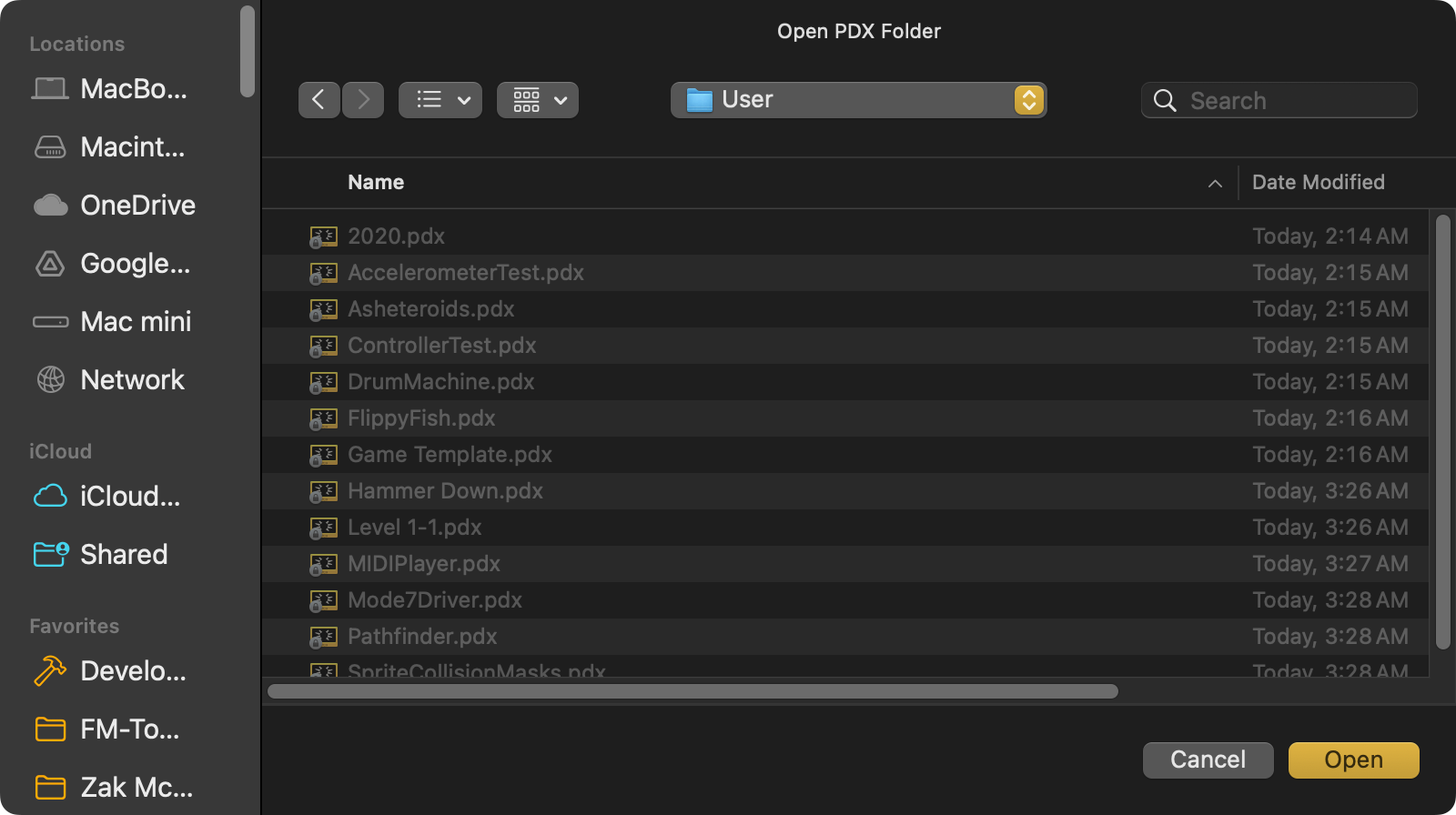
So, I'm pretty sure I've found another bug/glitch in SDK 3.0.0 and macOS. I've been unable to upload a .pdx file to my Playdate using the Playdate Simulator. I've confirmed that my Playdate is connected to my Mac as Playdate Mirror works just fine.
If I attempt to use the "Upload Game To Device..." option, in the "Device" menu, Playdate Simulator will not recognize any .pdx file at all and I can't select the .pdx file.
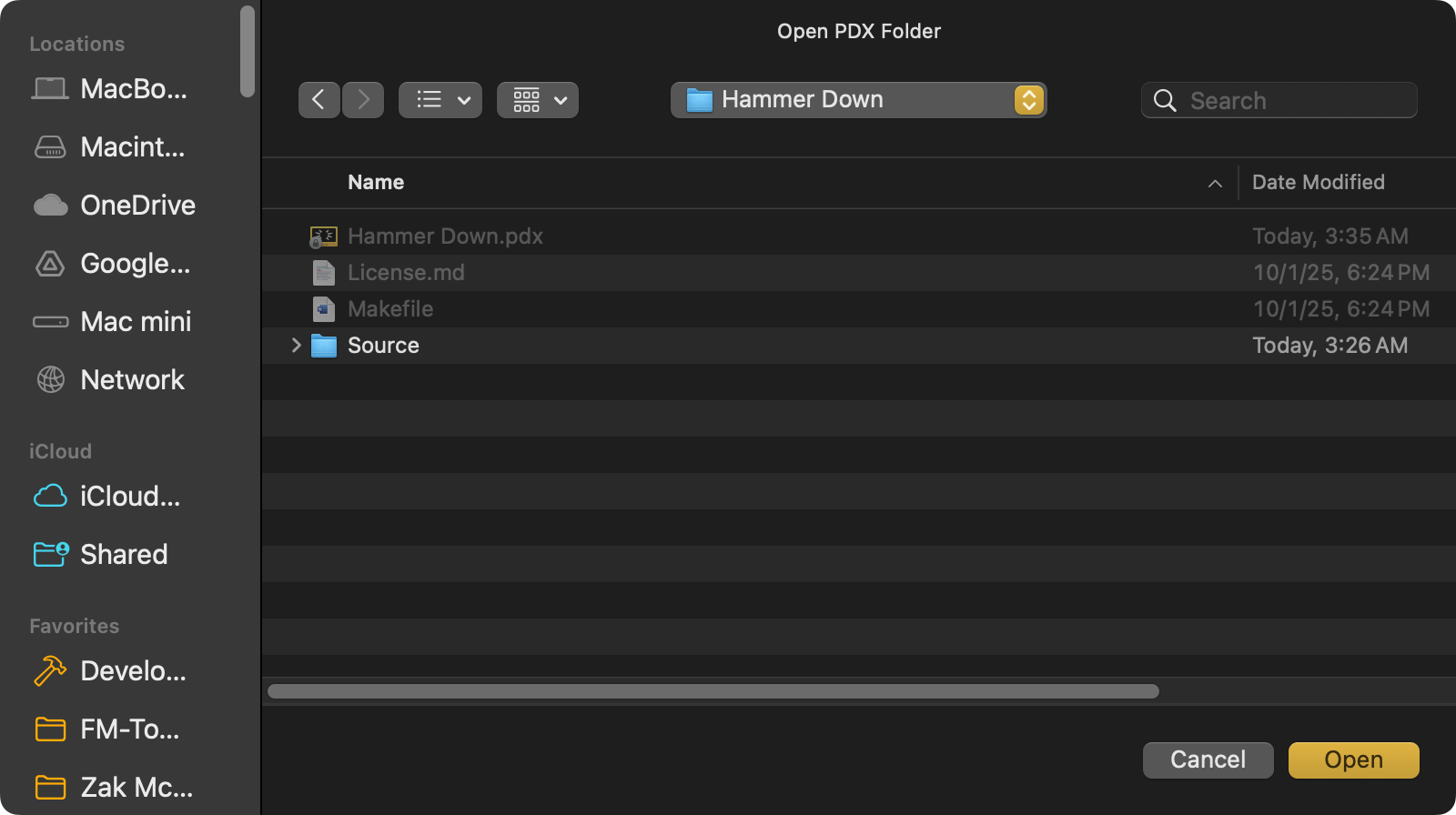
I am able to use the "Get Screenshot", "Boot to Data Disk", "Boot to Recovery Disk" & "Show Device Info" options without any issues though.
I never used the feature in the 2.7.6 SDK so, I'm not sure if this is a new issue with macOS or not. I'm running macOS 15.7.1. Am I missing something/doing something incorrectly?
Thanks so much