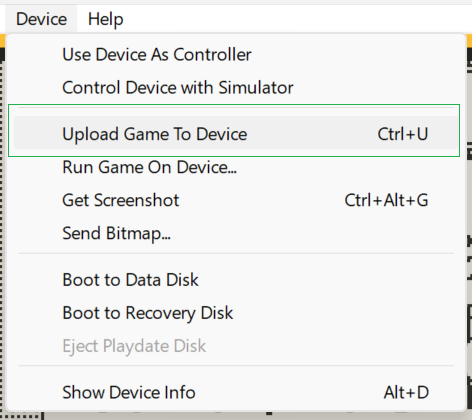
I’m trying to upload a game from the simulator to my Playdate device, and it simply isn’t working. It supposedly finishes uploading the game, but the device just goes right back to the main screen without launching the game, and it isn’t showing up in sideloaded games or anywhere else.
I’m on Windows 11, and this was working the last time I tested (I think it was still SDK 2), but now on 3.0.2 it just doesn’t work. SDK and Playdate are both fully up-to-date.
Here’s what the console says:
20:42:35: Loading: C:\Users\dsparks\Documents\Playdate\samplayer\samplayer.pdx\
20:42:38: Installing Game: samplayer.pdx
20:42:38: Device Disconnected: COM3
20:42:44: Found Device Disk [PLAYDATE]: H:\
20:42:44: Installation Complete (0 errors)
20:42:44: Copying finished in 0.150 seconds
20:42:44: Failed to lock H:\ for eject.
20:42:44: Failed to lock H:\ for eject.
20:42:46: Serial write Failed: (0 != 25)
20:42:46: Device Connected: COM3
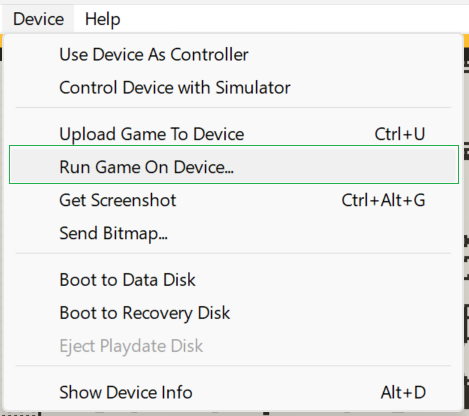
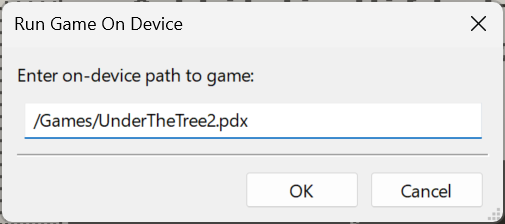
I don’t recall if this is now ‘working as designed’ due to consolidating the multi-platform Simulator code to a single code base (there’s been some discussion of behavior changes), but since those recent changes I’ve had to go from one step to three… first step:
The issue here, I’m guessing, is your device vs simulator build names no longer match. This change was made to fix a bug in the cmake files in 3.0 which avoids overwriting builds but is tripping up folks. You can change this back to the old behavior by changing the device build name in your cmake file. Hope this helps.