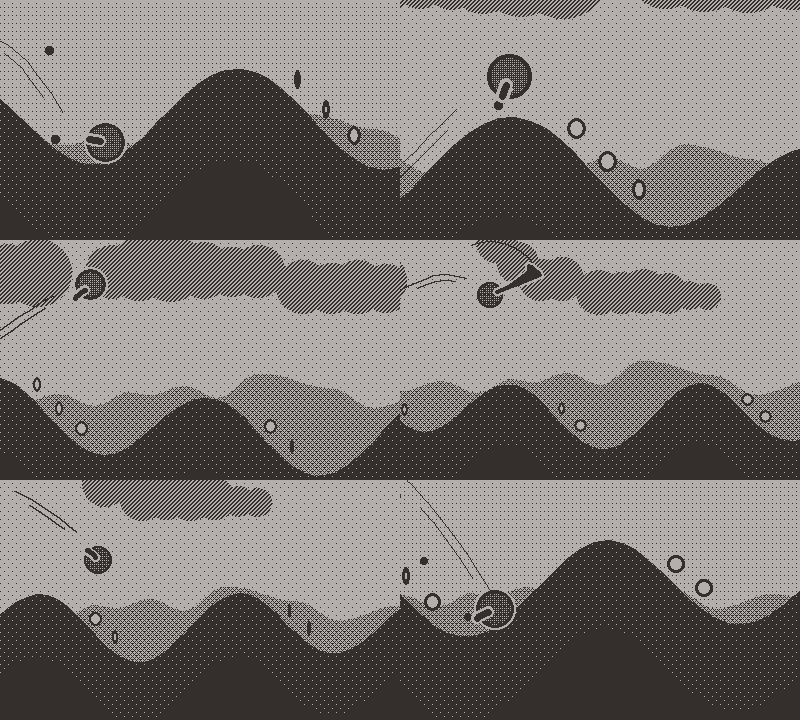
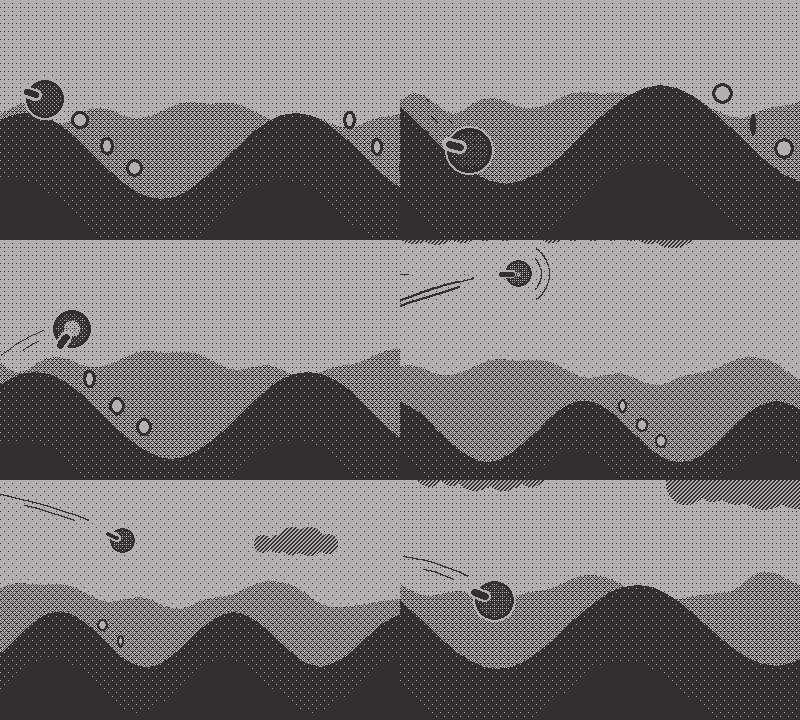
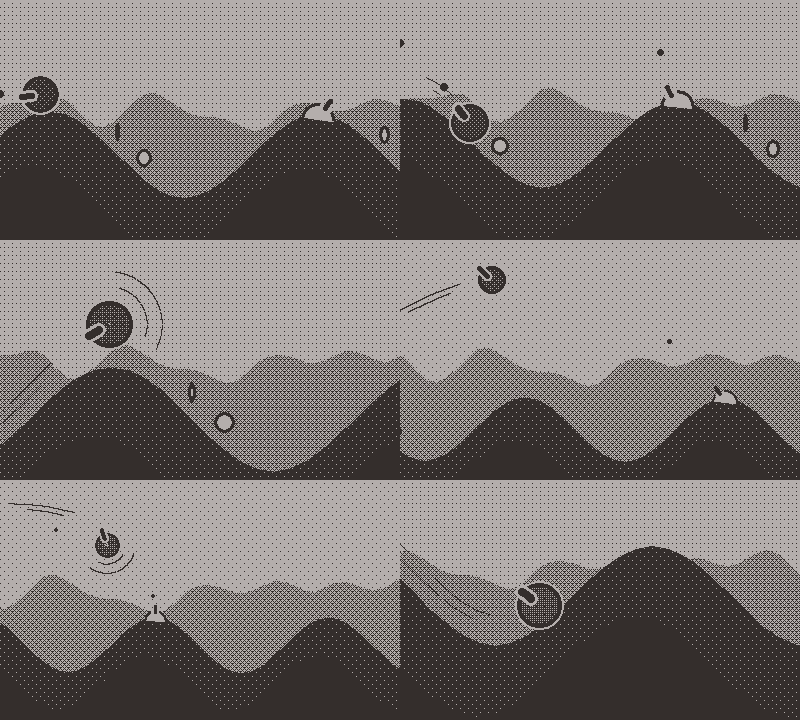
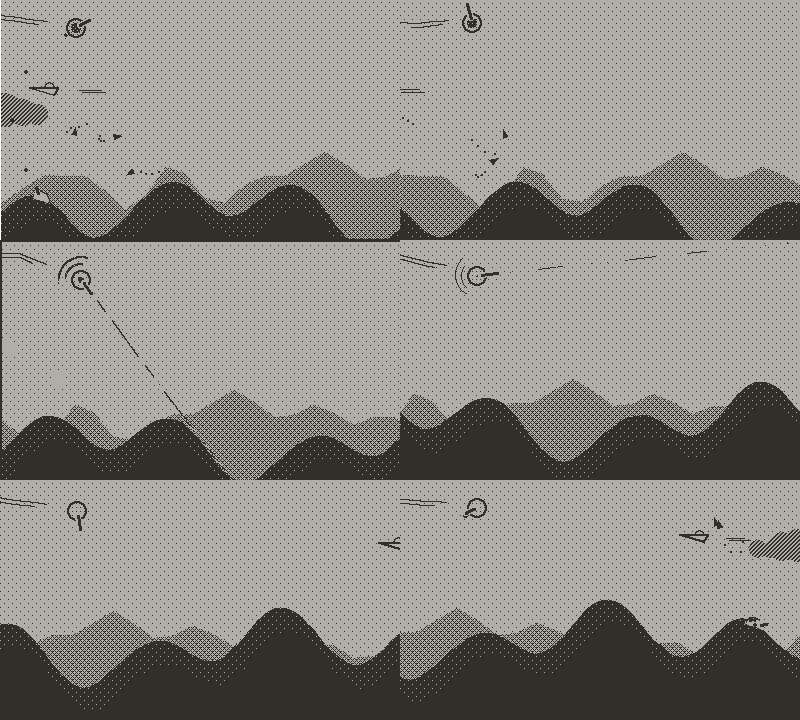
RollerBlade - roll, fly, shoot, and slash your way to the top!

Hello everyone!

I’m Max.
I got my Playdate a little more than two years ago and fell in love with the device as well as with the development environment.
I’m a medical doctor and researcher but I’ve wanted to make games since I was a kid.
I recently moved from France to Korea and decided it was the perfect time to take a break from serious stuff and finally fulfill my passion!

I’ve created an itch.io page for my solo dev venture as qwack! where you will be able to learn more about my projects, starting with RollerBlade, a fast paced arcade infinite shooter which could be described as “what if the bird in Tiny Wings had a gun that could extend into a sword?" :grinning_face_with_smiling_eyes:
Use your gun's recoil to roll downhills and gain speed to propel yourself high in the sky, shoot incoming enemies, and swing your sword to deflect their bullets or surf clouds to recover some much needed energy!

Enjoy an infinitely replayable game where everything is procedurally generated and that runs at a constant 40fps for a very smooth gameplay experience!

You can see the game in action in this preview trailer:

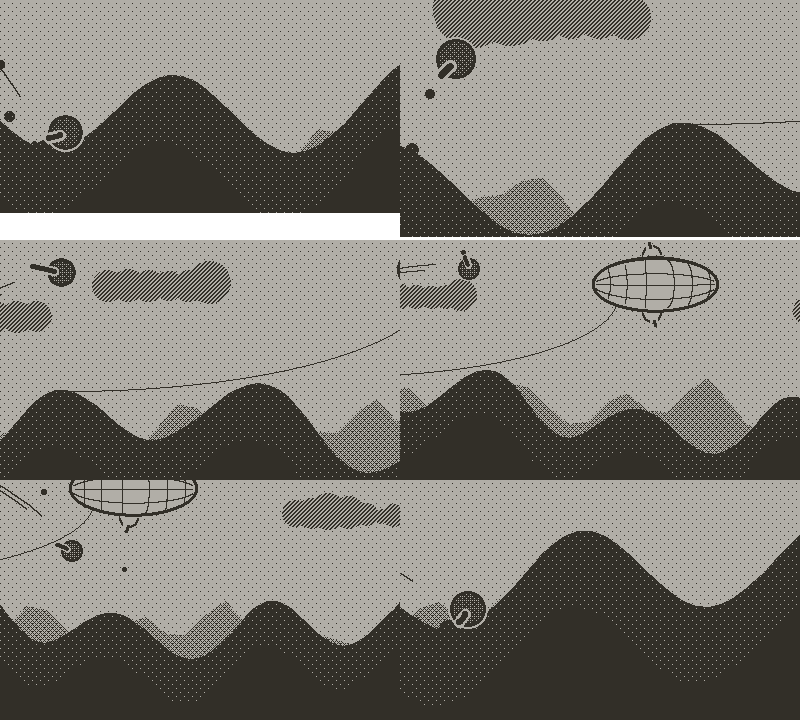
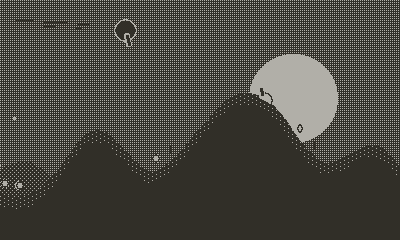
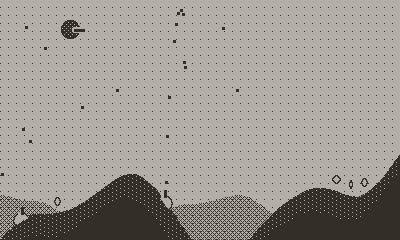
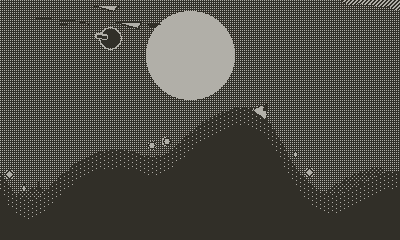
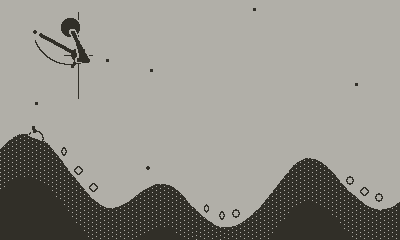
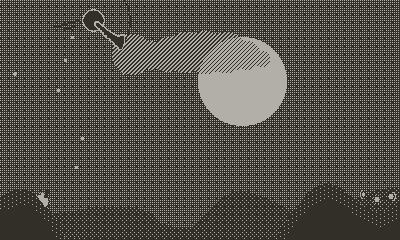
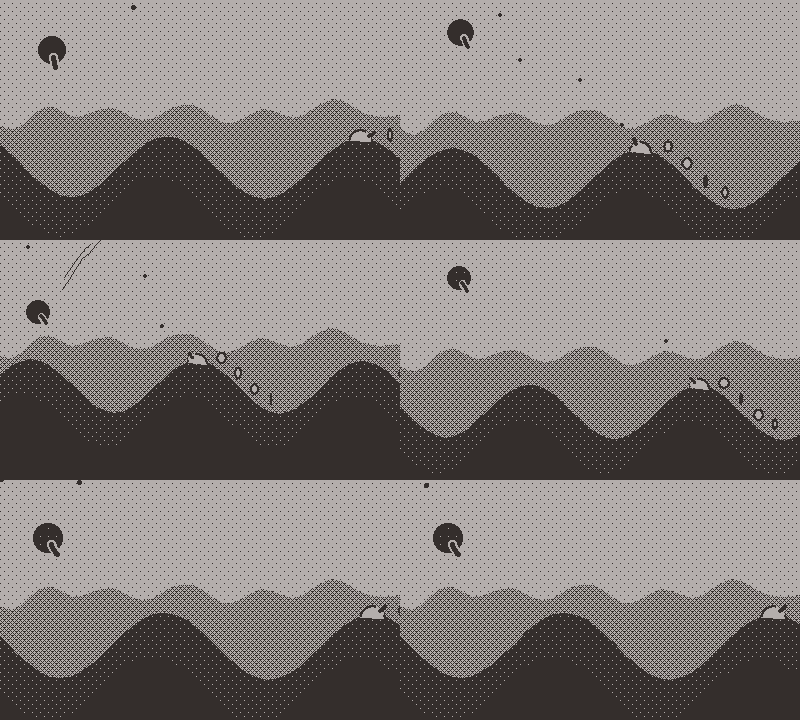
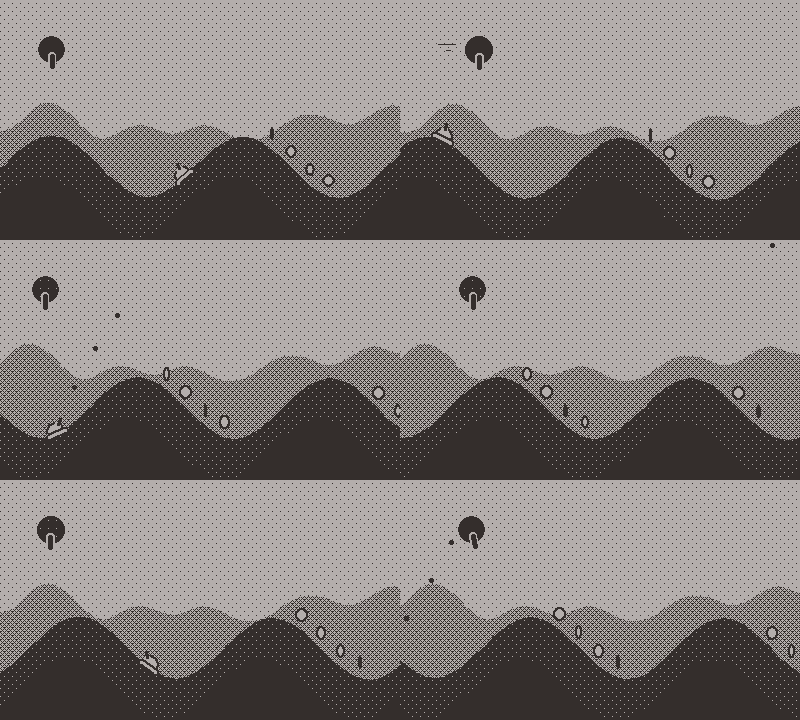
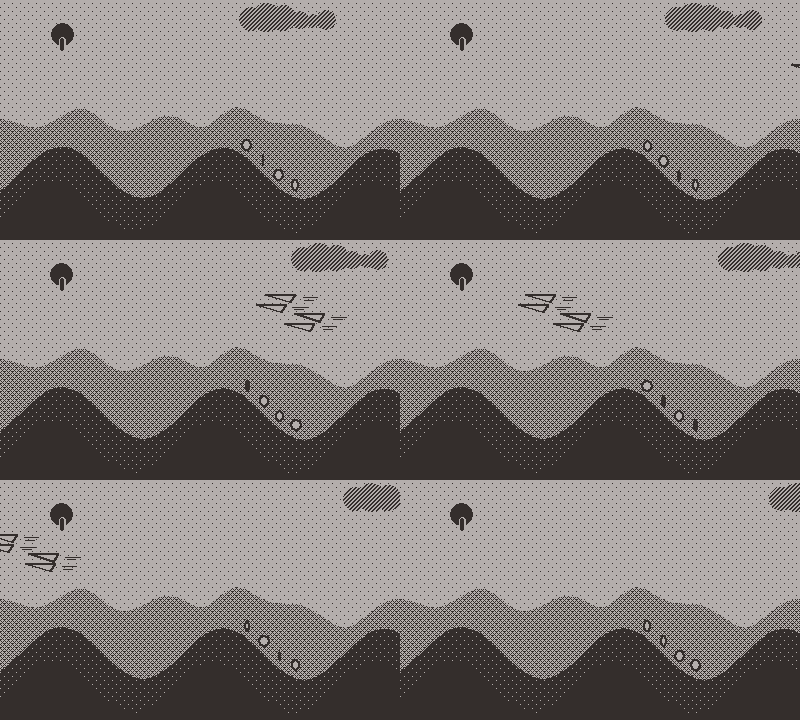
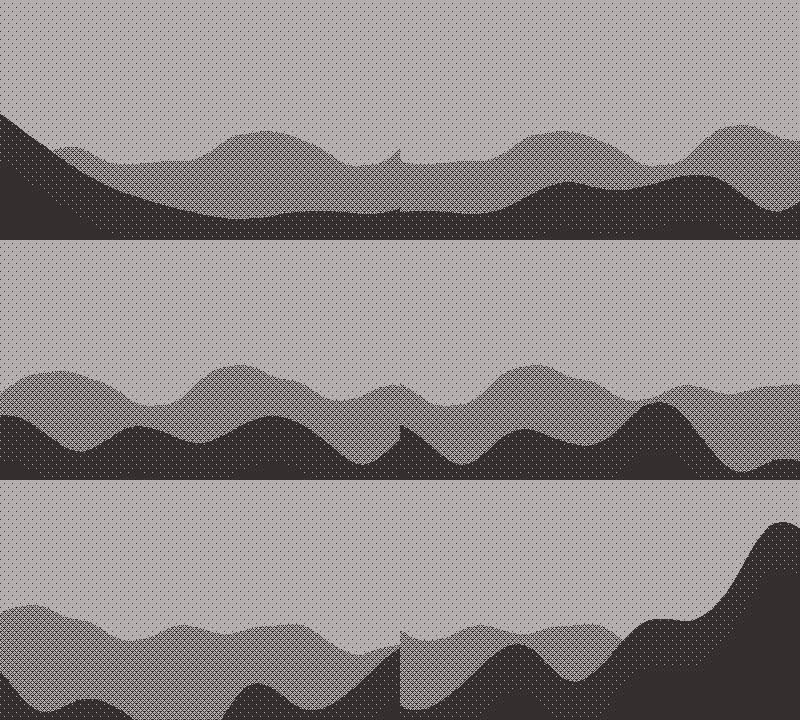
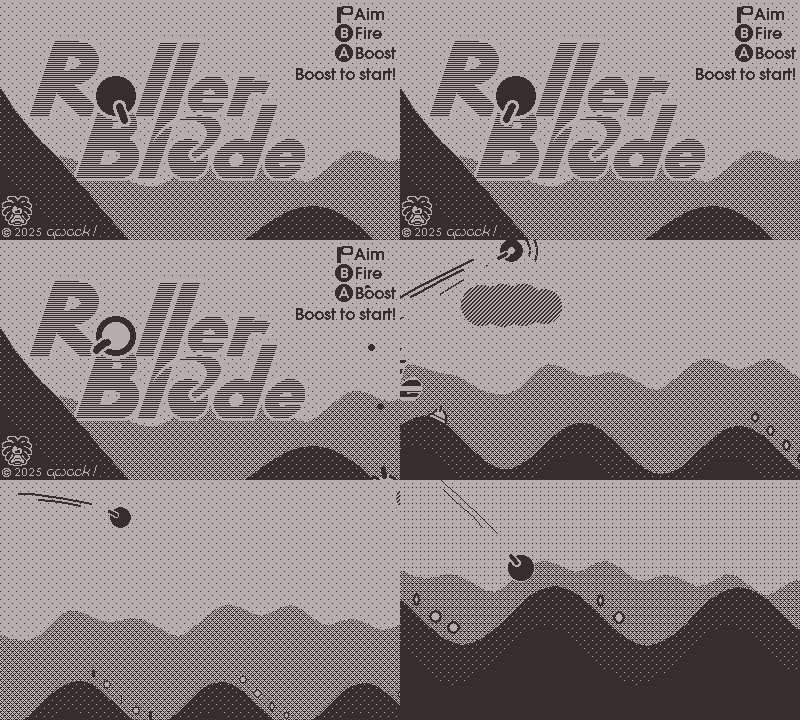
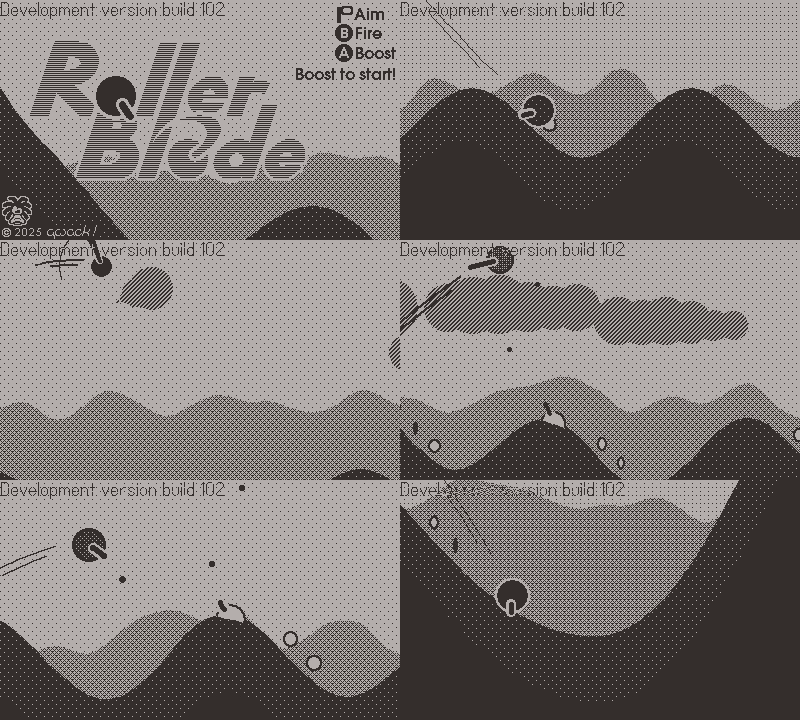
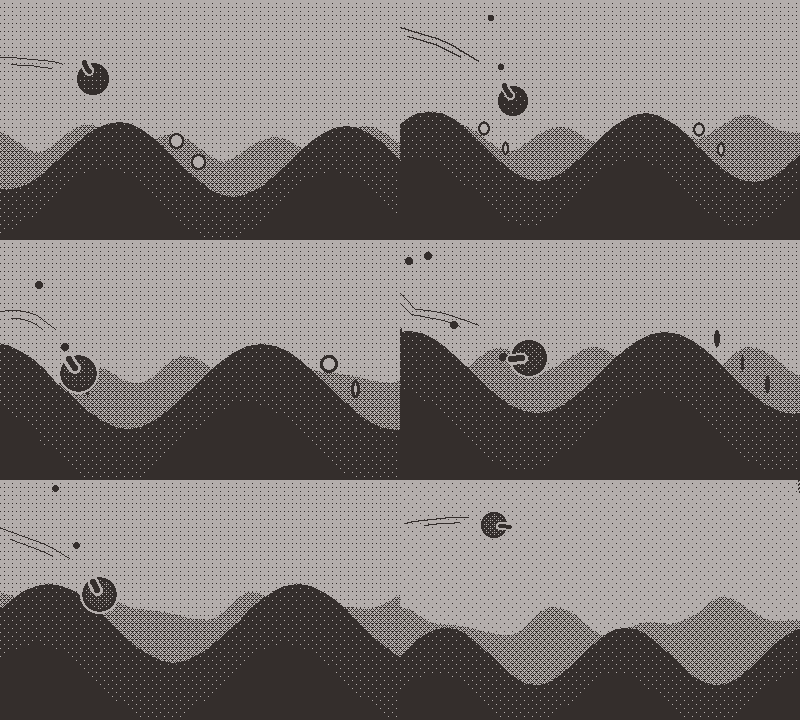
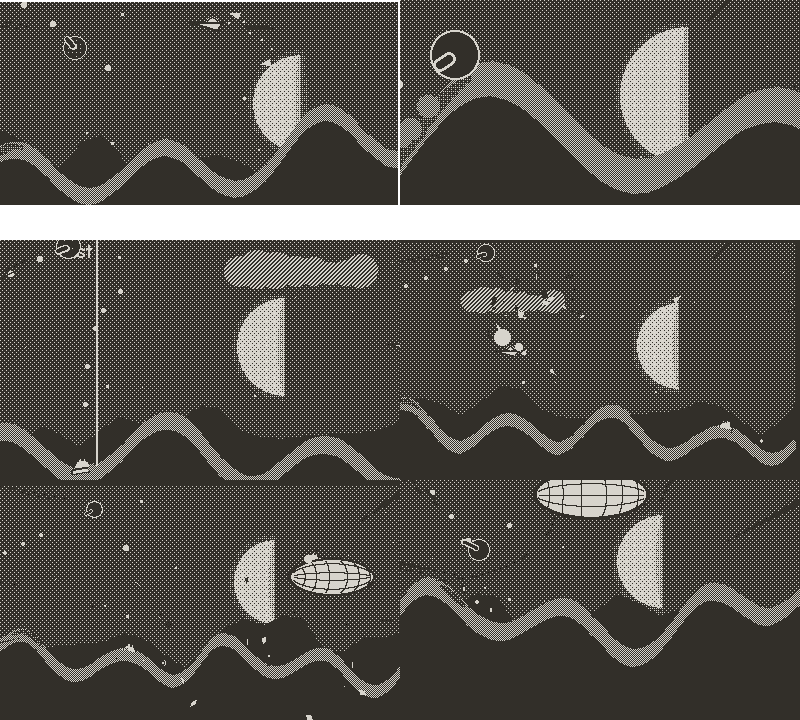
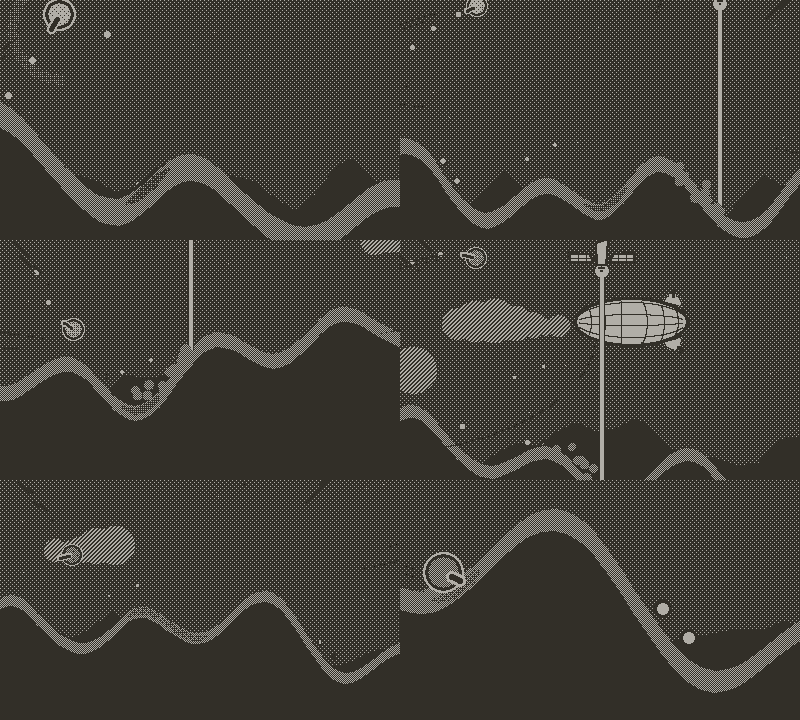
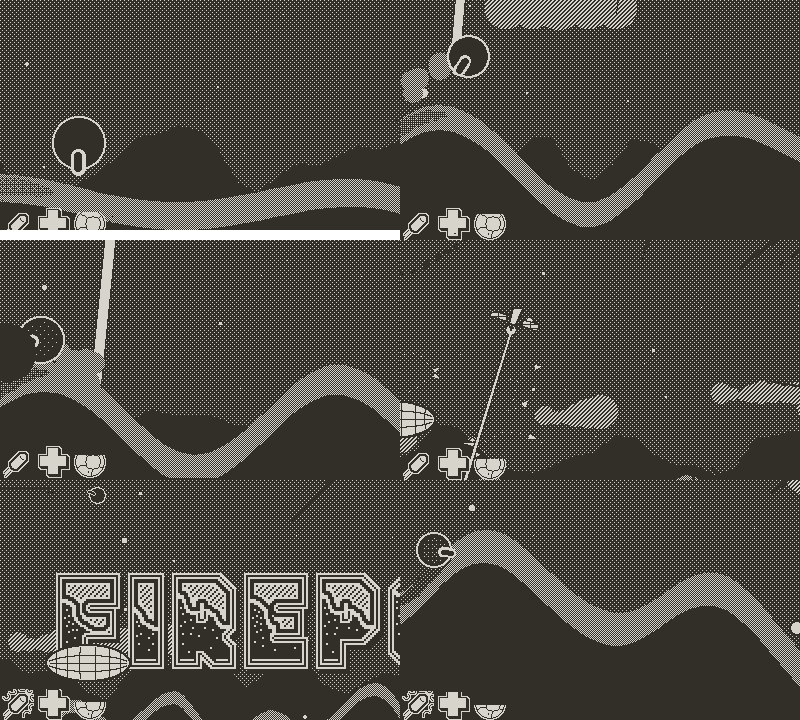
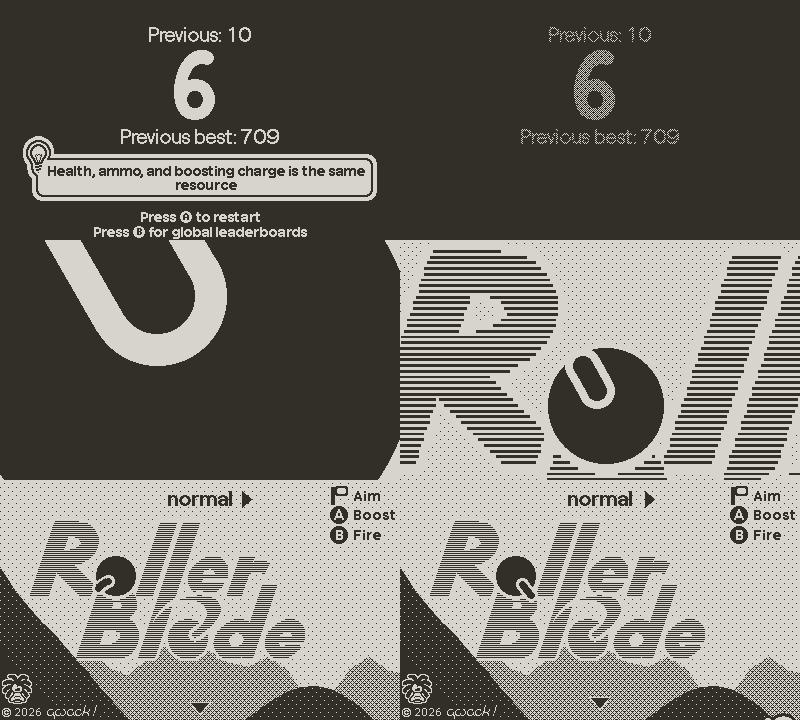
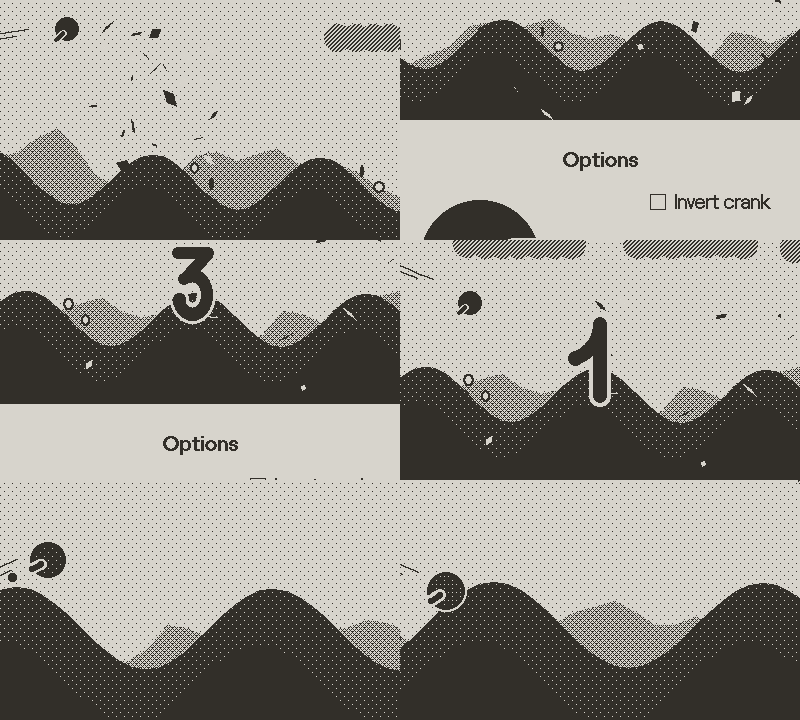
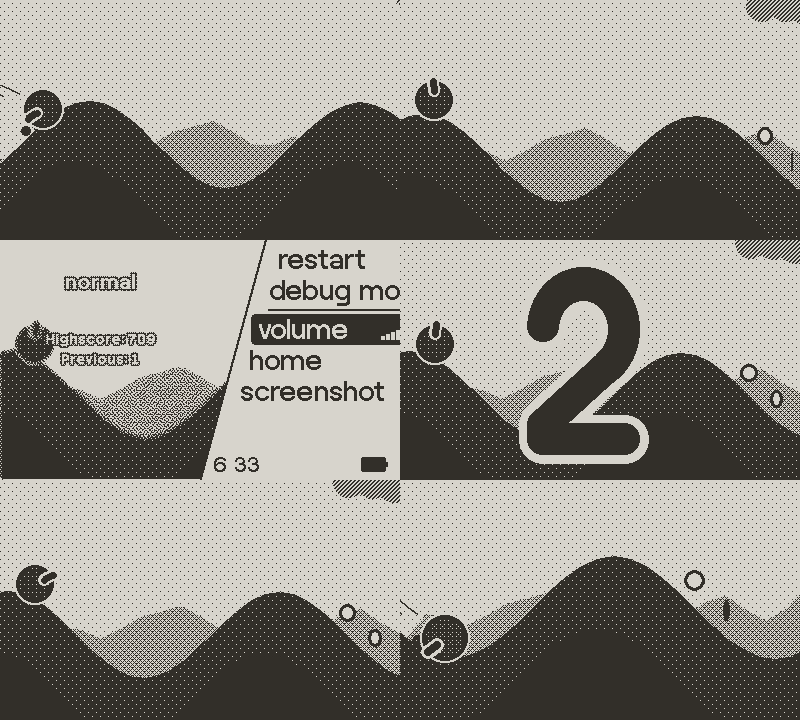
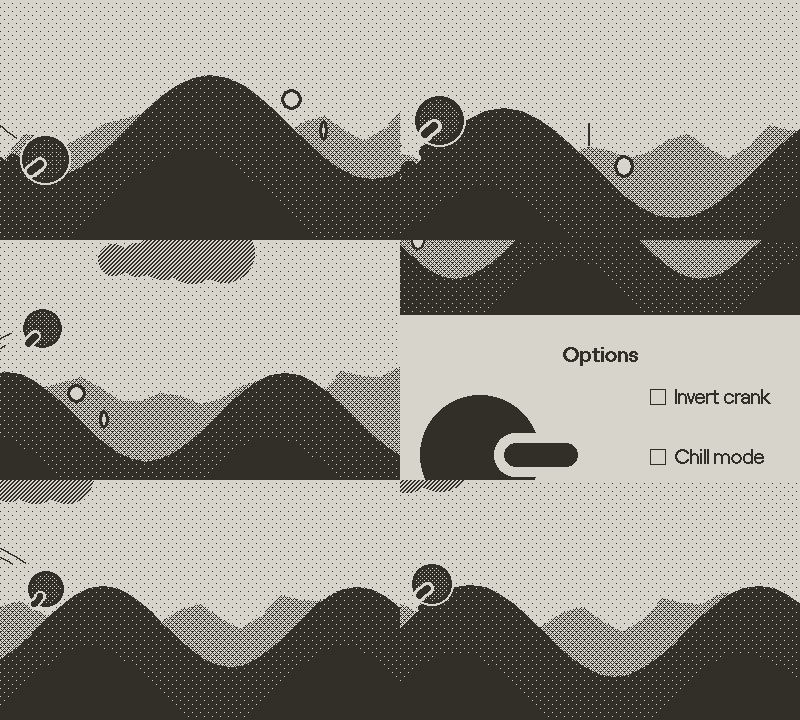
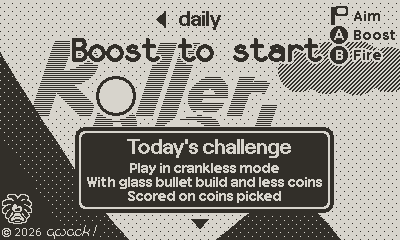
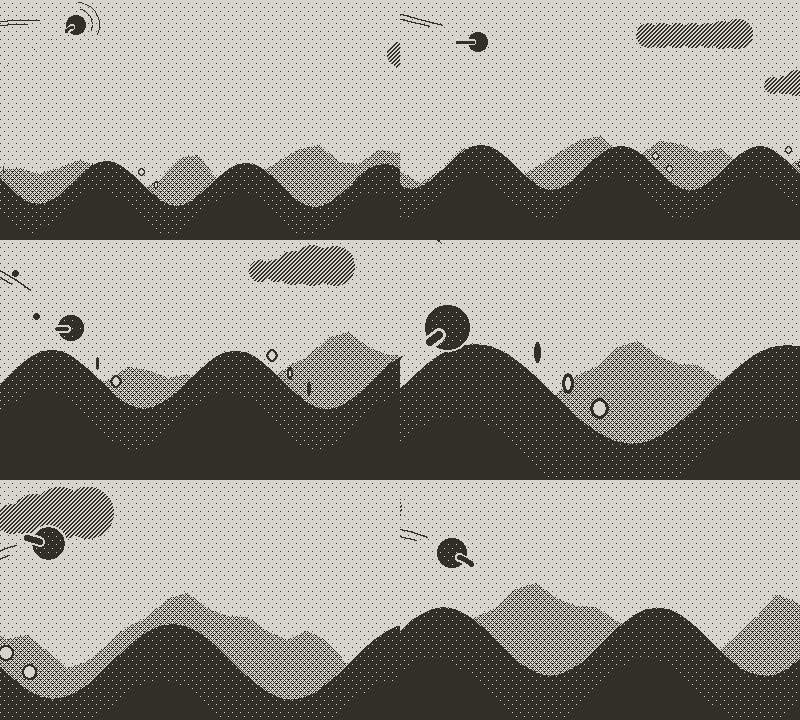
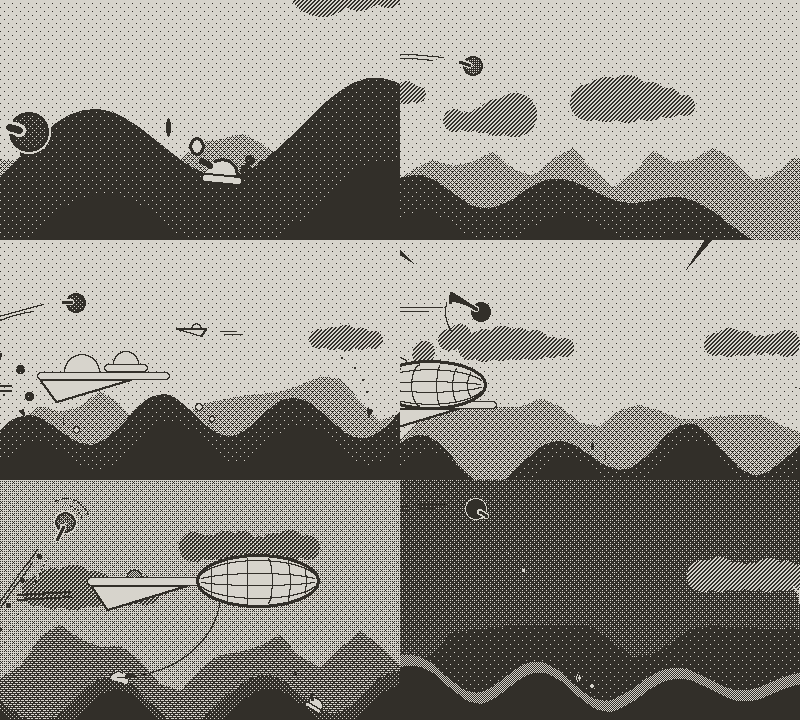
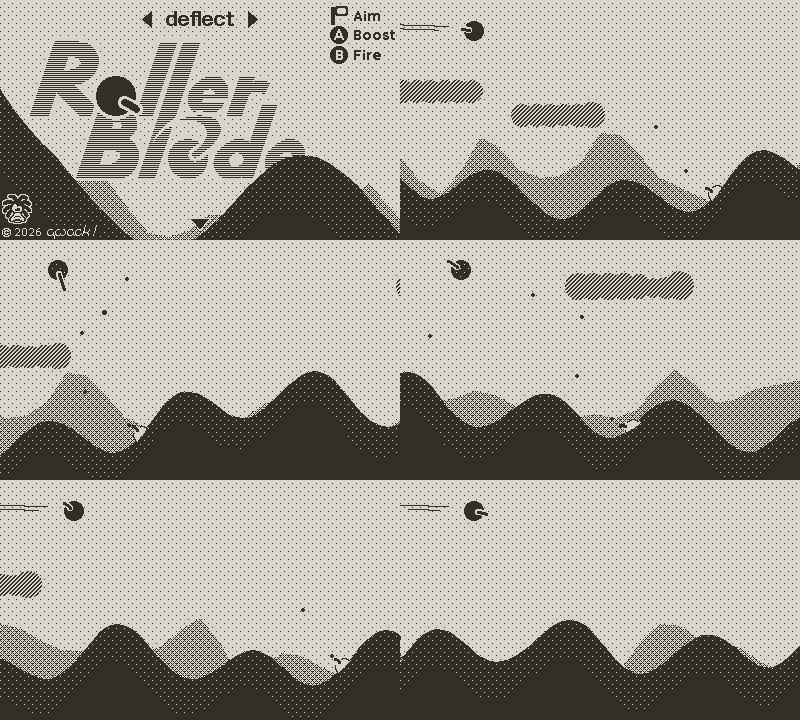
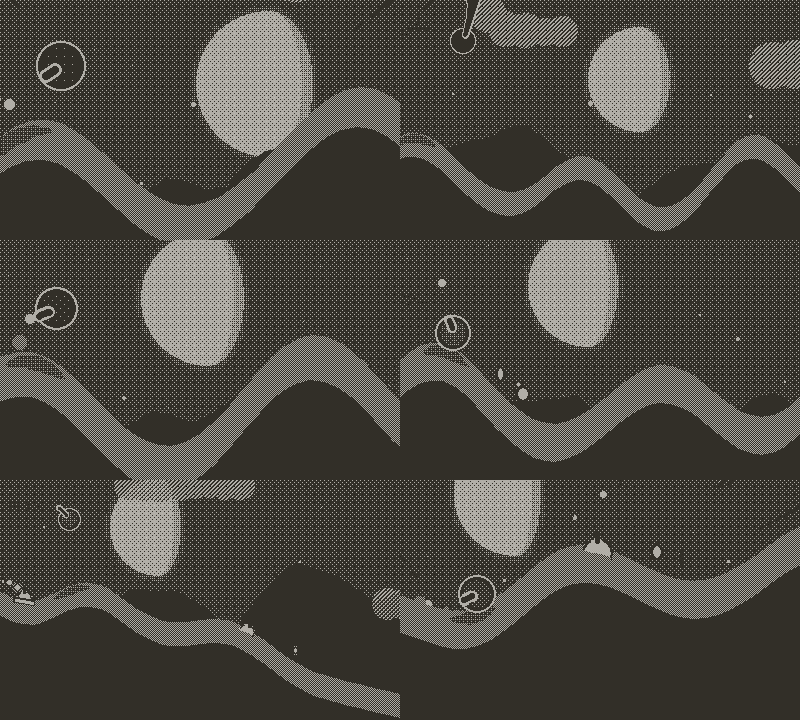
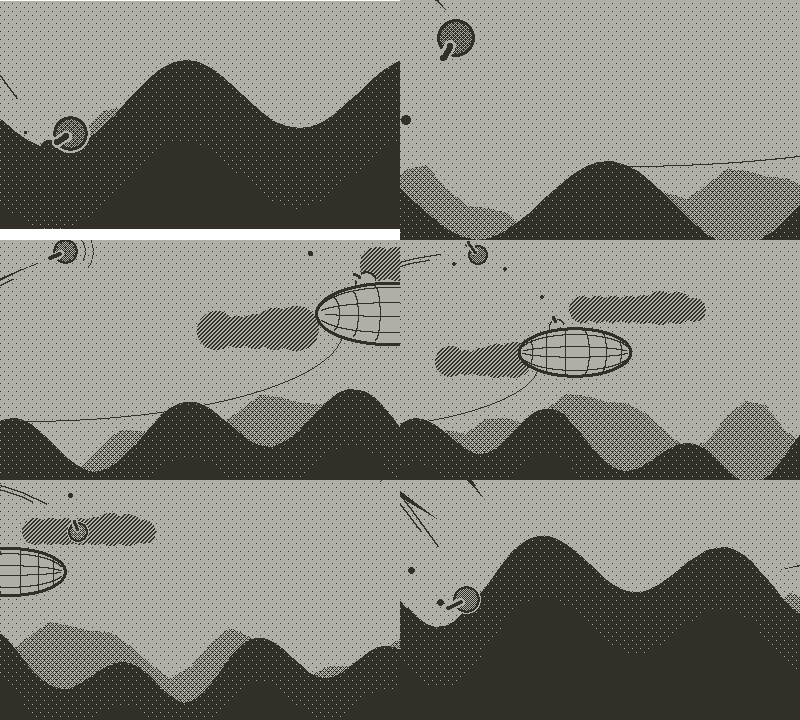
And here are a few screenshots from the latest development version adding a parallax background and day/night cycle:


The game still needs some more features and polish but I hope to release it soon on the Catalog!
The final game will include more enemies, more moves, bosses, a global leaderboard and daily challenges!

I hope to be able to share RollerBlade, and many more deliciously smooth cranktastic games, with you soon!

Cheers,

9 Likes

This looks sweet! Tiny Wings was one of the first mobile games I think I really got addicted to, but I always knew there was something missing. Who would have thought it was a gun?

Thanks!

Actually, I've never played Tiny Wings :face_with_peeking_eye:, though I was a huge fan of a similar game on XBLA, Rainbow Rapture (and I also really enjoyed the more recent Exo One), but I figured Tiny Wings would be a better known reference :slight_smile:

I had wanted to replicate that gameplay for a while, and playing with the Playdate made it obvious I had to add a cranky twist to the formula!

Now for some news!

I have made the prototype and the current development version available on my itch.io page!
Get them while they're hot!

The prototype has the basic control mechanism implemented, basic terrain generation getting harder with the distance, firing the gun consuming health and flying fast replenishing it, and distance-based scoring, which I guess already qualifies as a "small game" ^^

The development version is from a build a couple of weeks old. It has enemies, clouds, daily runs, an early version of the night/day cycle.
I just finished adding a lot of cool features but I'd like to prepare a proper devlog for it before pushing it, I hope sometimes in the next days!

Stay tuned!

ps: Note that the physics are different in the prototype and the dev version, have changed again since, and might evolve again! For now it's only based on my own perception as I'm trying to find a good balance between reactivity, dynamic feeling, maneuverability, etc., but it would be great to hear what you think about it!

1 Like

Hello everyone!

I just updated the development version. This is build 102.
As it is my first update, I figured I'd first show what's already done!

What's already done

"Menu"

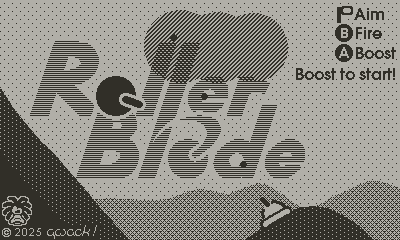
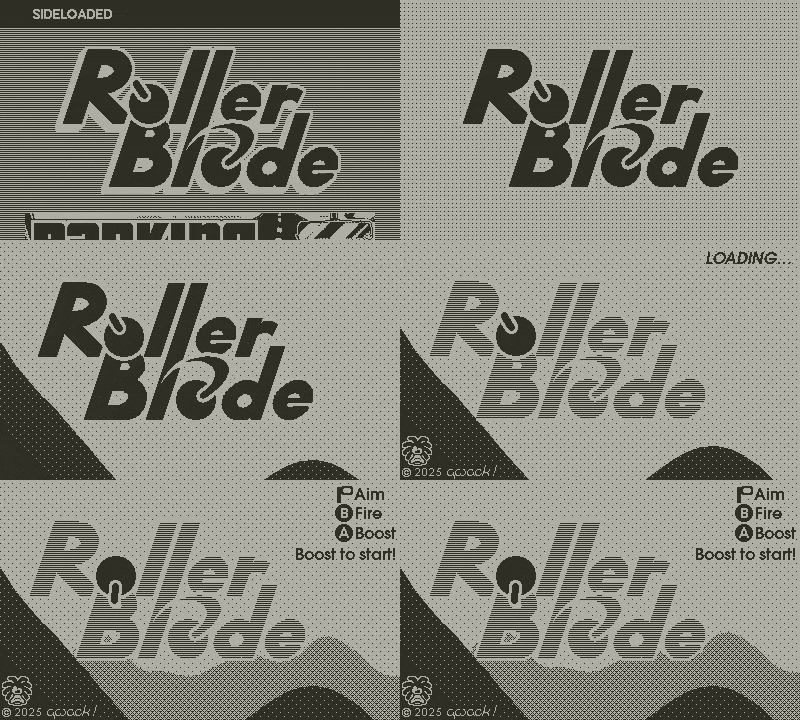
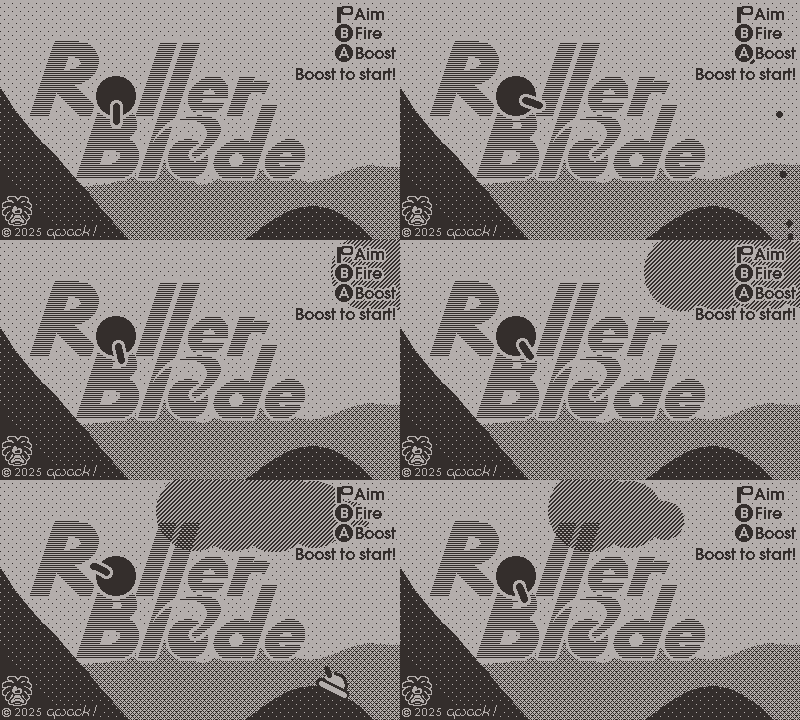
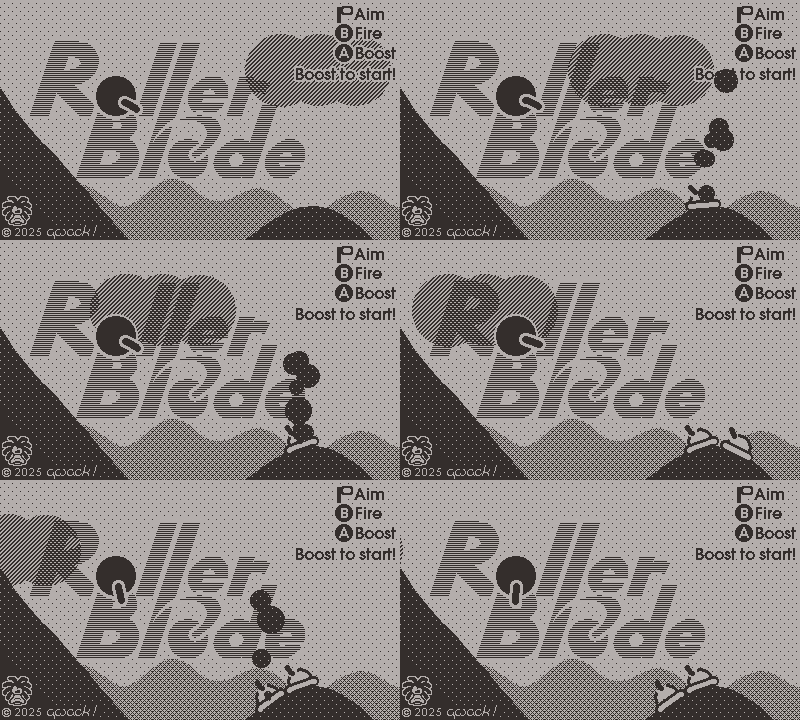
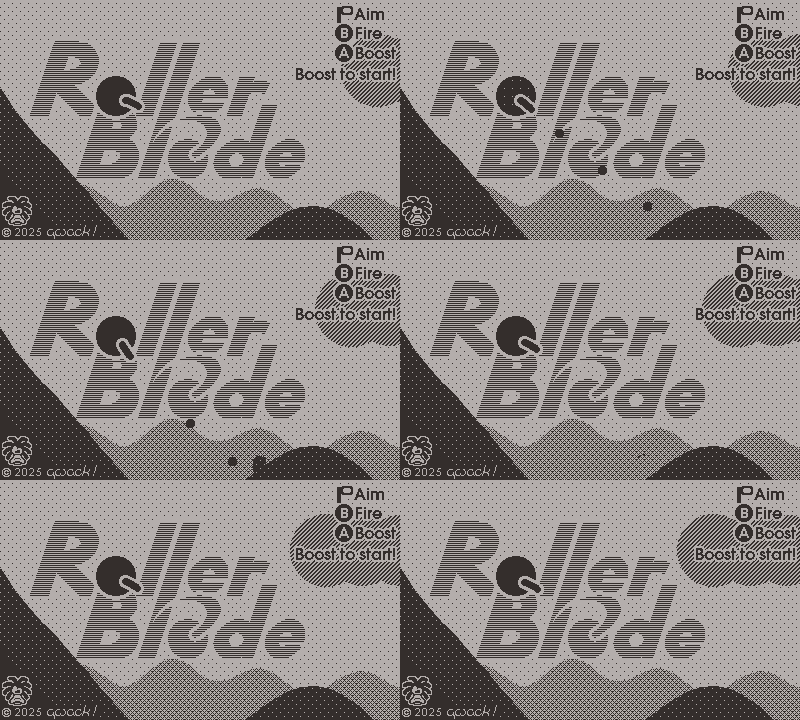
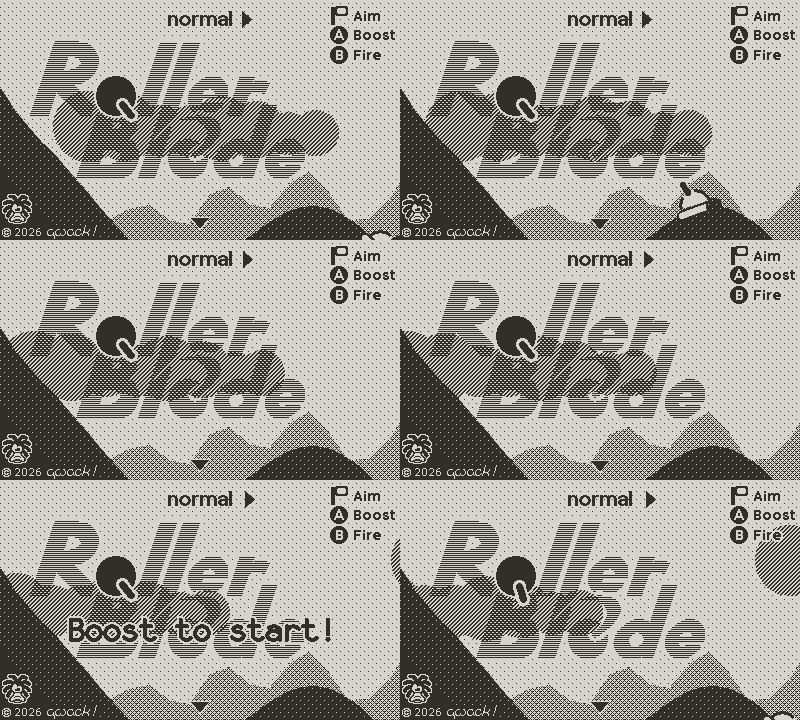
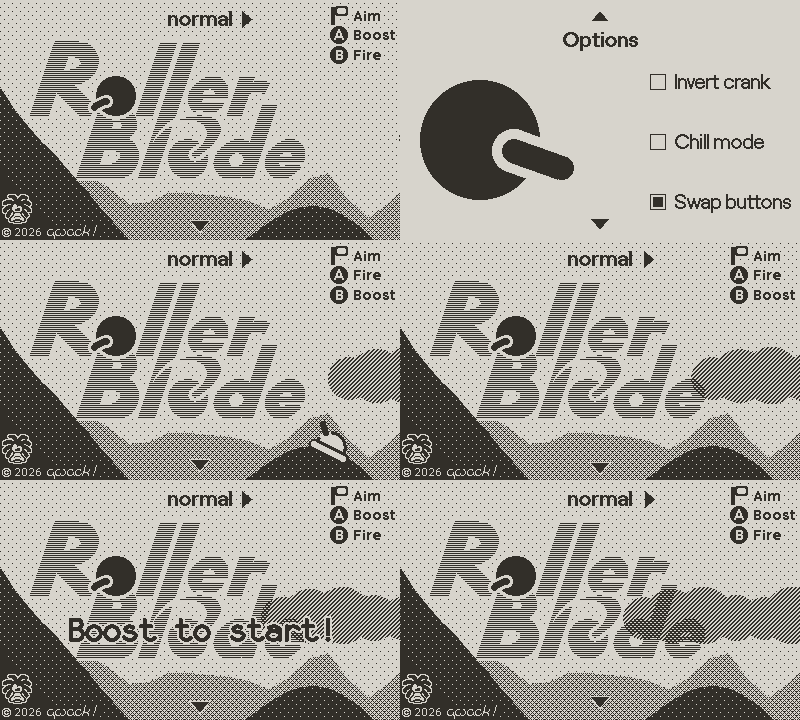
Let's start by the beginning, I made a title card for the game,

as well as a launch animation, which transitions directly into the startup screen.

The startup screen itself is playable and acts as a tutorial/training.

Game elements

All the basics are already here, such as player physics and controls, energy management, and procedural terrain generation.
The landscape starts easy but gets progressively more treacherous, populated with more enemies and less bonuses.
Each game is unique, but all aspects are still deterministic, allowing a "daily" mode where everyone can play and replay the exact same level (landscape and enemies and bonuses etc.).

Energy

Ammo and health are a single resource, energy, which is represented on the player itself as the shading of its body. A panic indicator contracting around the player is displayed when critical energy levels are reached.

Enemies

Here are the current enemies :

  • fixed turret: turrets scan the sky looking for you. When you're in their line of sight and close enough, they start firing and try keeping you in their line of sight.

  • tanks: tanks follow you and aim a bit ahead of your current position. They fire 4 rounds every two seconds.

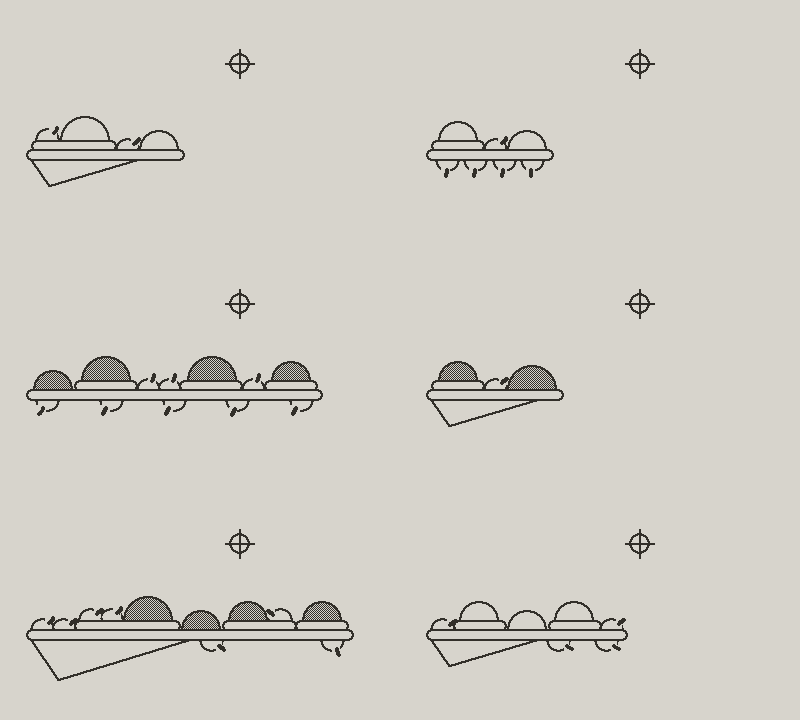
  • planes: planes fly in formation of one to four planes. Ultimately, they will fire homing missiles.

Movements

Spinning your cannon fast enough extends in into a blade, which can be used to deflect incoming bullets. With good timing (and some luck) you can send bullets back to their sender!

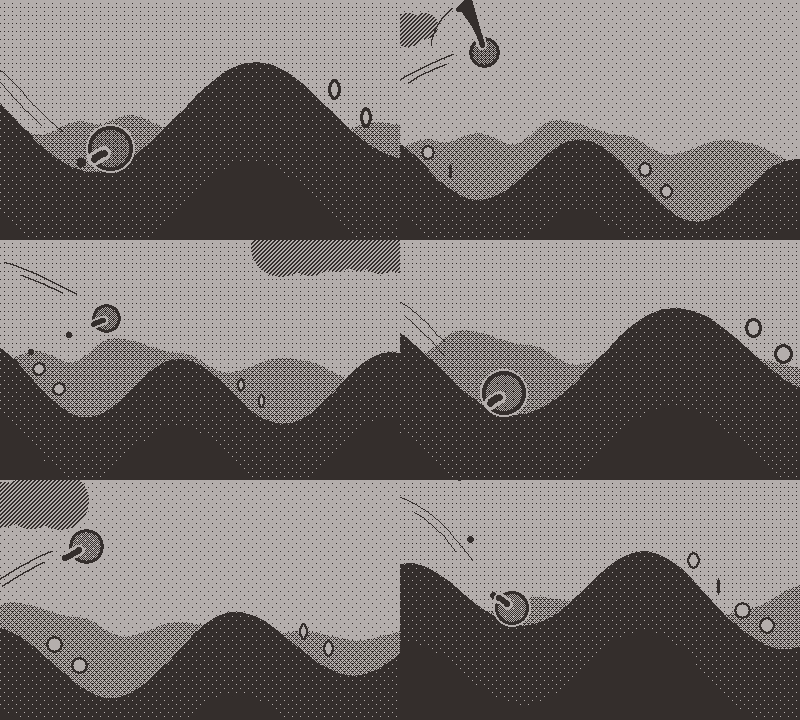
The blade also interacts with clouds, which you can harvest this way and regain energy.
Swiping clouds also repels you, allowing you to gain a light boost,

double jump,

surf on clouds or break your fall,

but also, because it is really reacting depending on your position, it can slow you down or bounce you back down

You must have seen coins here and there also. These grant you a tiny bit of energy and a tiny boost.
Energy also replenishes when you are flying very fast.

Now for the updates in this release!

Parallax background

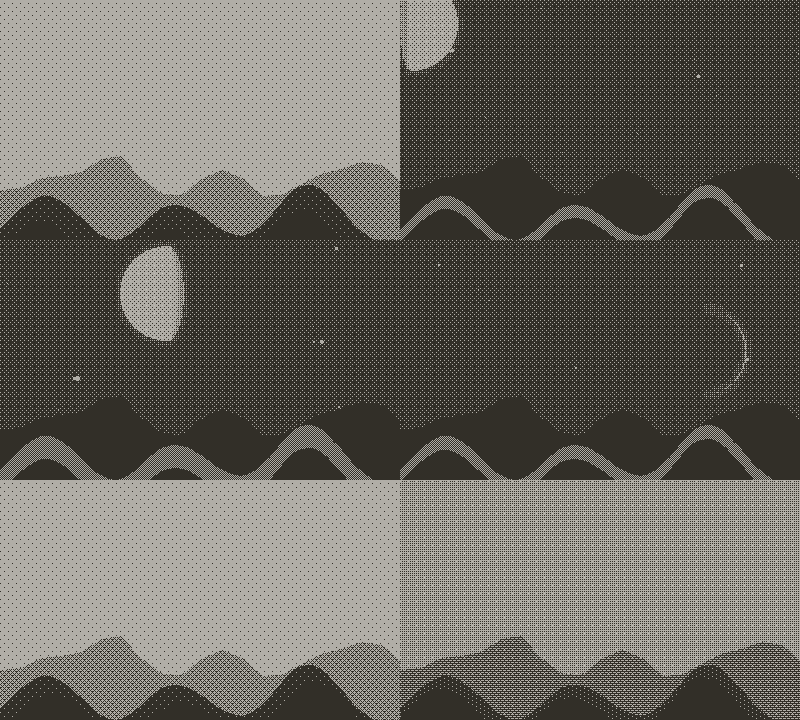
I added a parallax background to liven up the scenery. For now it's just a placeholder perlin noise and is pretty empty, but I plan to make it use actual future terrain data and add various features to hint at incoming difficulties.

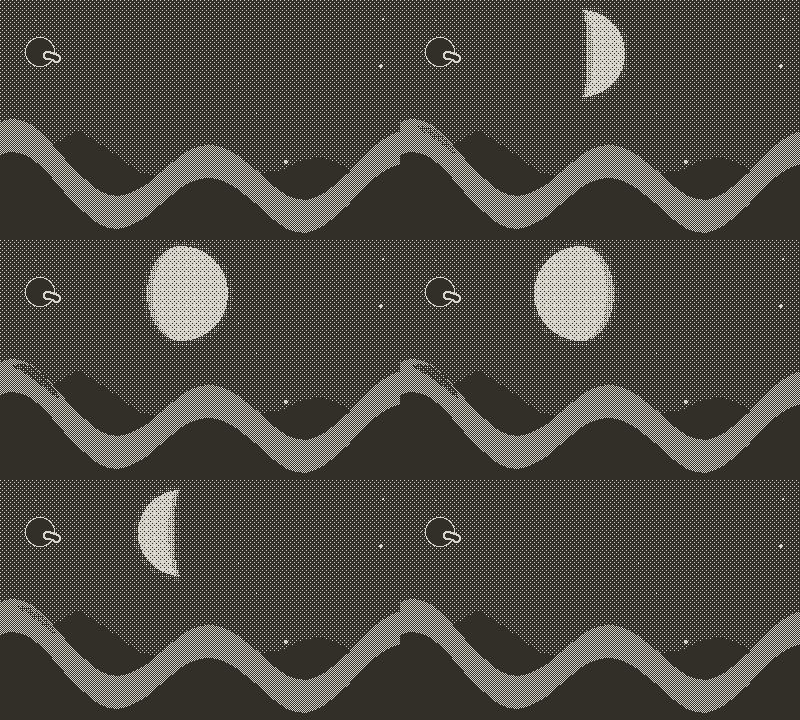
Day/night cycle

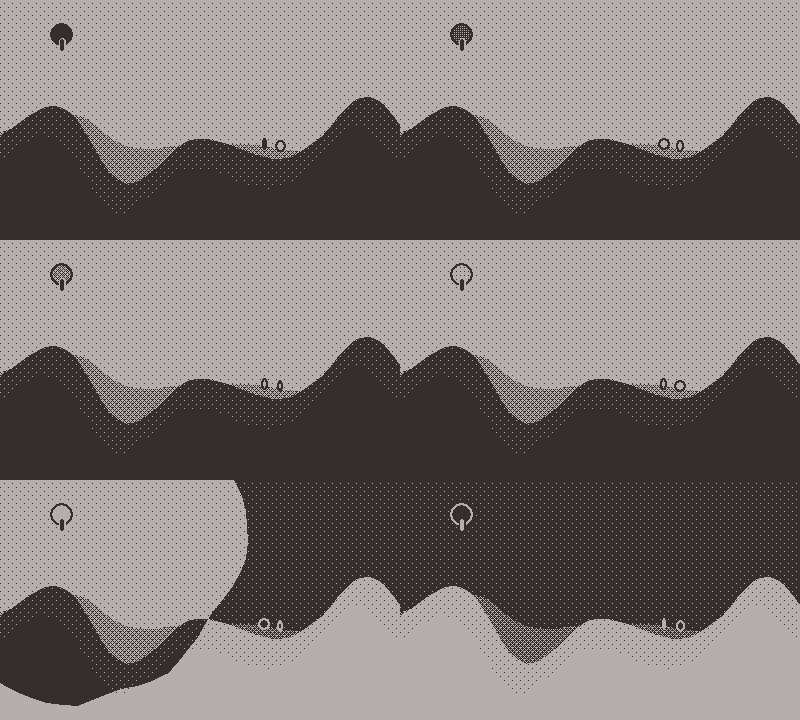
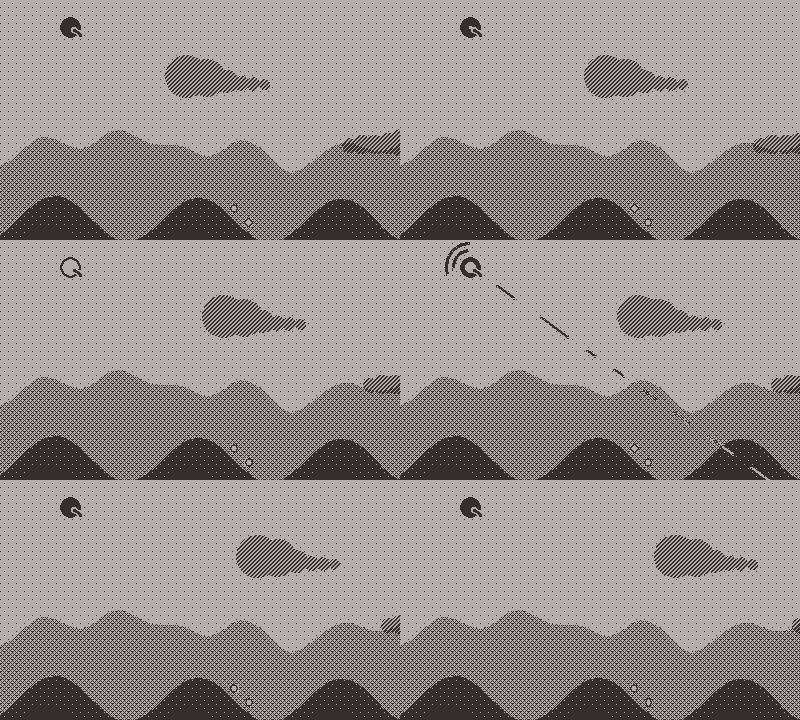
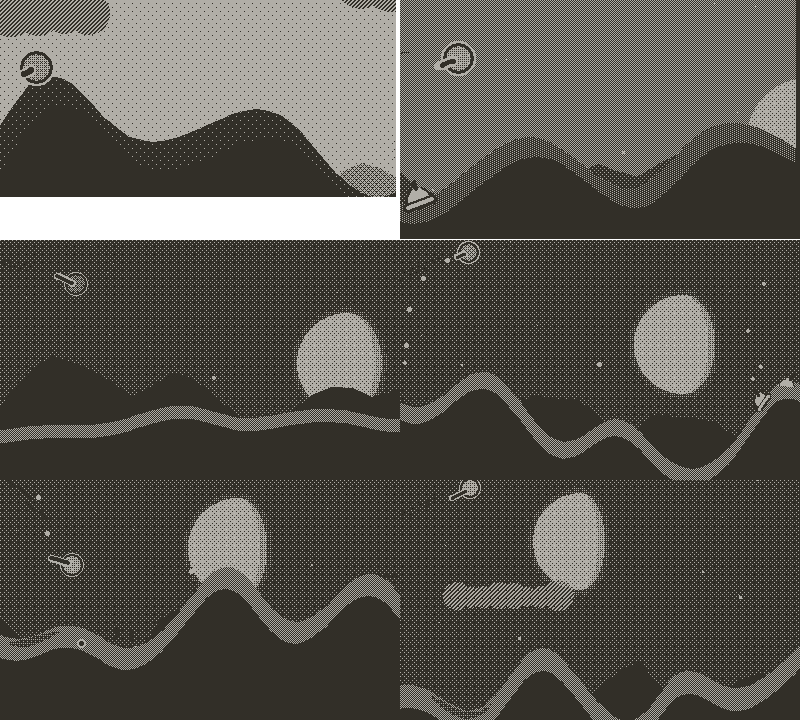
I also added a day/night cycle with a moon and varying illumation of the ground.

I spent an awful lot of time working on patterns, especially those for the clouds, so that they work nicely at day and at night, from dusk to dawn, but that is a story for another blog post!

As you might have noticed, the screen is entirely deprived of any numeric indicator, such as distance traveled or health, to remove as much distraction as possible. The day/night cycle as well as repeating features on the terrain are used to give a sense of progress.

Boost/dash

Finally, I implement a chargeable boost/dash, which can be used to gain a lot of speed quickly and to power through enemies without loosing speed or taking damage. However, boosting consumes a lot of energy!

But you can quickly fire the boost without charge to dash through enemies.

Charged boosting also doubles as a huge laser for tough enemies.

The boost is also used to start the game from the startup screen

All those gifs are of course silent, but I've also been working on sound effects, as well as some bug fixes and a lot of optimizations here and there to keep the game running as smooth as
possible even with a lot of action onscreen!

See you for the next update!

BTW, here's some actual uninterrupted gameplay:

gameplay2

2 Likes

Hello everyone!

Time for a new update! This is build 103.

In this update, I've added mostly what could be thought of as "cosmetic features" although I think they add a lot to the game, and some were desperately needed!

This time I'll give a little more dev details in this devlog!

Let's start first with the indispensable!

Enemies get properly destroyed when hit now!

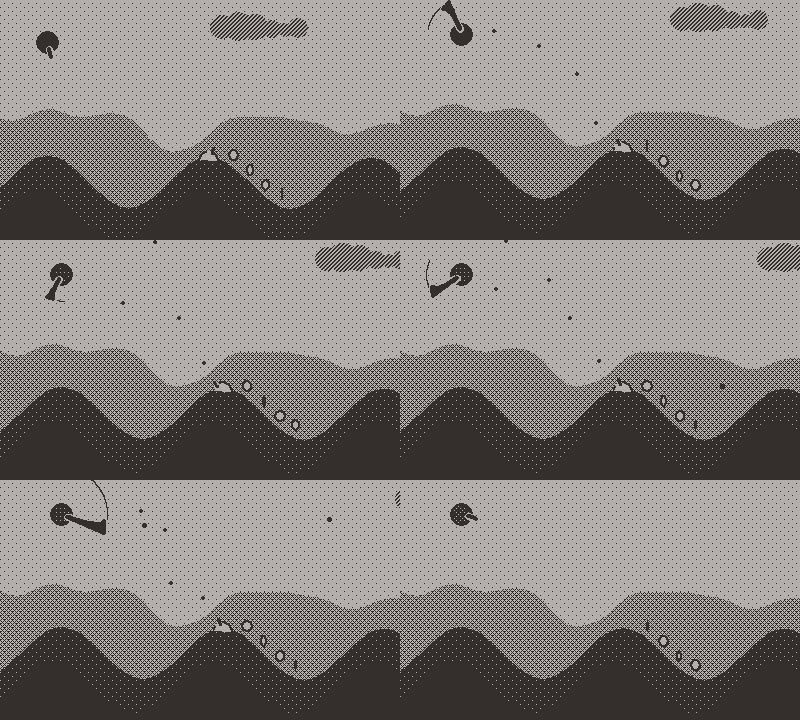
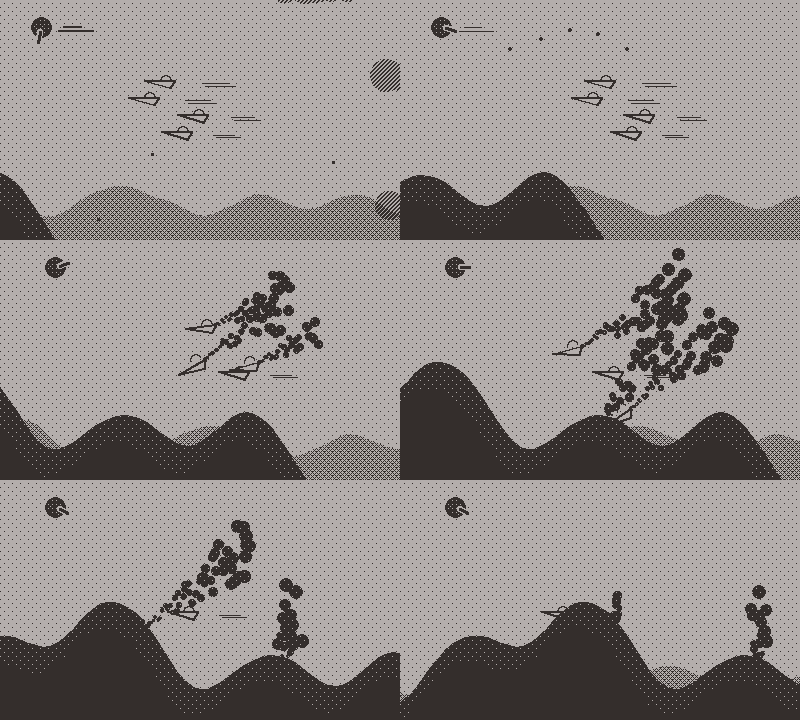
Destruction triggers an explosion, enemies get disabled and start emitting smoke for some time.

Explosions are simply alternating black and white discs.
An explosion is created with a position and a size, and that size gets declined into a lifetime and a shaking parameter.
The discs are drawn at random positions scaled by the size around the initial position, with a random diameter scaled by the size, for a duration also scaled by the size.
A screen shake effect is applied for the duration of the explosion, with a random magnitude scaled by the size.
The explosion sound is also pitched down for bigger explosions and lasts longer and is louder.

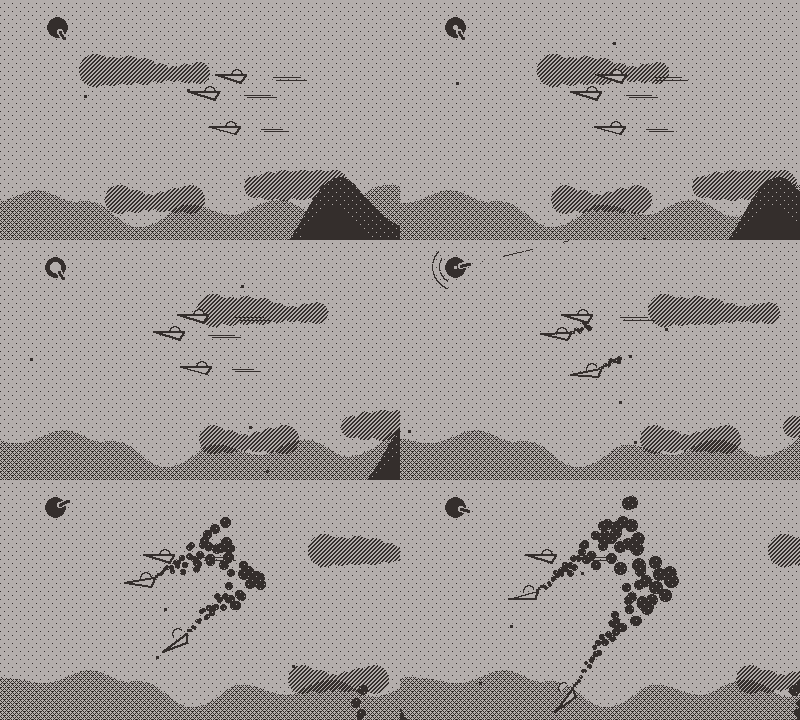
Planes are not as simple as tanks and turrets because they can't just stay floating in the sky!

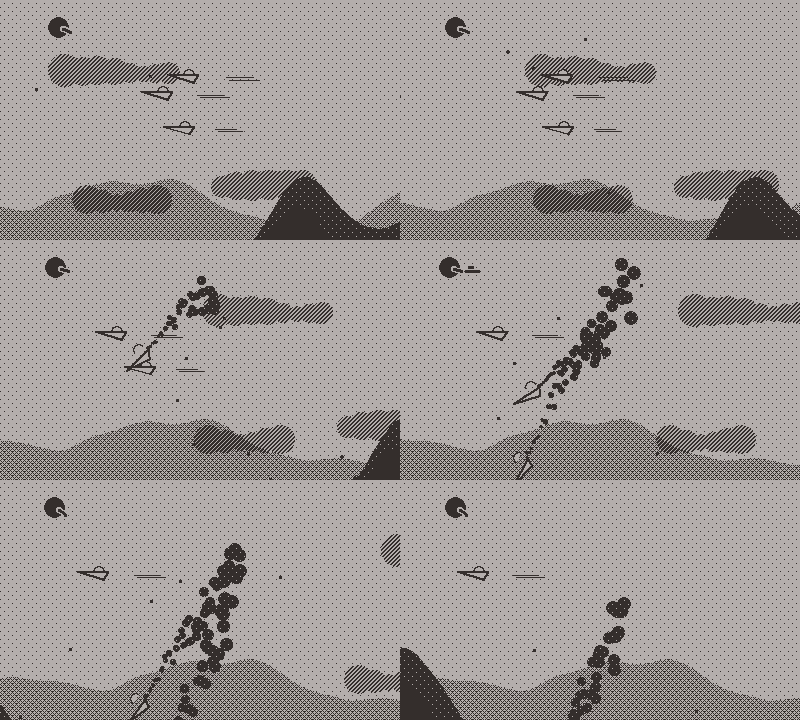
When hit, planes will start nosediving at various angles, emit smoke while falling then explode on contact with the ground.
To do so, I'm giving each plane its specific "gravity" on initialization so that they fall differently from each other, while emulating gliding and not simply falling like bricks.
Using math.atan2 with the speed vector of a plane gives its orientation angle, which can be used to the rotate the body of the plane accordingly to its direction.

Planes that are falling can collide with other planes and start a chain reaction!

Creating that behavior turned out way easier that I thought it would be!
At first I thought I'd have to add specific collision check between every enemy and falling planes, but then I realized I just had to spawn a player bullet hidden behind the falling plane to obtain the same behavior!!

Explosions also can cause chain reactions, though that will be a more significant mechanic once I add more enemy types.

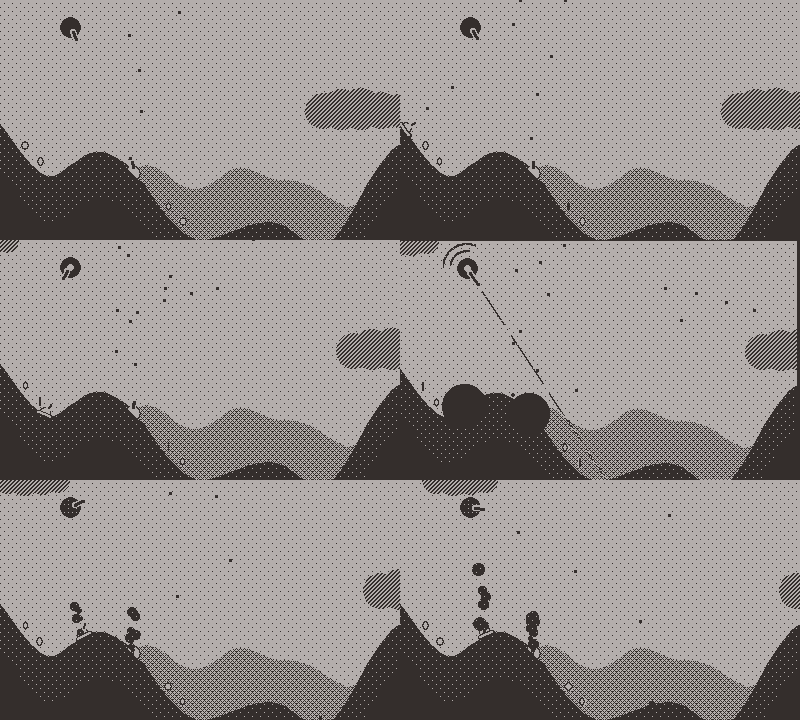
To make the smoke, I created a very simple particle system, where each particle starts with a position and a speed, a size and a rate of change of that size, and a lifetime. Particles are discarded when their lifetime expires or they get too small (or go out of the screen).

Having created this particle system, it was easy to reuse it for other purposes with different speed and rate of change settings, and with this I added bullet impacts on the ground:

As well as dust clouds behind the player when rolling on the ground:

Up to now, boosting worked, but the laser fired by the boost was only cosmetic and did not interact with the enemies.
This is now remedied, and a bigger laser can be steered for a short while after firing to kill multiple enemies.

Alas, I couldn't reuse the same trick as with planes colliding by hiding bullets behind the laser because it wouldn't be instantaneous, wouldn't go through enemies and wouldn't follow the rotation of the beam, so I had to properly check if any enemy was in line of the laser while it was firing.

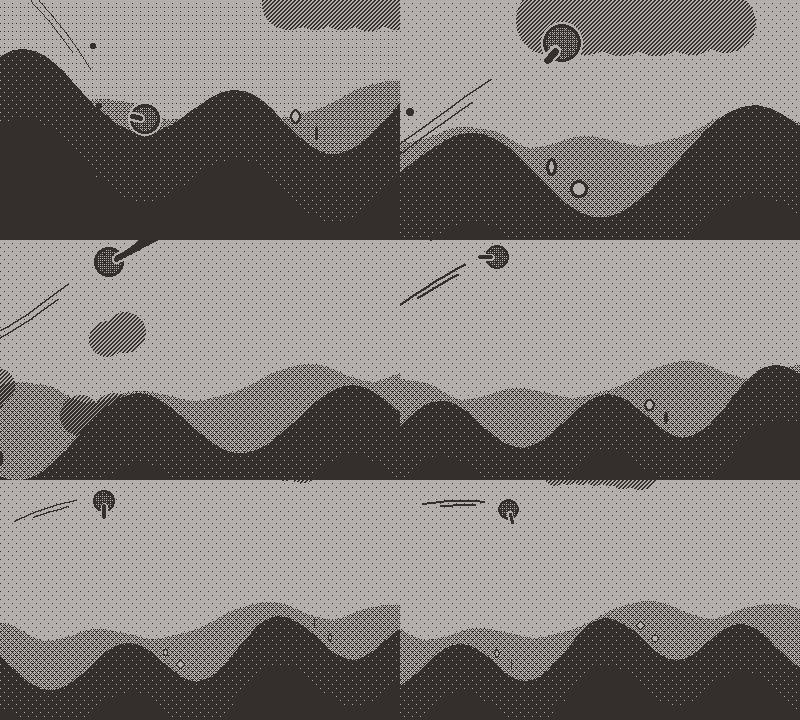
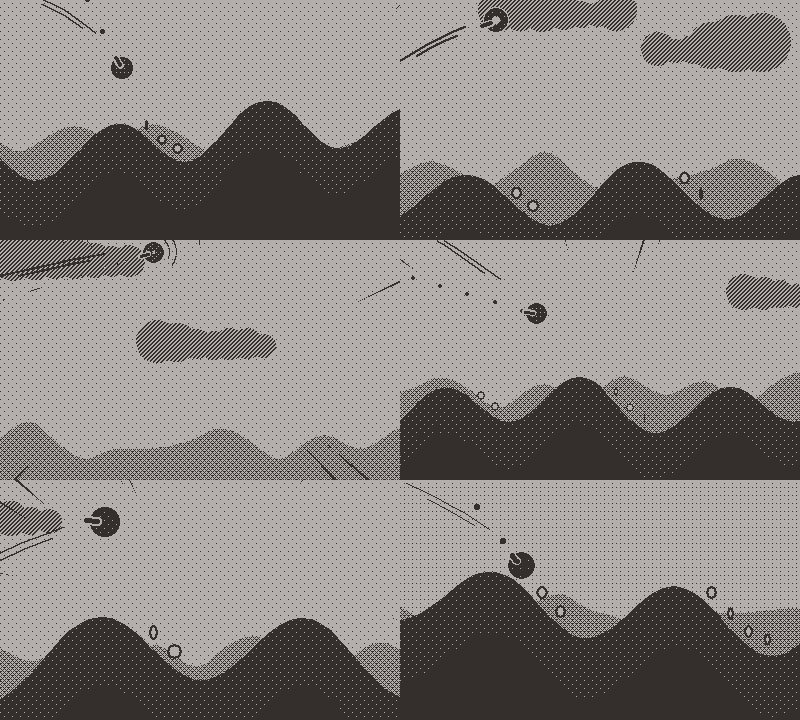
Less indispensable but still cool to have, speed lines when flying at higher speeds:

When the speed is over a certain threshold, a radius is lerp'd from a high value to a low value.
If it's below that threshold, it gets lerp'd back to that high value.
A random number of triangles (scaled by the speed) are then generated with their pointy end at random angle positions on an ellipse centered on the screen with that radius, and their base at a fraction above and below that angle outside of the screen.
To prevent having to compute and draw all those triangles all the time, that routine is activated only when the radius gets below the value it would need to be for triangles to be displayed.

And for the cosmetic only, I added phases to the moon, which also gets slightly bigger for the full moon:

There are also things you cannot observe in gifs but that I nevertheless added in this build!
I added sounds for the explosions, and a sound effect accentuating when health gets replenished.
A bug made it so you could simply let the game run and the tank would slowly advance and regain enough coins to balance damage incurred by colliding with tanks and turrets!
This is fixed now and a stopped tank stays stopped and does not continue to slowly advance.
Bullets would not properly get removed when hitting an enemy so they got through them, this is also fixed now.

I also made a number of tweaks to this build:

  • allow the camera to zoom out more and shift less to the left, enabling seeing more terrain ahead
  • planes are slowed down and spawn at lower altitude
  • less coins are generated, but the boost and health bonus they give has been increased
  • clouds are spawn at lower altitude
  • increase damage and speed penaly incurred by colliding with enemies and enemy bullets
  • slow down boost charging and make boosting more costly to prevent boost-only gameplay
  • increase speed threshold for health recovery but increase that rate of recovery
  • decrease the slope between stages to make a less vertical launch
  • prevent tanks and turrets from spawning on that slope
  • increase the chance of generating coins on that slope
  • reduce the rate at which the terrain gets harder to navigate

I also worked a lot on the RNG.
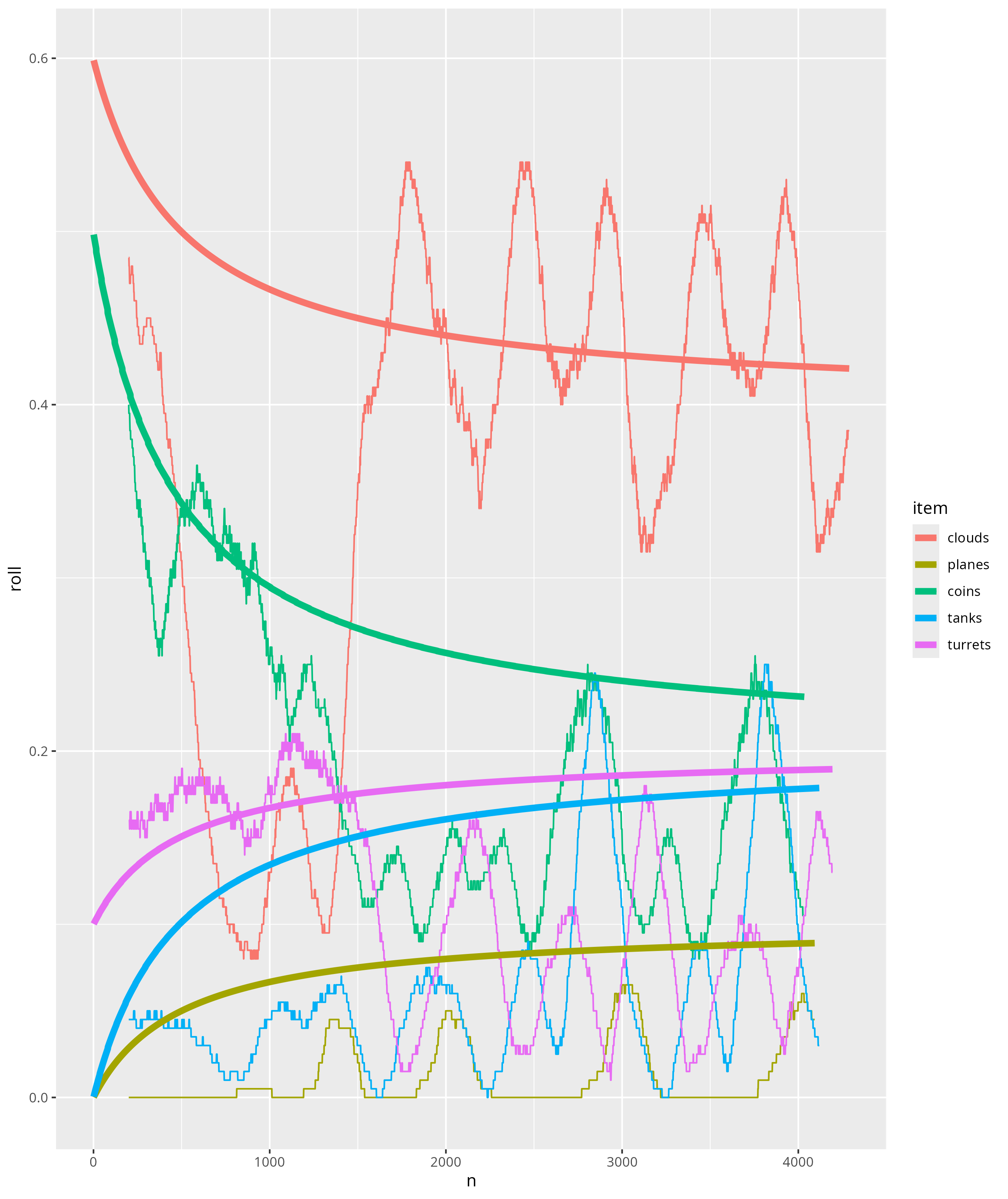
Without going into too much detail here (I'll post a much more detailed post on this), the gist is that I use perlin noises for random "draws" and parametric threshold functions as a way to have a controllable and reproducible RNG.
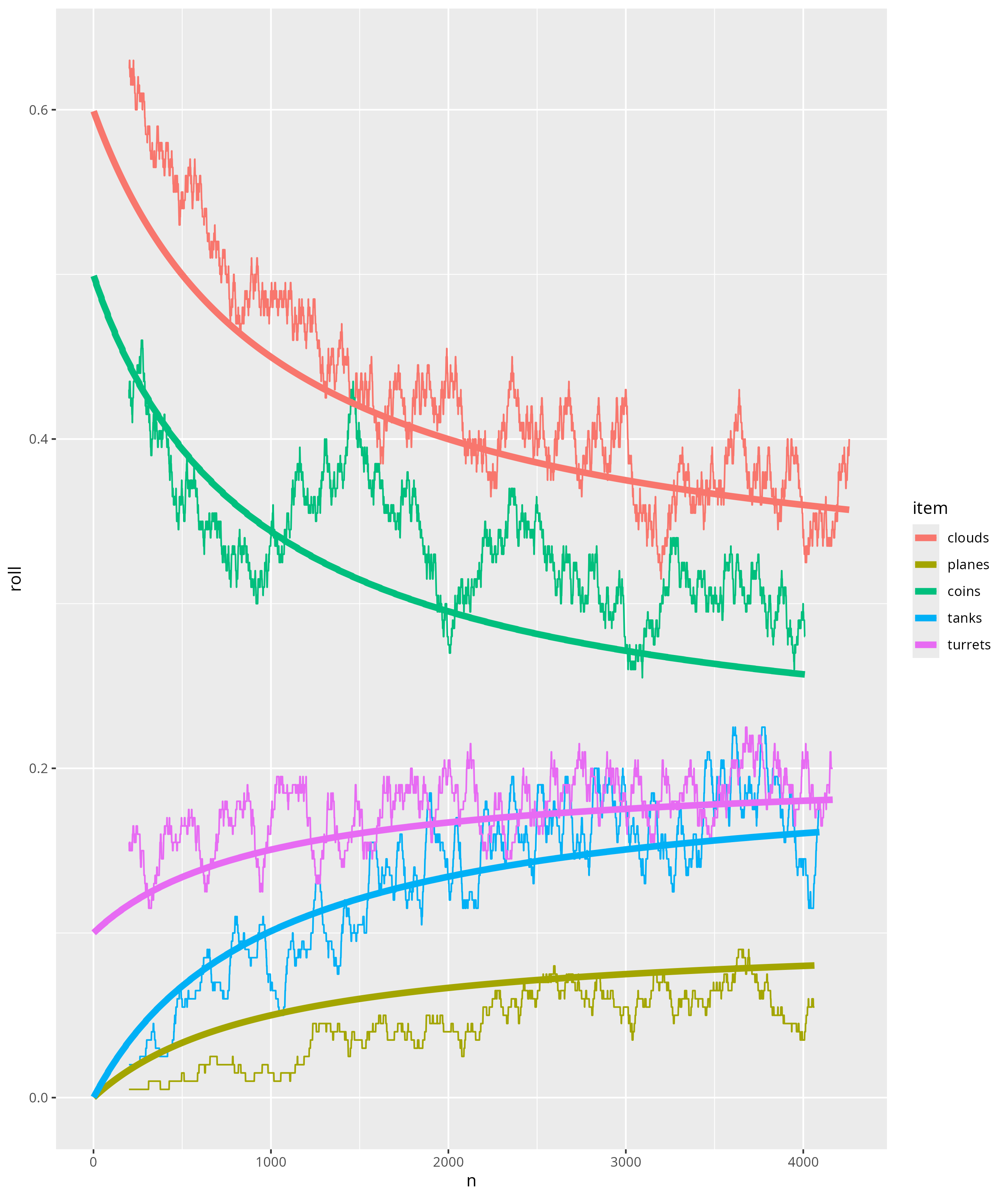
But I noticed it wasn't behaving as I expected it to, and realized multiple things about perlin noise: its distribution is not uniform but normal, its mean fluctuates over time and more surprisingly varies wildly in the first few thousand values before settling into more stable oscillations.
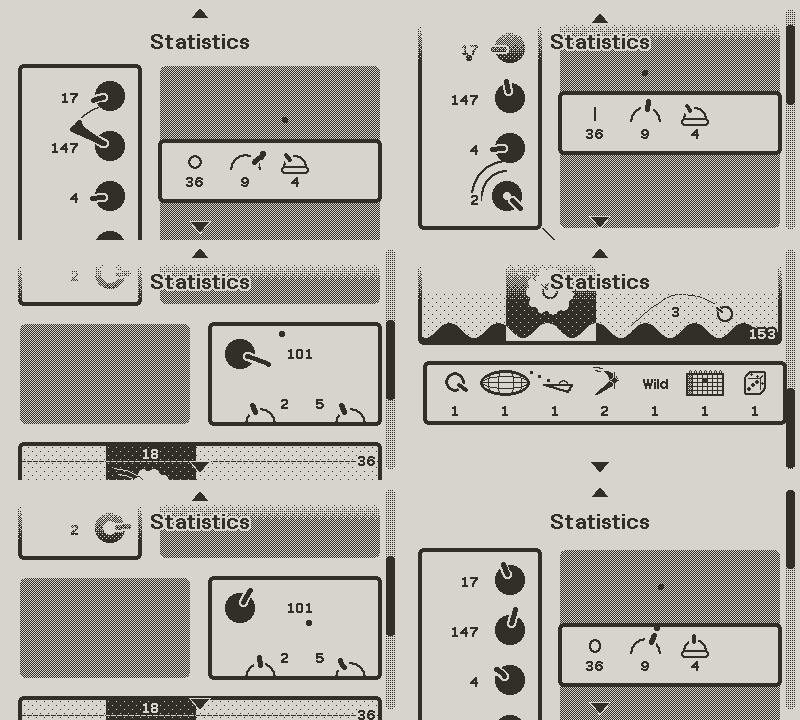
So I implemented a few things to regulate this RNG, and to summarise in one (well, actually two) pictures:

The thick curves are the value of the threshold functions over the distance, i.e. what should be the probability of each item spawning at each distance (at distance 2000 you should on average see a cloud every 2.5 hills, coins on every third hill, a plane every 20 hills, and so on).
The thin curves are the observed realizations (actually a moving average over the 200 previous hills).
As you can see, we went from basically no control at all to something that works quite well!
There are still some variations and deviations, but those are not unwelcomed as they add some slight difficulty variations between runs.

I also made lots of optimizations to enable adding all those effects without tanking the framerate!

And as always, some continuous gameplay!

playing

nb: to facilitate their production, most of those gifs are recorded in debug mode, which is why you can see me simply floating in the sky, moving arbitrarily or even backwards!

4 Likes

Hello everyone, it's been a while!

Life happens and it has been a long time since the last update and I'm sorry for the wait.

Nevertheless, I just posted a new update to the development version of RollerBlade!
Thisone brings lots of new things, so let's get started!

TLDR, here's some gameplay showing most of the additions:
Eyecandy

First some eyecandy, before I make you read huge walls of text '^^.
I made a lot of polish/cosmetic updates that add a lot to the look of the game!

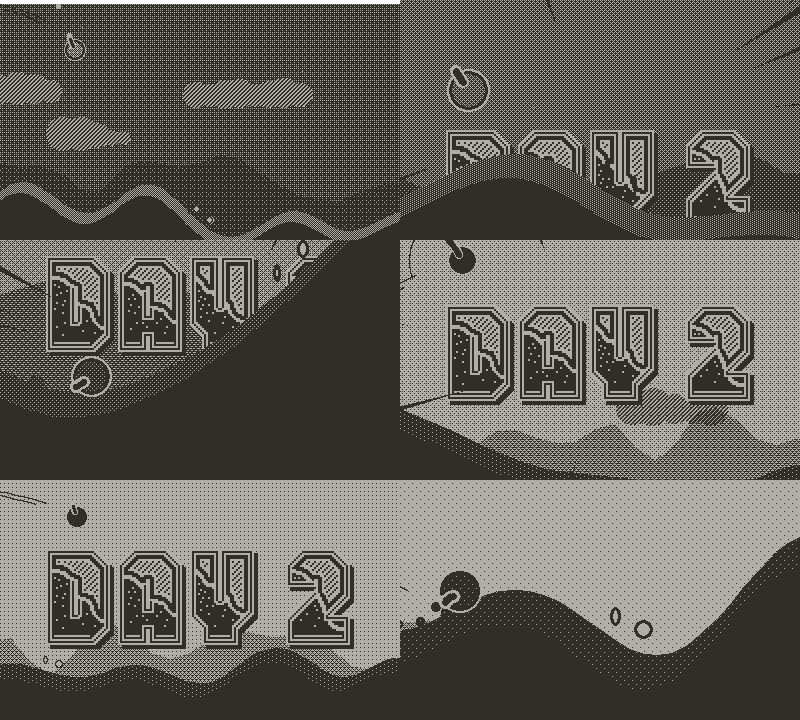
Signs

I added big signs in the sky announcing the day number, making it a bit easier to track your progression.
Moon and sky

I made the moon a little grayer and added a soft shadow, as well as a soft glow around.

Added stars, with a slight rotation of the skydome.
The stars and the moon, as well as the parallax background, are set with the game seed, making daily runs identifiable.

I also made the sky darker at night, and stopped making the sky brightness vary with altitude.
Shadows

Added a dynamic shadow below the player and lowered all ground objects to better set them on the ground and convey the scene depth.
Enemies

I added two new enemies : mines and airships.
Also, planes now fly solo but fire salvos of homing missiles.

Mines

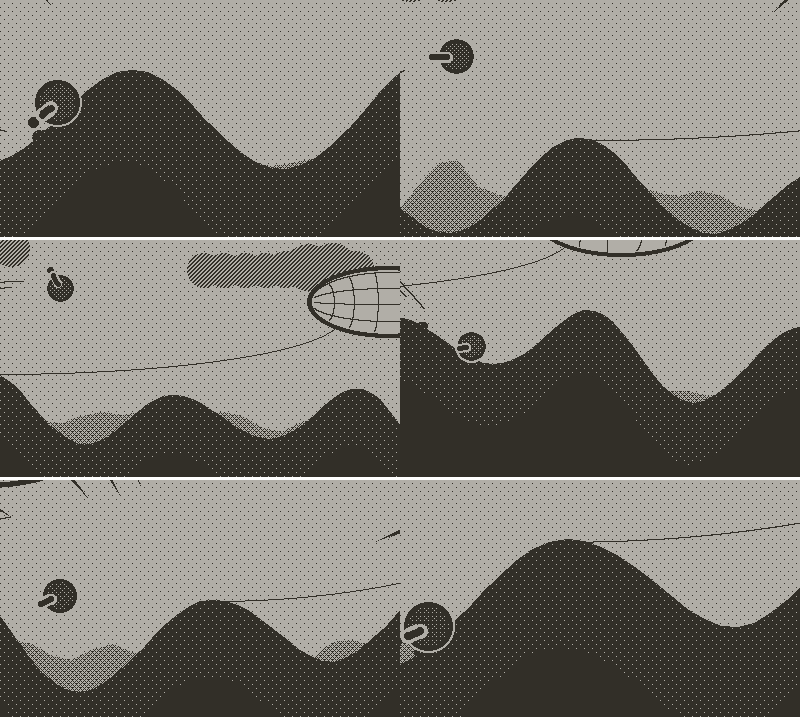
Proximity mines that explode if you get too close.

The new explosion interaction (more on that in a next section) makes it that a mine can stop you dead
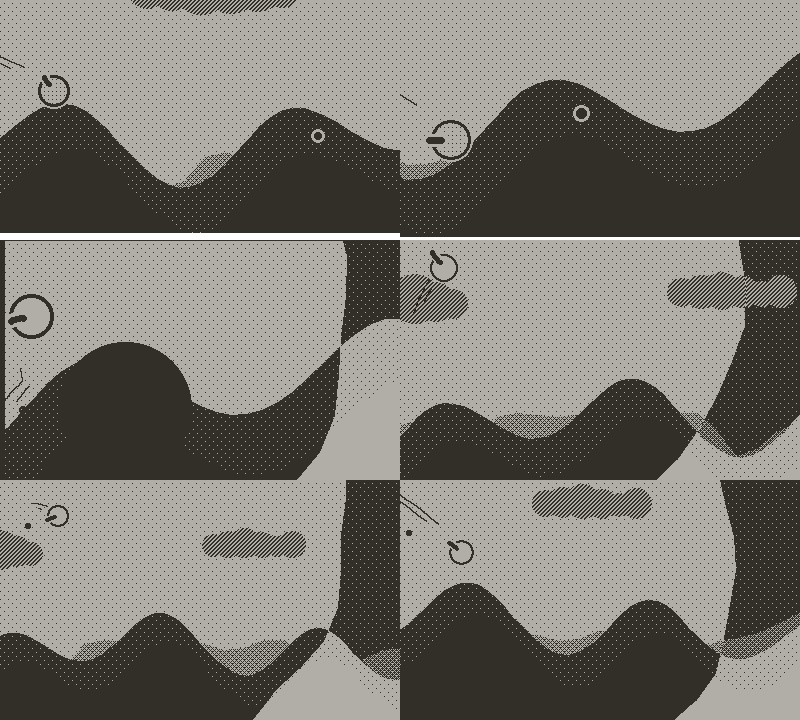
or propel you forward !
You can also shoot the mines to trigger them before landing on top of them.
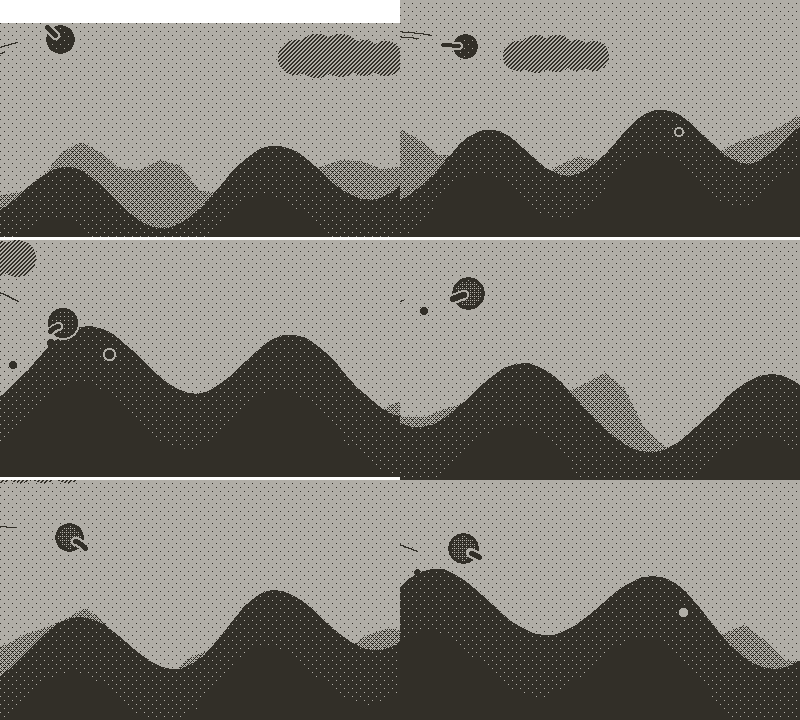
Airships

Tethered airships that can carry turrets.

Bullets (yours and enemies) bounce off of it,
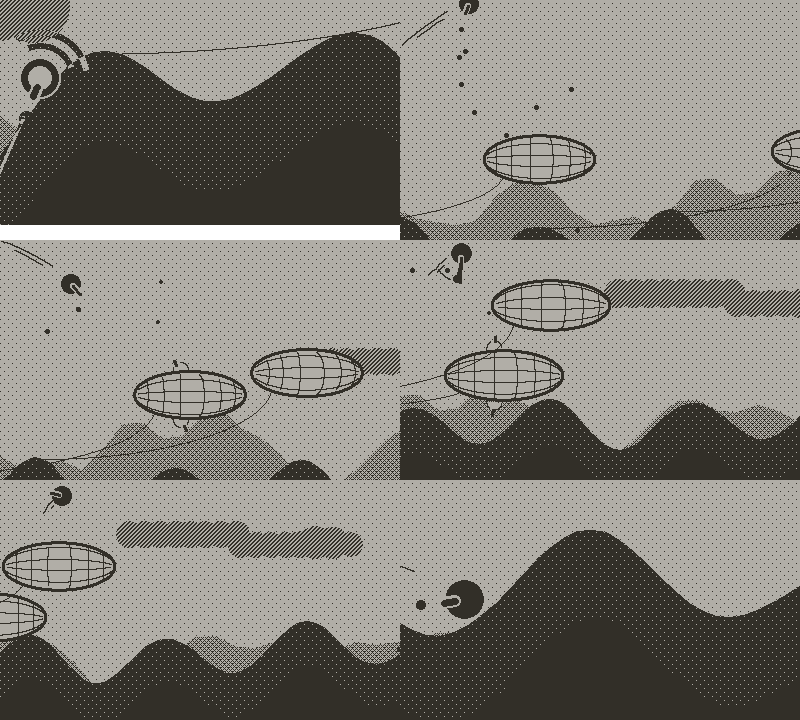
and you too!
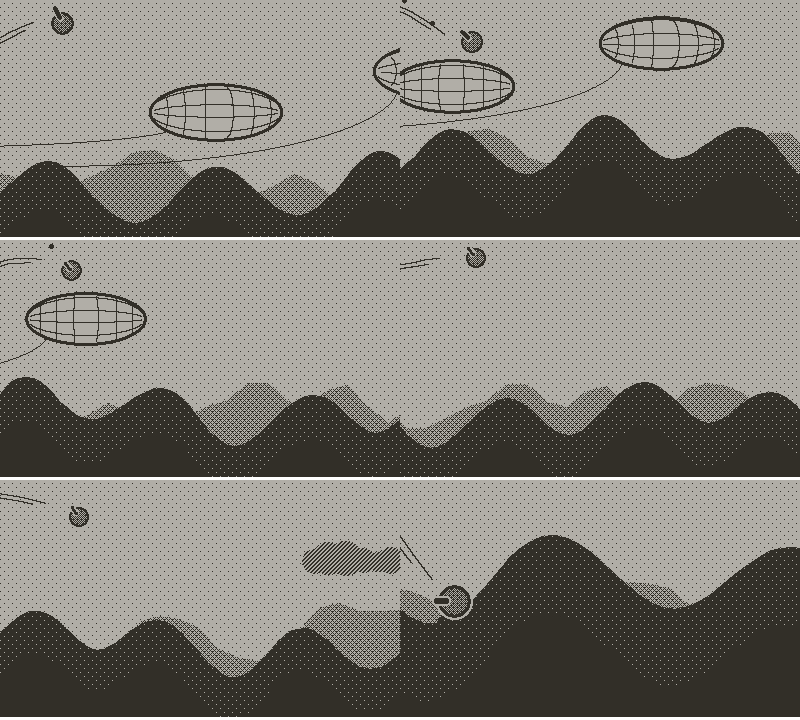
And as with everything, it can bounce "wrong",
although even bouncing under can have its advantages
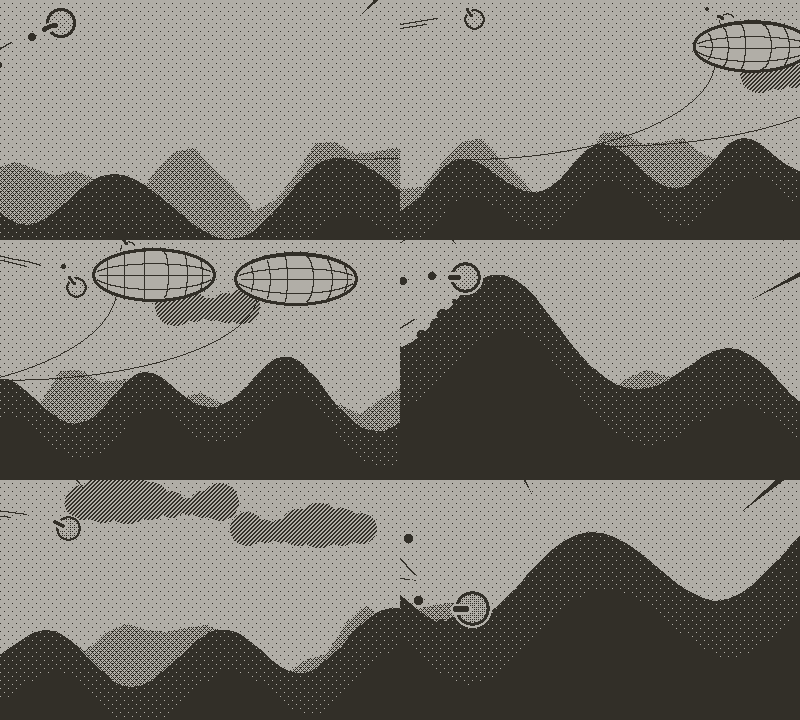
Airships explode if next to an explosion, or if slashed or hit with the laser.

Missiles

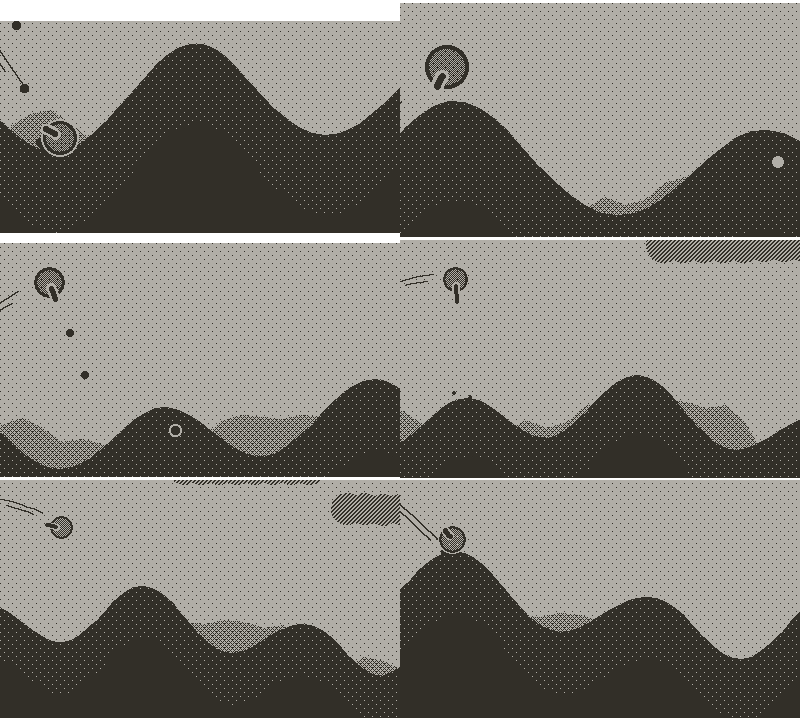
Planes now fly alone instead of formations, but fire salvos of anime-style homing missiles.
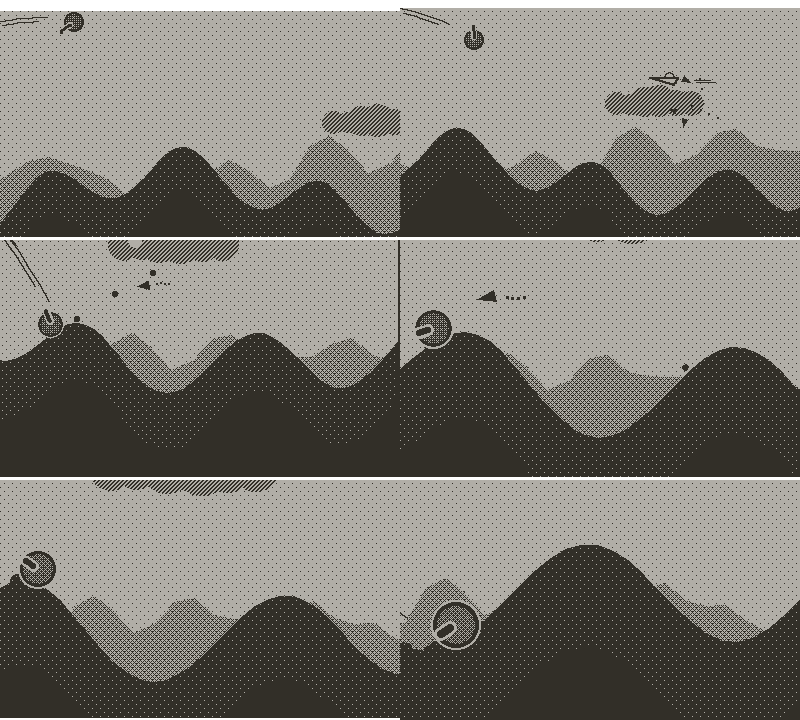
Missiles can be shot down,
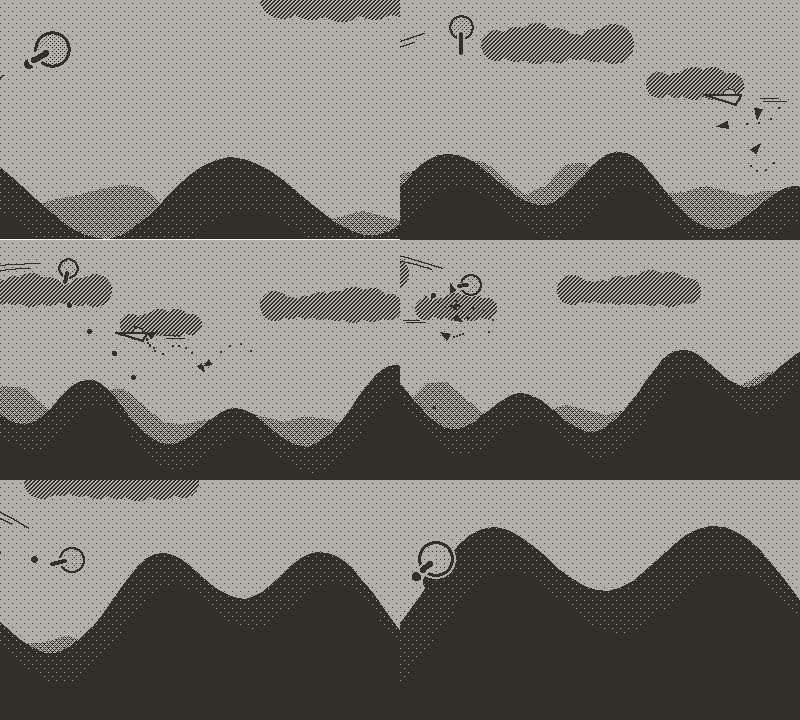
or slashed.
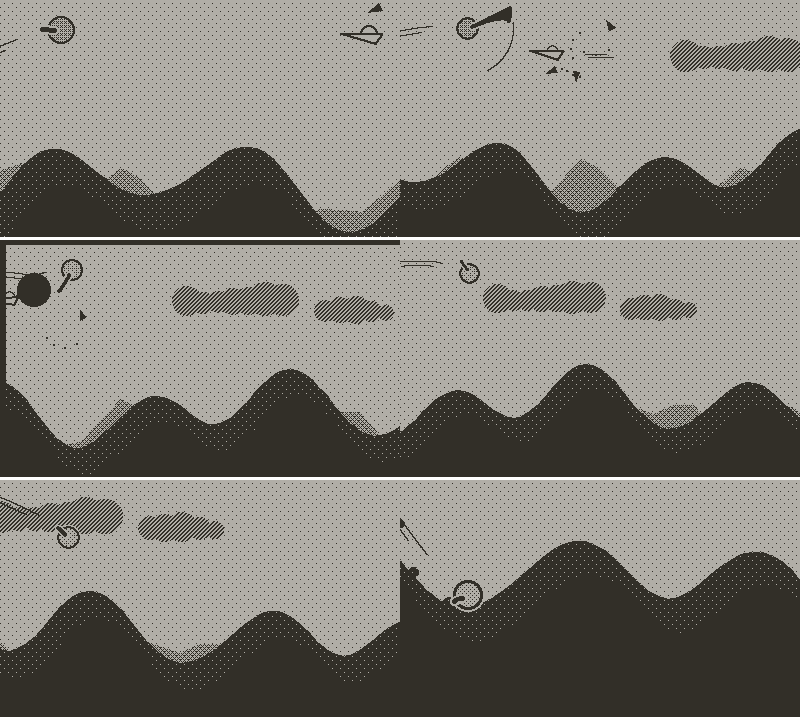
And now for a huge wall of text without pretty moving images ^^

Gameplay and physics

The first big change is that I went from manually set rules for collisions such as "hitting a turret halves the speed and make the player lose 4 health points", to only generate an explosion at the collision but make the player react to all explosions by taking damages and a blow-back force, both proportional to the explosion power and the distance from the center of the explosion.
This not only replaces elegantly the previous system by doing the same thing, ie dealing damage and affecting the player speed when colliding with enemies head on without having to do it explicitly, but it also allows the player to try to land on enemies at the right angle to earn some damage boost.
This effectively transforms every collision into a trade-off between losing energy and a chance at gaining speed and momentum, which is on brand with the core mechanic of the game of spending energy to shoot the gun to gain speed.
I'm very happy with this "simple" change as it makes the game much more fun to play and adds another range of skillful moves to master.
I feel it also feeds into a kind of systemic gameplay where what happens is not dictated by a closed set of rules but the emergent result of those interactions, such as surfing on clouds, deflecting the bullet from one enemy to kill another, or slashing an airship point blank at full health to ride its costly blast into the sunset!

Next is an overhaul of the sword: I reworked the entire sword collision detection, as it sometimes seemed to miss bullets it should have deflected, and I wasn't entirely pleased with the way bullets and clouds were deflected.
The collision is much more reliable now, clouds move in the direction the sword is slashing and not only away from the general position of the player, and the bullet deflection feels more controllable.
The sword is designed to only extend while in the air, so it shouldn't have anything to do with ground enemies, but it turns out in certain circumstances you can effectively reach a tank or turret atop a hill, so I added collision detection with the sword for ground enemies so you can slash them.

I also increased the acceleration conferred by the gun, as well as the gravity, making the game more dynamic.

RNG

In the last update I talked about my efforts at regulating perlin noises to get uniform random distributions.
Well scratch that. I realized I could use a simple hashing function
to reliably generate good quality uniform distributions! It's also faster than making all those adjustments on perlin noises, and behaves much better.
I ran some further tests on relevant metrics for my purposes and the results don't differ from those obtained with a bona fide statistical random uniform function generator.
Although I feel like I just rediscovered the wheel after pushing very hard on a big lumpy rock trying to make it roll, I think I'll still write that blog post even if it teaches nothing and will help nobody, if only to recount that wild journey!

Sounds

I tweaked some sounds, such as making the explosions deeper and bullets hitting the ground softer, and reduced the volume on some sounds (gunfire, wind, explosions).
I also simplified some sounds and sound handling to help with performance.

I added sounds for the planes and the tanks: reactor sounds for the planes as well as a diving sound followed by a muted explosion if it happens offscreen, and track sounds for the tanks.
I also added a sound effect for bouncing on airships.

Optimizations

Adding new things always take its toll on performance, which needs to undergo some optimisations, and often going back to previous elements to seek further optimisations.
Adding visual effects such as the moon, the shadow, moving stars, and physics effects required much optimisations!

I replaced all timers with frame based counters,
replaced some costly functions with more efficient approximations,
reduced the number of speed lines around the screen,
reduced the number of dust particles generated, as well as their lifespan,
identified some repeated computations that could be cached, either per frame (sword collision triangle for example) or per game (stars positions and movements, lightray angles going through the player to cast the shadow),
set the player trail to 1px wide instead of varying with altitude,
and reduced the resolution of the parallax background.

All of this while trying to impact the end result as little as possible. Actually there's not much of a difference which means it's less optimisations than cutting needless expenditures!

I spent some time benchmarking a lot of things to find possible systemic optimisations, which led me to apply more aggressive lua optimisations:

  • reduce number of global variables used (there were already only a couple, but I made local copies everywhere)
  • use random integers for object IDs instead of UUIDs (both much faster, and pd.string.UUID seems to be leaking memory, leading to more work for the garbage collector)
  • on the topic of relieving the GC, I reduced the number of local variables where the result was used only once and inlined operations. I even "recycled" local variables for different successive purposes within the same function to reduce the number of variables of the environment the GC would have to check and free.
  • make a local reference for nearly every base and playdate function used.

Here's the on-device average timing for drawing 1000 random lines across the screen

  • gfx.drawLine: 0.1159684
  • local drawLine = gfx.drawLine in the file header: 0.1131143
  • local drawLine = gfx.drawLine in pd.update(): 0.1127681
  • local drawLine gfx.drawLine in the file header: 0.1127213

It's not much, but doing so consistently ends up making a difference!

  • make function and method local copies of arguments as well as own object attributes

Inside playdate says:

Assign frequently-used objects to local variables
If you are frequently accessing playdate API objects like playdate.graphics, performance will increase by assigning that object to a local variable at the beginning of your source file.
You’ll only be doing one look-up of the playdate and graphics objects in the global namespace, instead of six.

I wondered for a while whether self object attributes are considered local. Do making local copies only affect object look-up ?
Turns out, making local references of self attributes makes accessing them twice as fast!

On-device average timing of accessing self.x 1000 times within an object method:

  • self.x: 0.002339595
  • local x = self.x: 0.001420549

And it also works with arguments. Or, more precisely, with atomic elements within an argument, also with a 100% gain.

On-device average timing of accessing arg.x 1000 times in a function receiving arg:

  • arg.x: 0.002221362
  • local arg = arg; arg.x: 0.002720002
  • local x = arg.x: 0.001379463

Turns out what is costly is ANY look-up, be it object.x, arg.x or self.x

All of these have the side effect of making the code a bit harder to read and modify, and I hope I won't have to revisit existing parts too much in the future!
There will still be a last round of very agressive optimisations where I will go through every computation and try to hard code every static result (for example I have multiple scaling constants that are used throughout the code and multiplied with different scalars depending on the affected object, that I will replace with the result from that multiplication. However, doing so too early would prevent me from easily either updating all objects at once through modifying that constant or modifying a specific object through its scalar without losing track of the relation with other objects.)

Misc changes

Increased the size of the tanks and bullets to make them more visible.
Objects are introduced earlier to make the game feel less empty.
The RNG is bypassed for the first object of each type at its point of introduction, so the player will always see the first turret, tank, mine, plane, airship at the same distance.

Enemies are less likely to spawn at night, which I'm considering pushing into some kind of stealth phase at night.
I also made the day/night cycle shorter.
Changed the behavior of the turrets to only scanning the sky and not trying to follow the player.

Boosting has two distinct phases:

  • short A press simply dashes forward (and costs less than before)
  • longer A press starts charging to fire the laser and make a more powerful boost
4 Likes

Hello everyone!

I'm trying to get back to more frequent releases, even if that means less new things…
Although this one is jam packed with new features!
So I guess it's not always a linear relationship between time spent working and observable changes.
(in reality, it probably is because the more laborious parts such as optimizations are not necessarily highly visible but still nonetheless important for the whole experience, or that the payoff comes later in the form of more easily and rapidly implemented features)

But enough rambling, let's get to it!

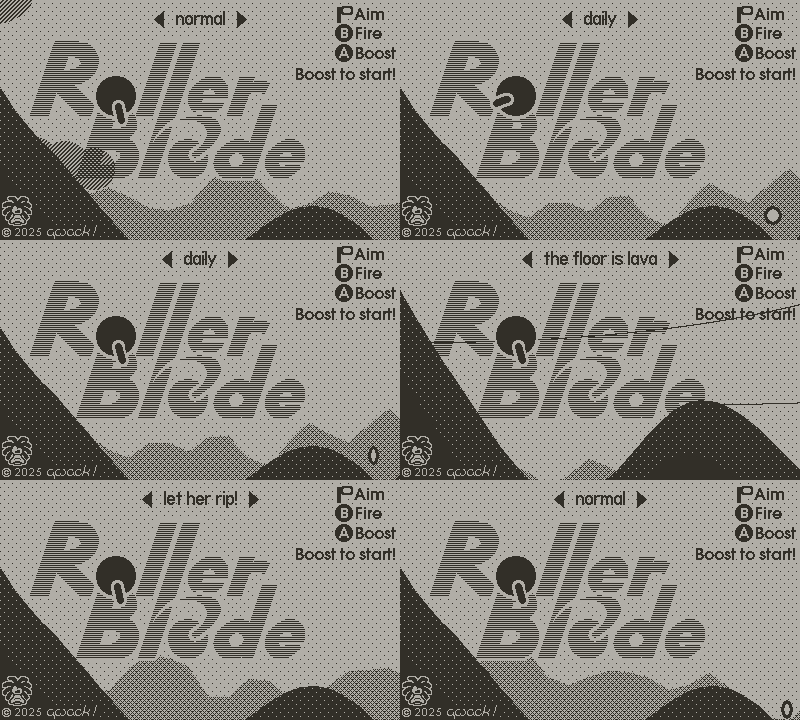
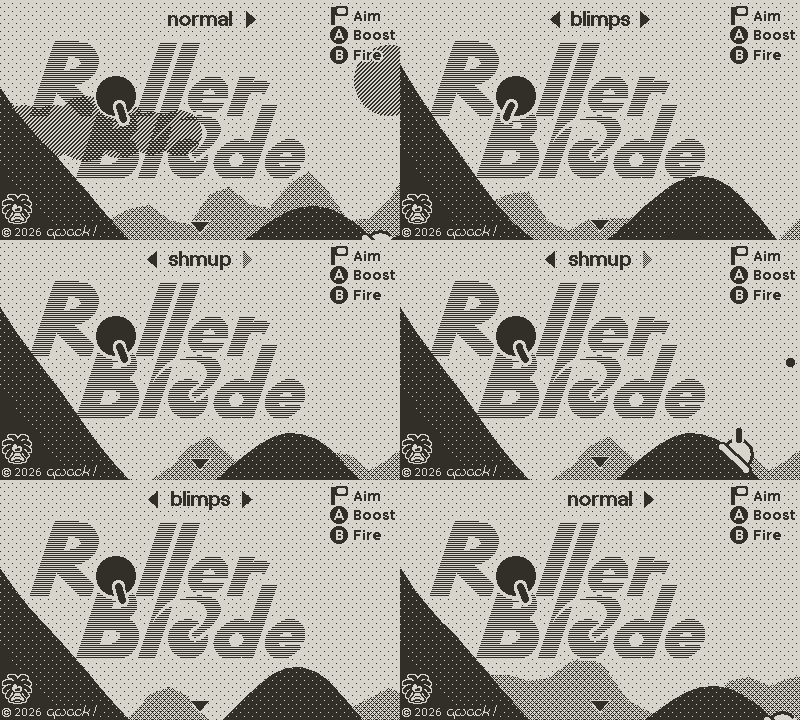
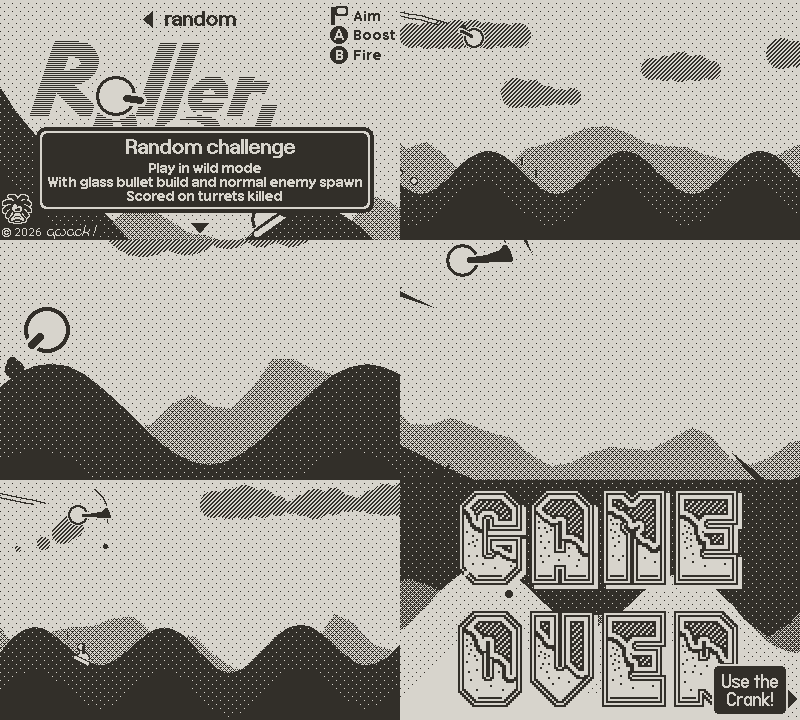
Game modes

So first thing is I added different game modes !
Modes are selected on the startup screen using the d-pad left and right arrows.

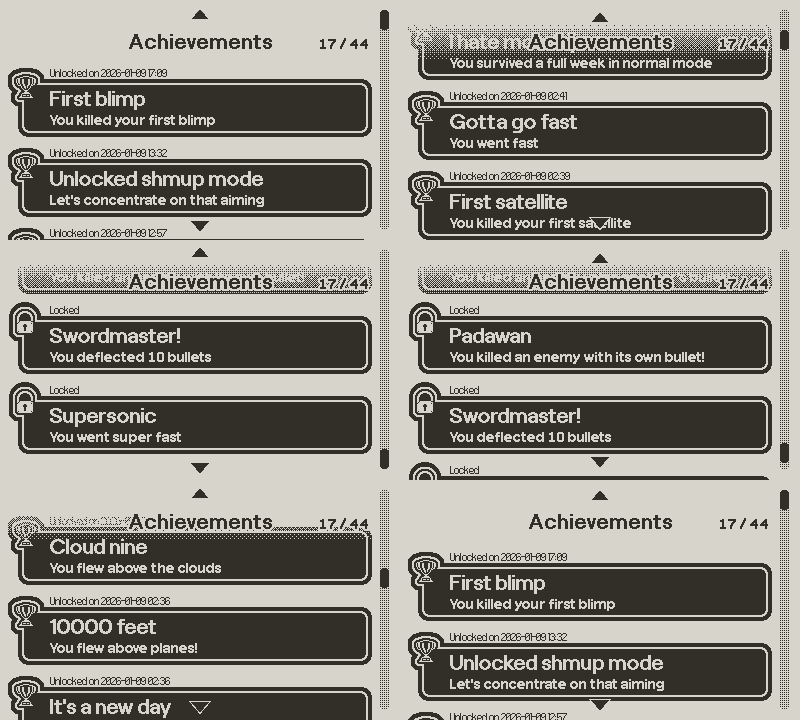
For now all modes are directly unlocked, but I'm thinking about tying them to specific achievements.
Scores are kept separately for each mode.

Let me know if you have ideas for more game modes!

Normal mode

Nothing much to say here, it's the game as usual.

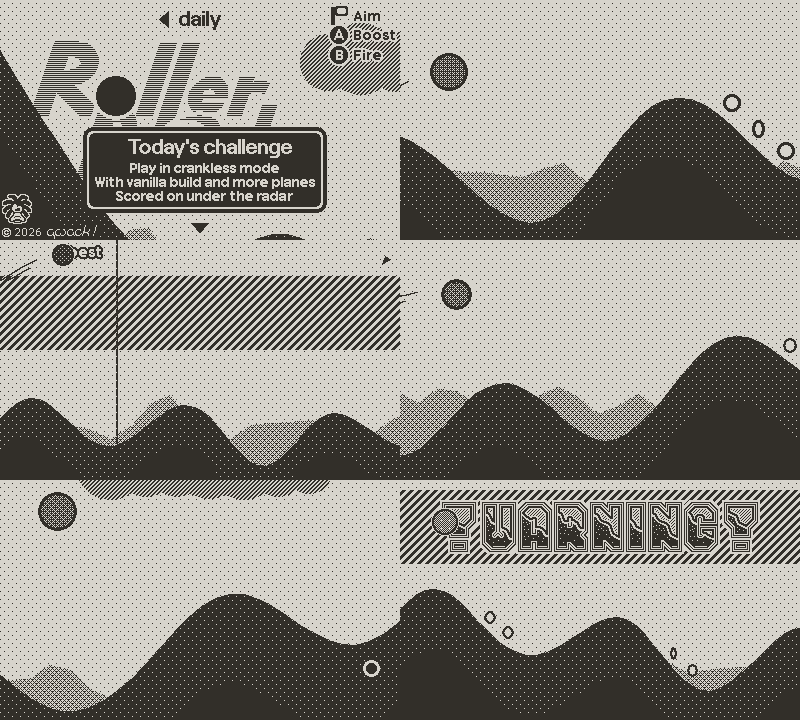
Daily mode

Nothing much here either, it's an option that already existed that allows replaying the same game (same terrain, enemies, bonuses, etc) multiple times on the same day and that will allow to compete with other players on a daily leaderboard.

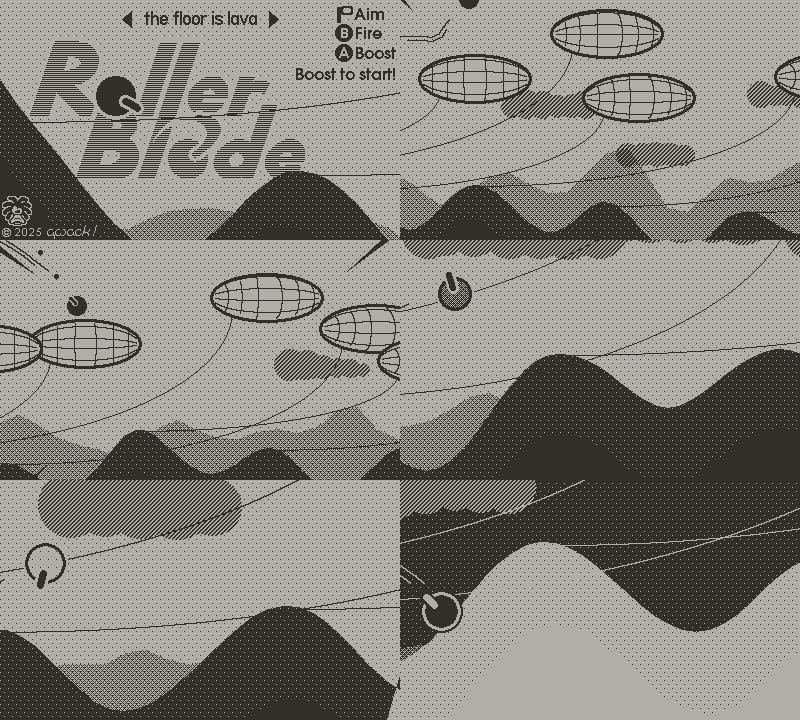
The floor is lava

The terrain is covered in airships and touching the ground directly hurts.
How far can you go bouncing from airship to airship?

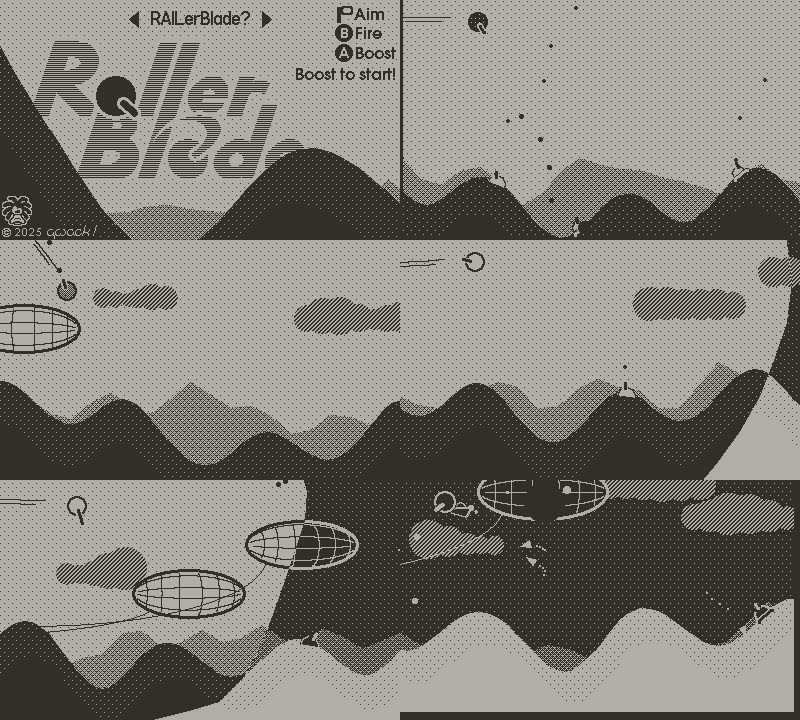
RAILerBlade?

Is controlling the RollerBlade and shooting enemies at the same time too demanding?
Try this rail shooter mode: the RollerBlade hovers high above the ground and you only have to shoot and slice!
But beware, explosions and getting shot only slow you down now, and you still have to pick up speed somehow!
Oh, and I nearly forgot: to make up for the added training wheels I may have turned up the dials on the enemies spawn rates…

Let her rip!

Not for the faint of heart!
In this one everything is let lose!
Every enemy type starts appearing in the first stage and their rate of spawning increases twice as fast as in a regular game.
The 40fps cap that is usually set to keep the game smooth and regular is disabled and the game will run as fast as possible (but with eventual variations in framerate in very busy screens)

Oh no! You broke da gun!

I get it, you really wanted to play Tiny Wings on your PeeDee.
Can't find it on the selection screen?
¯\(ツ)

Gameover screen

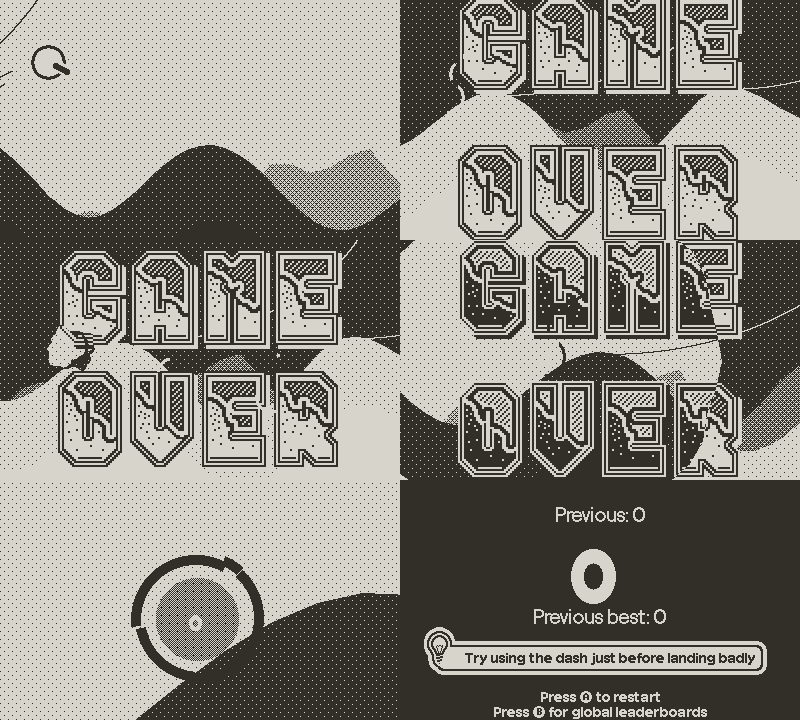
Still a work in progress, but I guess it's already nicer than what we had previously.
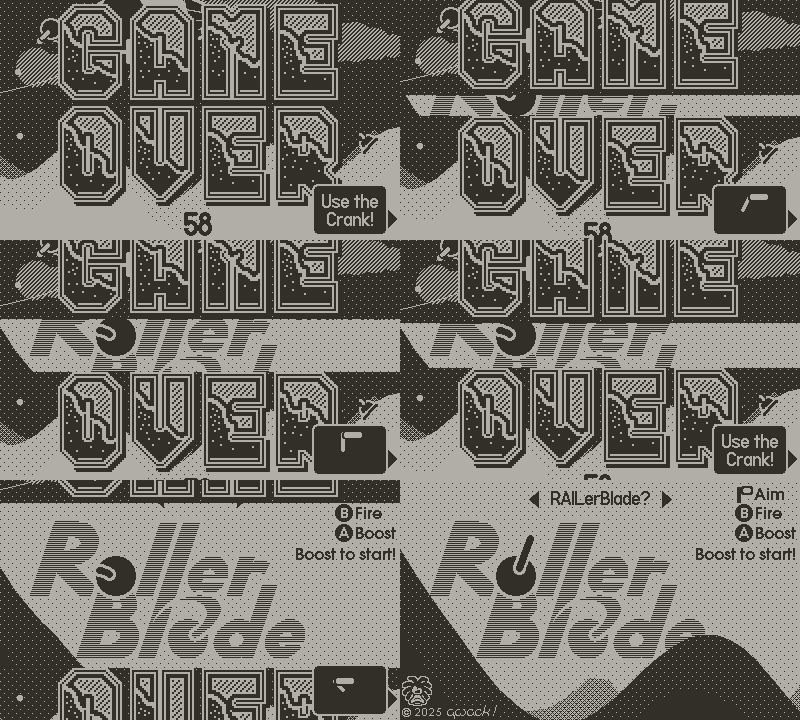
Without any shame I absolutely stole the crank-to-buy ®™ mechanic, up to the ticking sound, to start a new game ^^ (but this is not final and will definitely change). Anyway, I guess it is part of the UI/UX grammar of the console!
I also added a crank indicator there, as well as in the game and menus when the crank is docked, because you obviously cannot play the game without the crank.

Misc changes in gameplay, physics, mechanics

The biggest change here is the game over condition.
Now even with your energy entirely depleted you still have one last chance to recover and save yourself.
But any hard collision with the ground (or coming to a full stop) and it's lights out!

Speaking of hard landings, I added a sound effect for hitting and rolling on the ground.
I also tweaked the gun firing sound to make it more punchy and dynamic.

Missiles no longer propagate explosions, you'll have to shoot them all down one by one!
Ehh… no don't worry, you can now clear them with a burst of laser!
Also, their explosions are a bit bigger and hurtful.

Speaking of the laser, charging the boost is back to being quicker.

Airships are bouncier, which was much needed for the keepy-uppy game mode.

Optimizations, bug fixes

I redid the entire player shadow, which now not only looks nicer but is also lighter on the CPU! I also made it to fade in and out at dusk and dawn.

The plane sounds were not behaving exactly right so I fixed that.

Direct front hits on enemies would sometimes launch the player straight up very high and this should be somewhat mitigated.

Airships would sometimes explode when firing the laser even if the player wasn't shooting at them. This should be fixed too.

See you next time for some new content, and I hope you have fun with the game!

1 Like

Hello everyone!

This week is a much smaller update, which still contains some interesting bits!

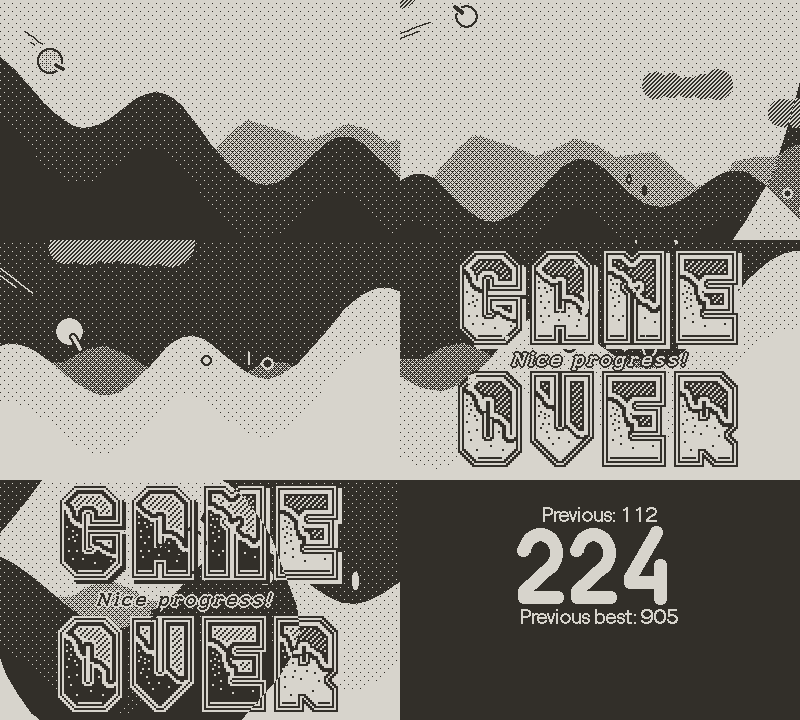
Game over

The biggest new feature is a new whole gameover sequence.
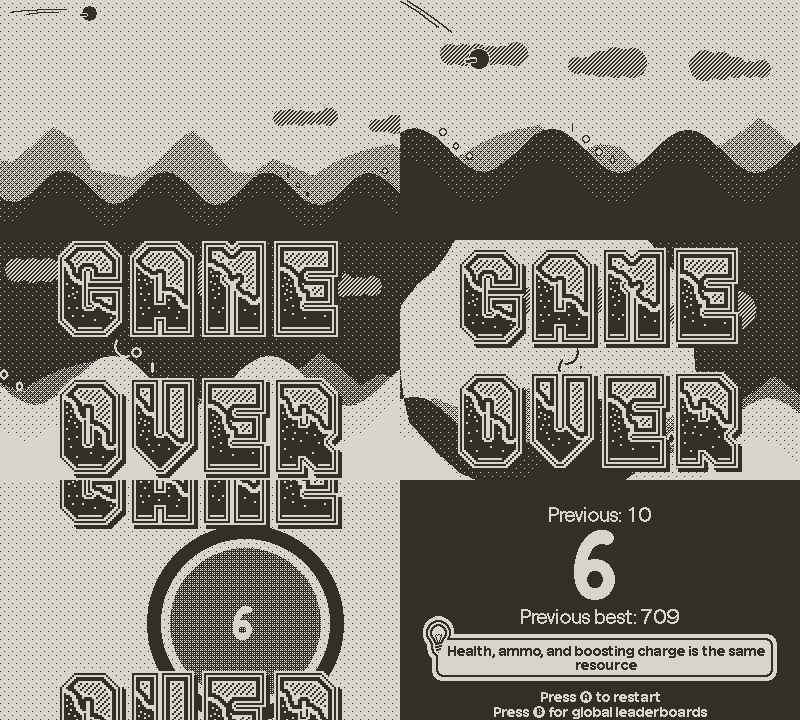
To complete the refined gameover condition (hard hitting the ground with depleted energy), the rollerblade now shatters on impact, with some slow motion effect and a crashing sound.

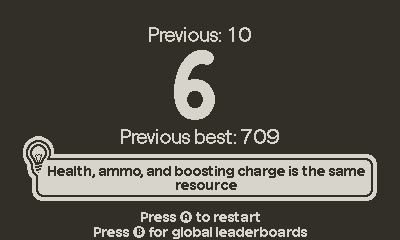
After the GAME OVER sign has finished appearing, crank rewinds time and rebuilds the rollerblade. The camera zooms in to show your score.
This screen also shows your best and last scores in that mode. Those scores as well as the current mode are also shown on the in-game pause menu.

Gameplay adjustments

the floor is lava

I made the airship bouncing mechanic friendlier overall, and reduced the number of blimps in that mode.

RAILerBlade

Gravity is reenabled when the player's energy is depleted, giving one last chance to recover before crashing on the ground.

crankless mode

I added mines to the crankless mode to make it a bit more challenging.
I also made all mines countdown random for an added surprise.

Misc and bugfixes

  • The laser boost and quick dash are stronger, and can be used whenever, no need to touch the ground or bounce on a blimp anymore, as I figured it wasn't really practical to abuse, and could generate some unnecessary frustration when trying to quick dash to land on a ground enemy but the boost wouldn't have been recharged.

  • I added a small trailing plume of dust behind tanks.

  • Stars had the same parallax as the moon, but not the zoom, which is now fixed for a more coherent skydome.

  • There was a bug with the altitude constraint in RAILerBlade mode that could lead to strange behavior at startup, which is now fixed.
    Also in RAILerBlade, boosting was actually free! Which is fixed now.

Shoutout to @jesteraveragejoe for pointing out some of those bugs and suggesting adding the mines back to the crankless mode!
Many thanks for bringing them to my attention!

1 Like

Hello everyone!

Time for a new massive update!

But before going into the detail of the new stuff, RollerBlade is currently 30% off as part of the Playdate Advent Calendar!.
The sale lasts until christmas, so go grab it quickly! :slight_smile:

So what's new in this release?

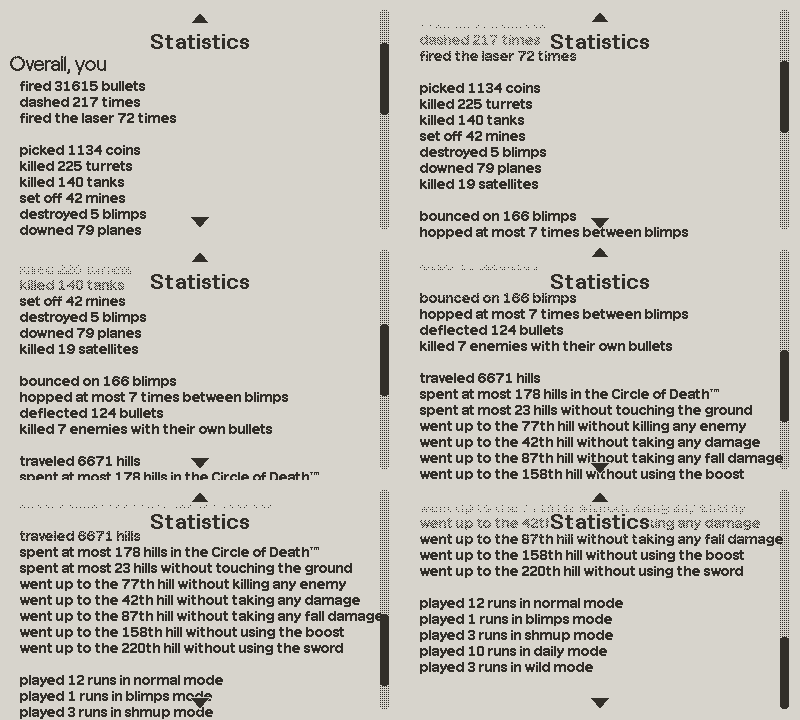
Scores

I programmed an animation for highscore and last score breaking.

The line exerts some resistance while sounding like a rubber band stretching then snapping, releasing confettis that kill nearby enemies on impact.

Satellites

I added a new type of enemy, the satellite.

Killing satellites grants bonuses, but satellites go fast and are hard to catch up with.
Adding to that, they fire a huge laser beam that they can orient to target the player, as well as modulate their speed to try and keep a lock on the player.
They cannot be defeated with regular bullet, and only a close quarter kill with the sword or the dash is rewarded with a bonus.

Bonus

The 5 types of bonuses granted by killing satellites are temporary buffs and come in 3 levels of increasing strength.

Bonuses are active for around 30s.
Picking the same bonus again grants the player the upgraded level. Each level lasts 30s then degrades into the previous level (eg, picking up armor gets you level 1 for 30s. Picking it up again later in the game gives you level 2 for 30s then level 1 for 30s, and so on)

The 5 types are:

  • recovery: health recovery is increased
  • armor: damages are reduced
  • freeze: enemies are slowed down
  • firepower: increased acceleration from the gun and boost
  • aim: increasingly precise and predictive aim

Gameplay

I made some changes to the gameplay as well:

  • letting the RollerBlade roll at its minimum speed costs energy
  • hard landings deal some damage
  • airships no longer explode when destroying the attached turrets
  • turrets try to lock onto the player
  • tanks fire more rapidly
  • crankless mode is made more difficult

Sound

I added some "spatialization" of sounds (works only with a headset) for moving enemies: tanks, planes and satellites! You can now hear where enemies come from!

Optimizations

I spent some time doing some heavy refactoring and optimizations.
Without going into much details, I got rid of any object oriented feature in a bid to reduce metatables and function calls overhead.
Doing so also enabled turning the entities update loops inside out: instead of looping over, say, every tank object to call its update method, I can now call a single tank update function that loops over every tank in the list. This considerably reduces the number of function calls, as well as allowing the reuse of shared computations.
I also made all the viewport culling tests tighter and reorganized update functions to execute tests potentially leading to shortcircuiting as early as possible to prevent as many wasted computations as possible.

These optimizations have a drastic effect, enabling the game to maintain a smooth 40fps in all occasions, spend most of the time at the maximum 50fps in the "let her rip" mode and allowed me more additions such as sound spatialization and making the viewport zoom out further, while getting better performance than before!

Another thing that continued to bother me was the game startup time (even though it was already quite quick) and the small delay when switching game mode on the startup menu.
This was caused by the time spent pre-baking animations, generating sounds, and loading the few actual assets.
I realized some assets did not need to be loaded at startup and could be loaded as needed at first use.
I also made use of coroutines to spread initial baking over the first few seconds of the game.

These modifications make switching between modes instantaneous, and the game starts up in less that 0.2 seconds now!!!
It's so fast I removed any mention of "LOADING" from the startup screen ^^.
If you really look for it, you can actually feel the computation overhead occurring during the first few seconds by jumping in-game as soon as the game has started up, but even then it only affects the game for a second and is never felt again before completely restarting the game from the library. Otherwise, it's completely invisible.

I'm really happy with these optimizations as they make the whole experience very smooth.
Misc

I added a content warning about screen flashing, and made the game honor the "reduce flashing" accessibility option by removing the impact frames on boosting and the explosions screenshake when the setting is enabled.
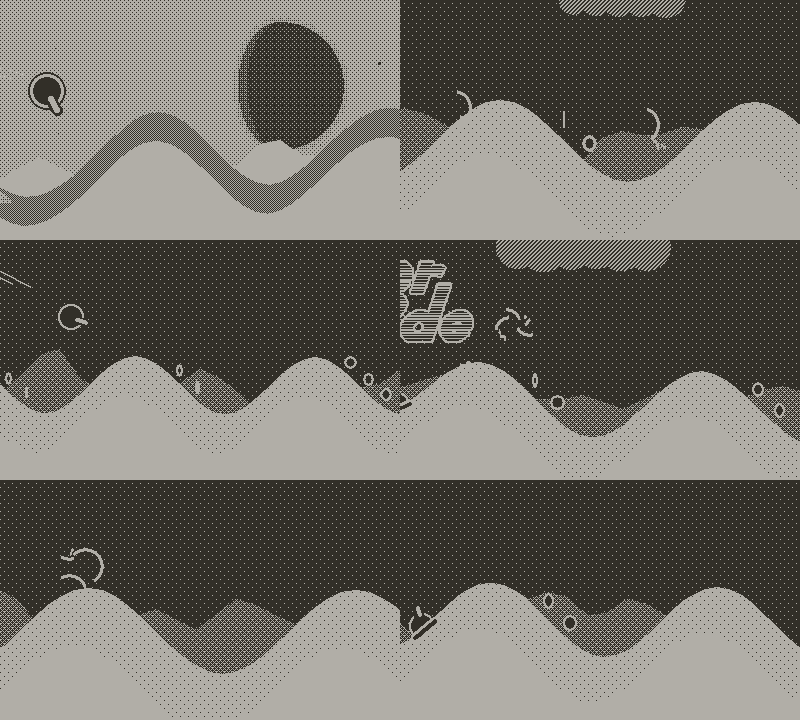
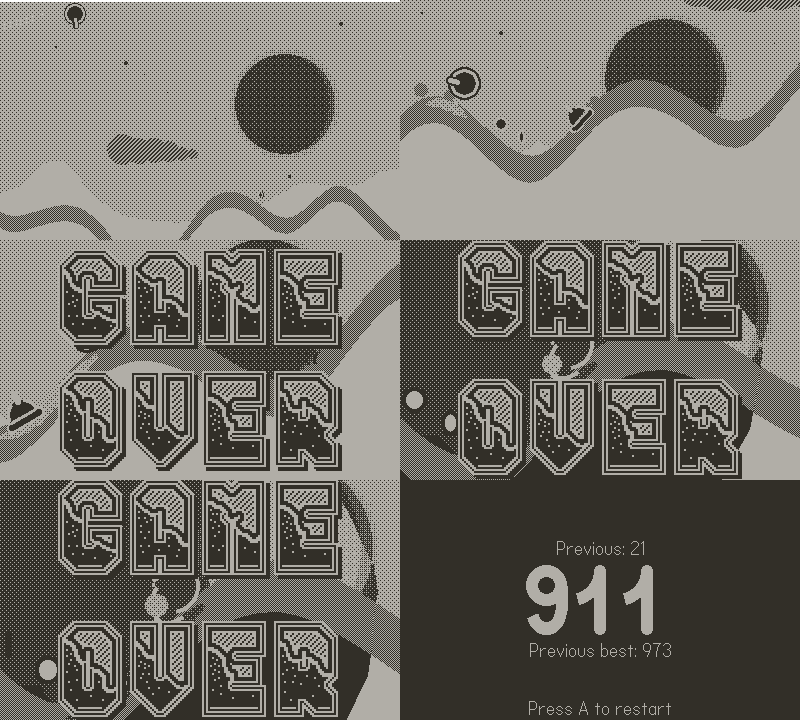
And as always, some gameplay footage tying everything up!

(and don't forget the game is on sale! RollerBlade by qwack!)