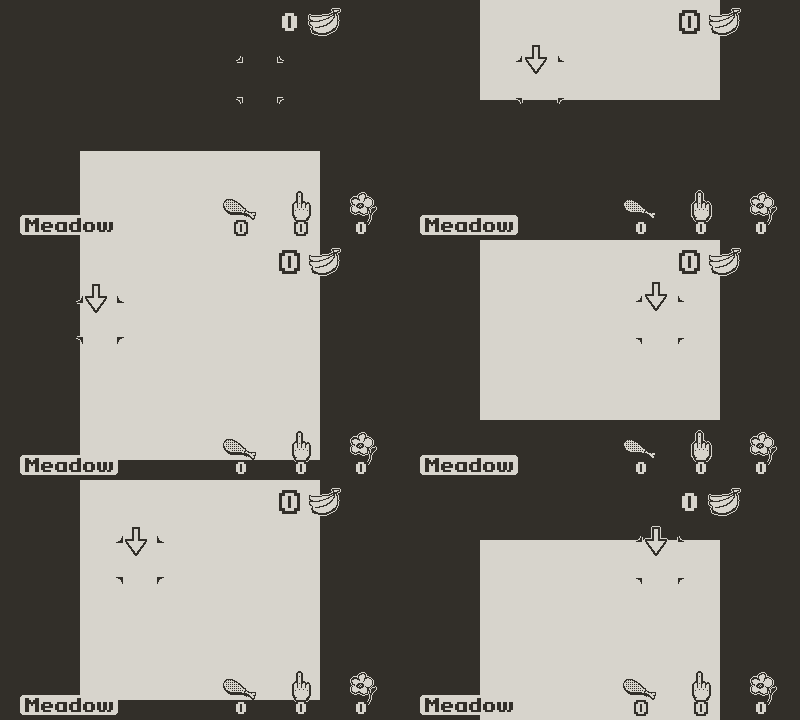
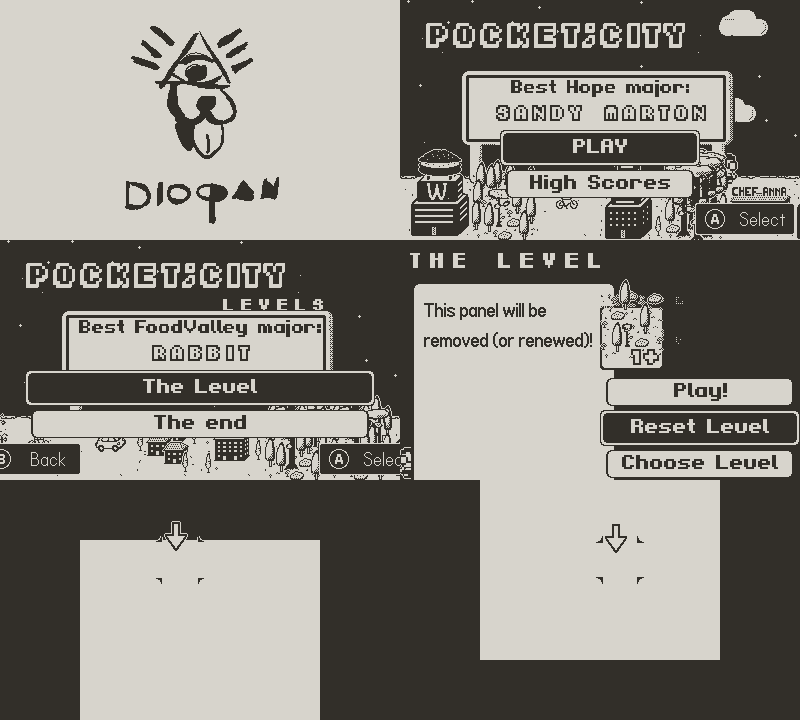
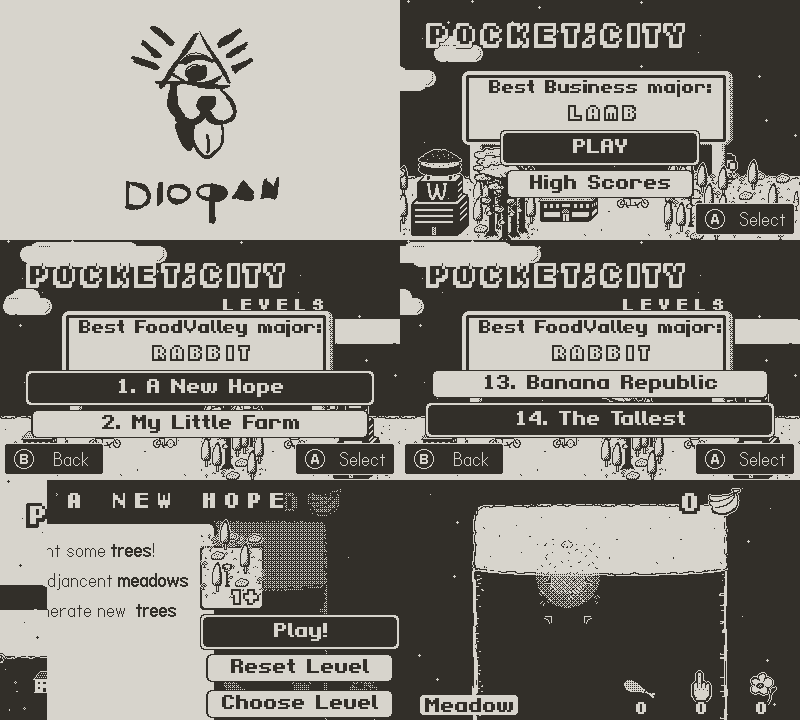
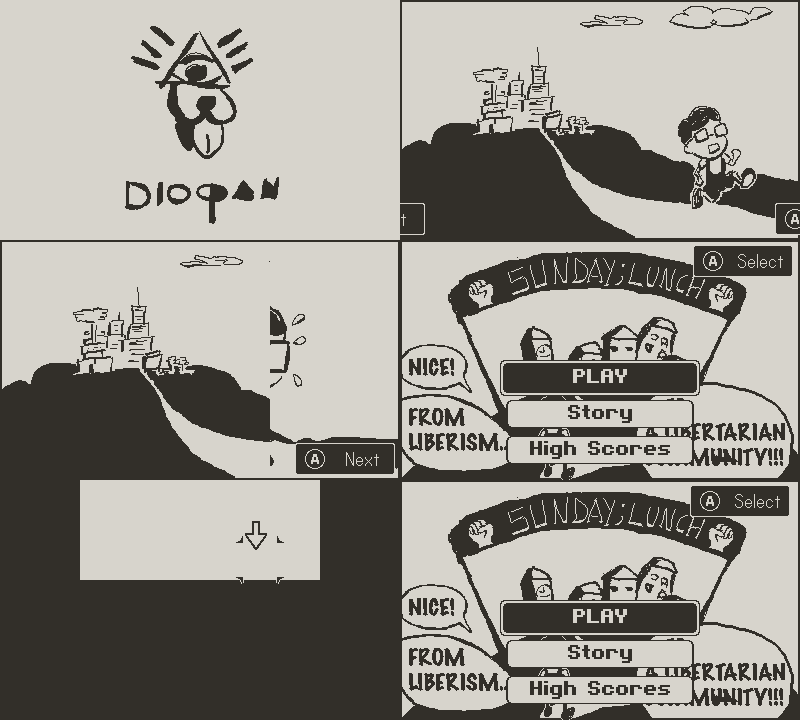
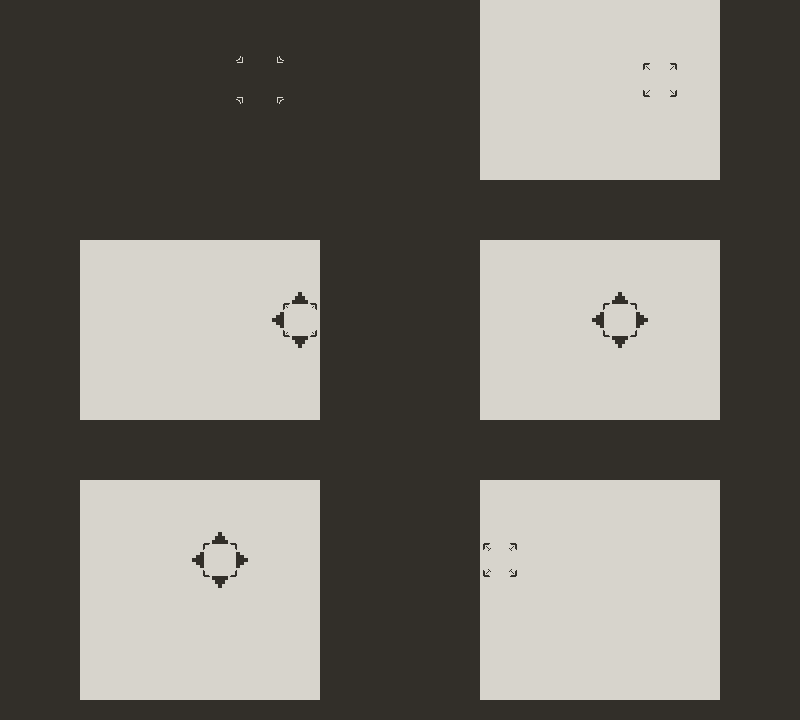
Step 1: Crosshair Movement
Sunday;Lunch should have more or less the same controls of games like Pick Pack Pup.
Actually Pocket;City interaction is done via CrosshairMvmt class.
It moves the crosshair along the level and change its behaviour:
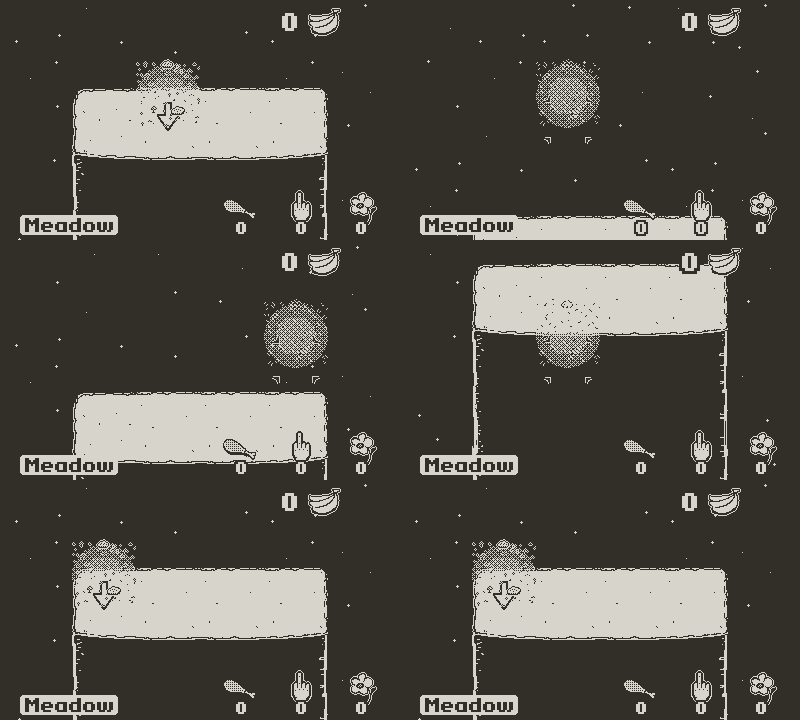
The orizontal movement is controlled by the d-pad, the vertical one is controlled both by the d-pad and the crank.
I want to maintain this kind of controls and screen scrolling.
The grid of the game has to be a 6X6 and has to be entirely visible.
So every tile should be 40 (or more) x 40 pixel.
Every tile in Pocket;City is 64 x 64 pixels.
When I started developing Pocket;City , I was thinking about a Sapio trylogy . Sapio is the kid with glasses you can see in the game.
These three games should fall in the same Puzzle/Strategy category with similar visuals.
For these reasons I’ve created the CrosshairMvmt class to be quite flexible: I want to use it also in Sunday;Lunch with minimal changes.
Actually this is its signature (its init() function ):
function CrosshairMvmt:init(tileGridSize,crossHairMaxHorizontalTiles,startTileX, positionLimitY,checkEnabledTilesInterval, marginX, AvailStartingTileX, AvailStartingTileY)
In Pocket;city the tileGridSize is set to 64; in Sunday;Lunch this value will be 40.
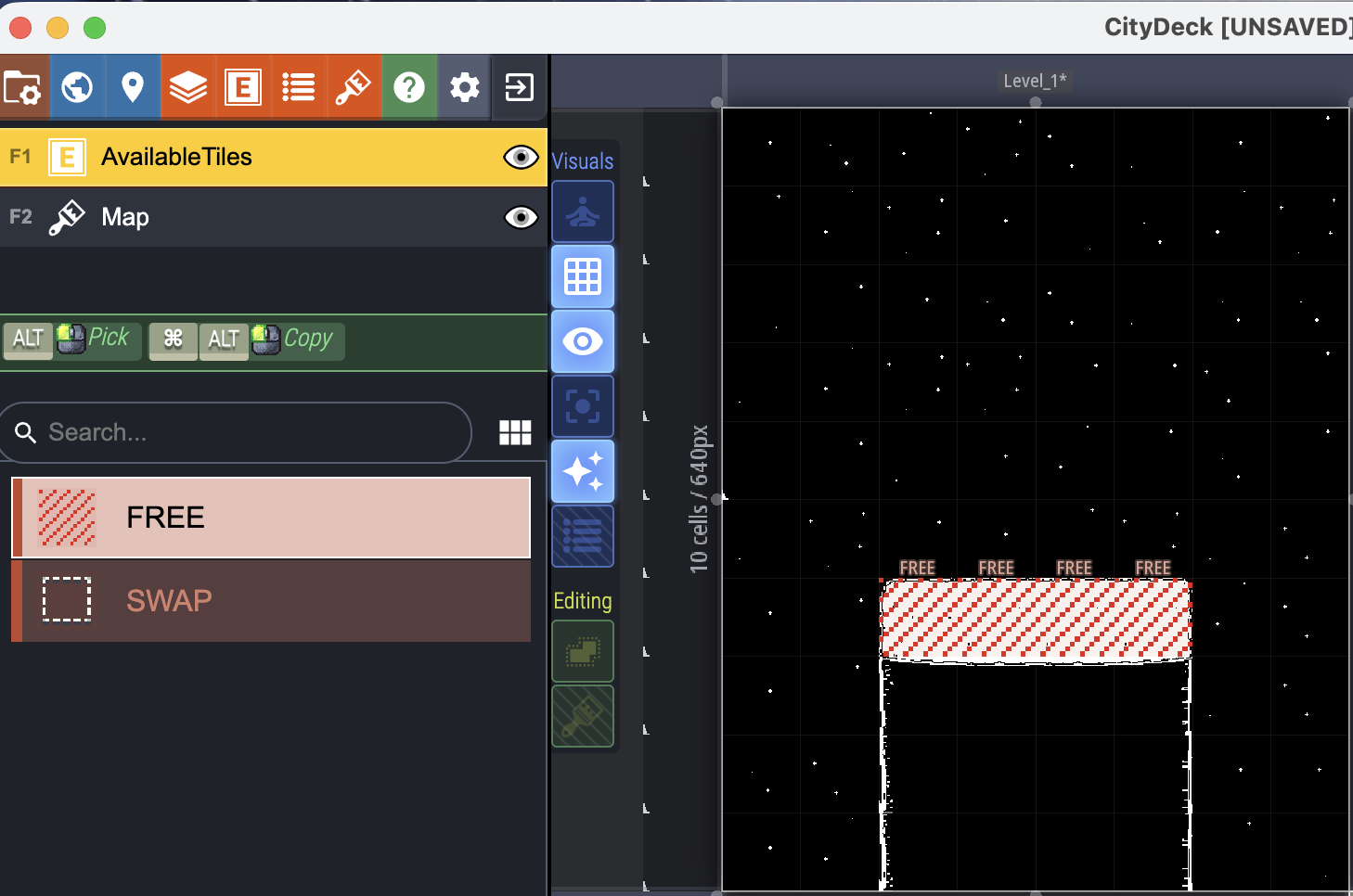
But before doing these I’ve to update my LTDK map.
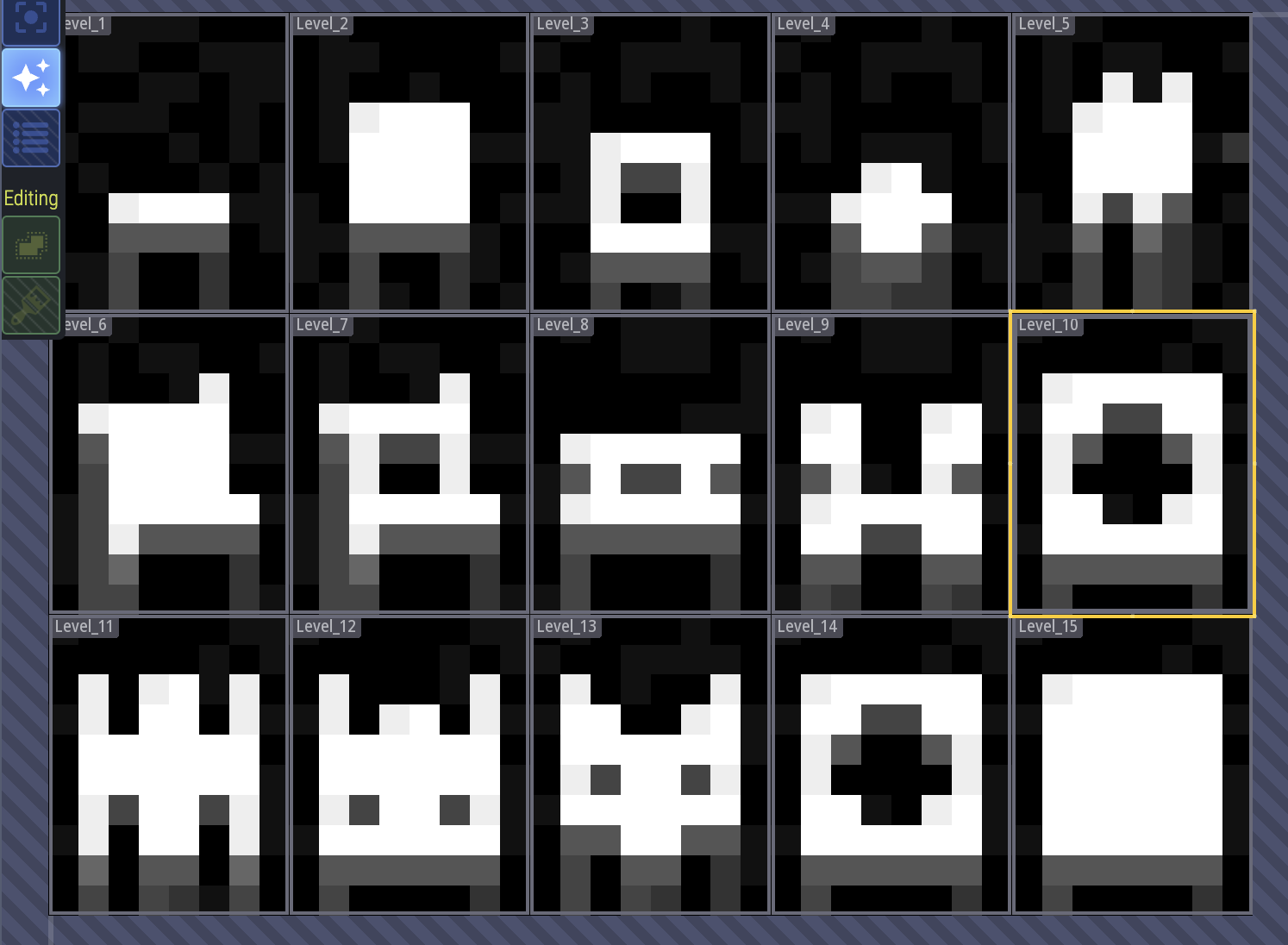
I developed all 15 Pocket;City levels using this tool.
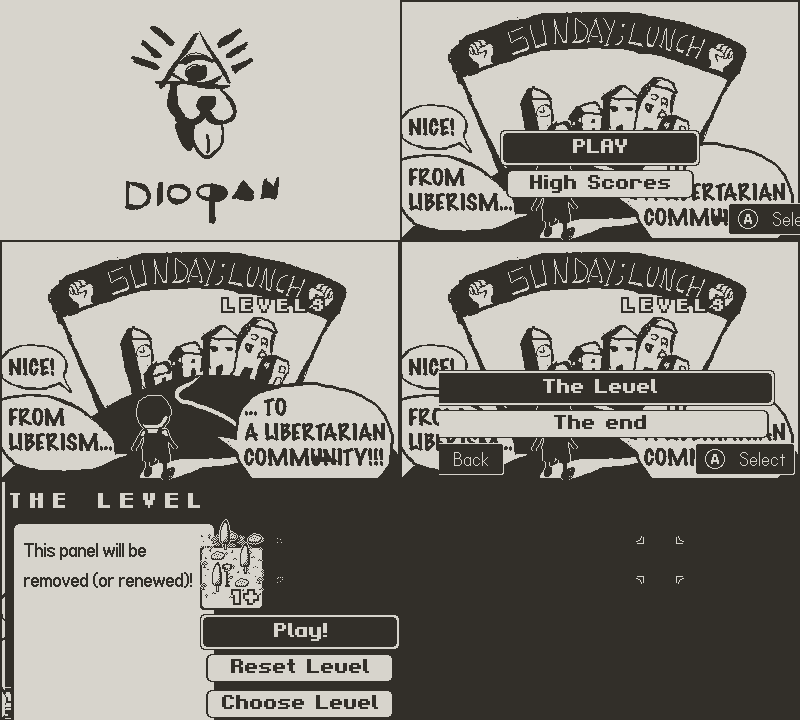
For Sunday;Lunch I need only one Level.
Since I need only one level, I can avoid to use LTDK and draw it directly on my Ipad. But I want to reuse most of the code of Pocket;City instead of rewriting it. So I prefer to do some (very little) work on LTDK instead of some refactoring.
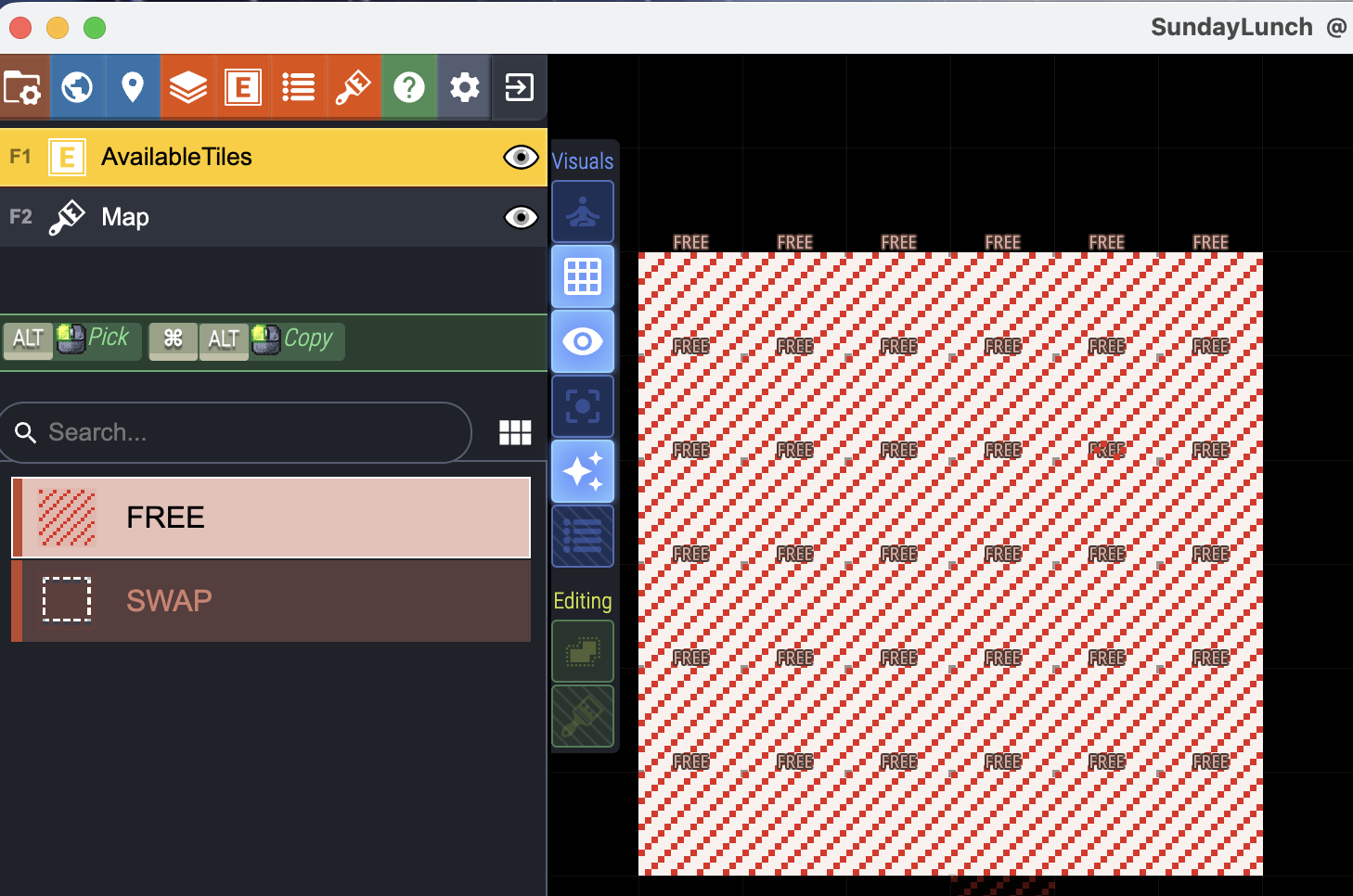
Without any modification on code now the Only One Level is this one:
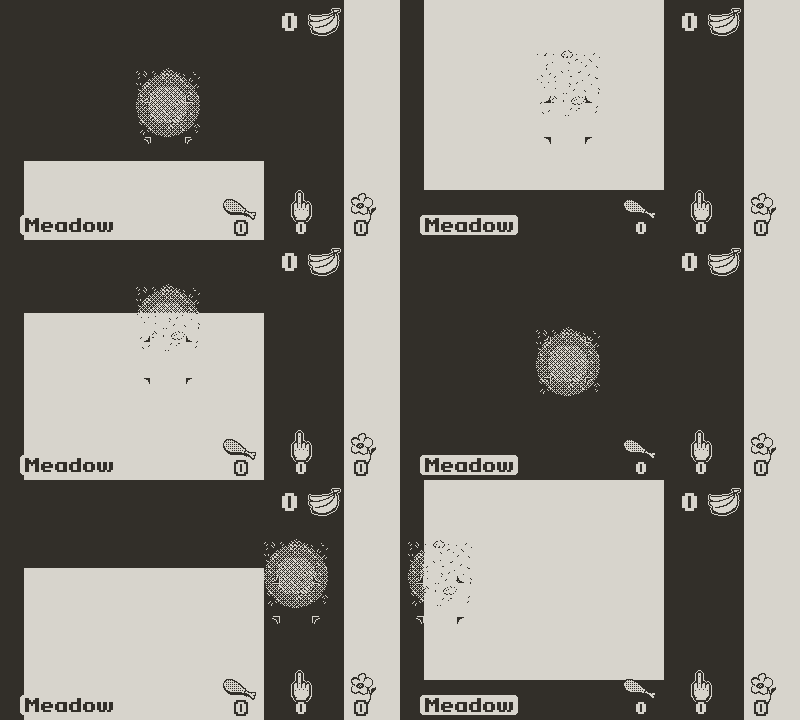
A 6x6 (white) grid of 40x40px tiles