I've been pulling my hair out for a few days trying to get an animation loop to work with timers in the way I expect. I feel like I'm probably just missing something basic and need some outside opinions.
DESIRED OUTCOME: Have a 16-frame image table animation loop from frame 1 all the way back around to frame 1 again for every "loop" in my "loop counter". The animation must line up perfectly on each iteration. Currently, it does not.
WHAT I'VE DONE:
- Created animation.loop and a corresponding sprite. The animation.loop is paused until loop_counter > 1
- Created a delay timer where the delay time is the same length as the full animation loop. When the delay is completed, the timer deletes itself, subtracts 1 from the loop counter, and pauses the animation.
- While the loop_counter > 1, the sprite's image is updated with the current animator image.
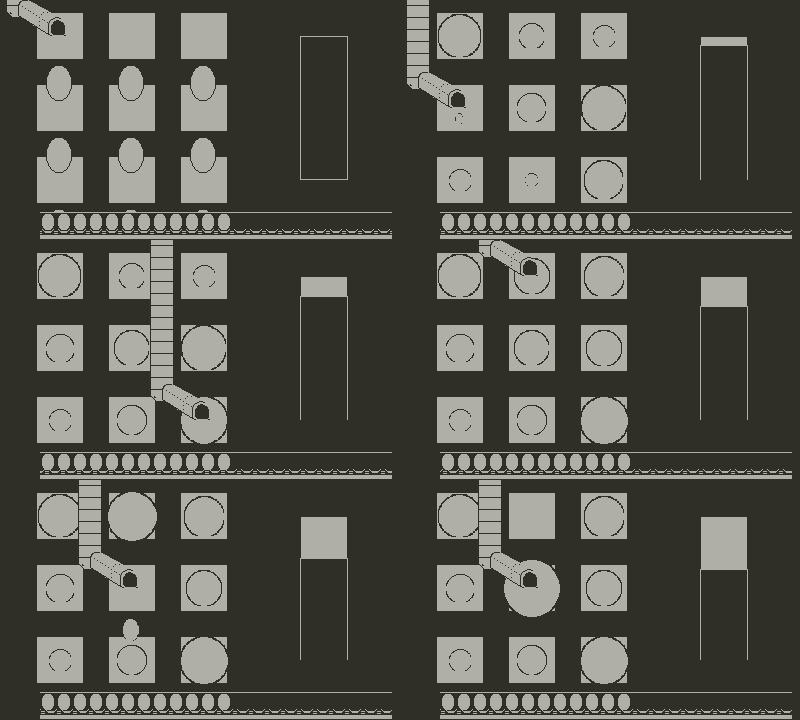
Please see the gif below of the animation (it is the conveyor belt at the bottom of the screen underneath the eggs). The eggs are not supposed to move right now as they are my reference point. You can see that the belt cradles for the eggs are not lining up properly.
Code below:
Excerpt from sprites.lua, where the sprite and animator is made
  --belt
  local eggbeltbelt_image = gfx.image.new("images/eggbeltbelt");
  Eggbeltbelt_spr = gfx.sprite.new(eggbeltbelt_image);
  Eggbeltbelt_spr:setZIndex(Eggbeltframe_spr:getZIndex());
    --image table for animation
    local eggbeltbelt_imagetable = gfx.imagetable.new("images/eggbeltbelt-table-16-32");

    local animation_speed = 20;
    Eggbeltbelt_animator = gfx.animation.loop.new(animation_speed, eggbeltbelt_imagetable, true);
    Eggbeltbelt_animator.paused = true;
    Eggbeltbelt_spr:setImage(Eggbeltbelt_animator:image());
Excerpt from main.lua, specifically my "Update_eggbeltbelt_animation()" function:
--loop animation start/ongoing
  if eggbelt_table.loop_counter >= 1 then
    Eggbeltbelt_animator.paused = false;

    --KIND OF WORKING BUT MISALIGNED
    --create animation timer if it doesn't exist
    if eggbelt_table.eggbelt_animation_timer == nil then
      --settings for delay timer
      local delay = (Eggbeltbelt_animator.delay * Eggbeltbelt_animator.endFrame);
      local function eggbeltbelt_timer_callback()
        eggbelt_table.eggbelt_animation_timer = nil; --resets timer
        eggbelt_table.loop_counter -= 1;
        Eggbeltbelt_animator.paused = true;
      end

      --create delay timer
      eggbelt_table.eggbelt_animation_timer = pd.timer.new(delay, function();
      return eggbeltbelt_timer_callback();
      end)
    end--

    for i = 1, #eggbelt_table.belt, 1 do
      eggbelt_table.belt[i]:setImage(Eggbeltbelt_animator:image());
    end
end
Any ideas what the issue here might be? I've tried moving the update into the timer callback as well as adding an extra frame's worth of delay to the delay timer, but neither of these have solved it either.
 I think all I have to do to fix it now is just duplicate the first frame into the last slot to make sure it's realigning where it started. Thank you for the help! This is also way less cumbersome than managing timers.