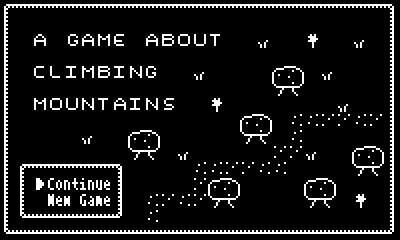
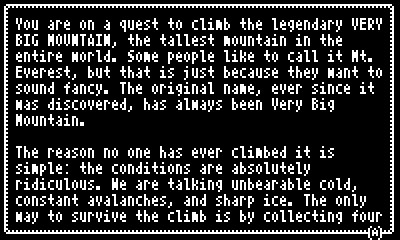
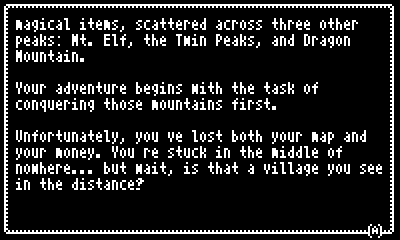
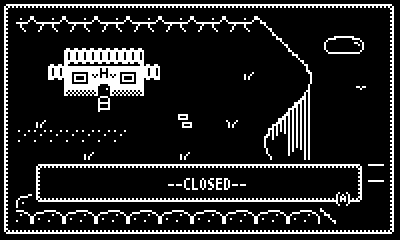
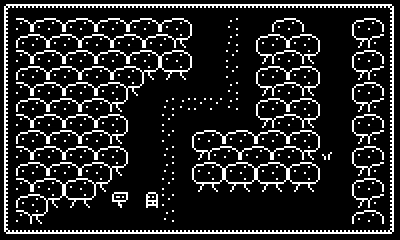
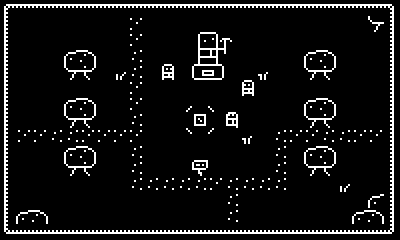
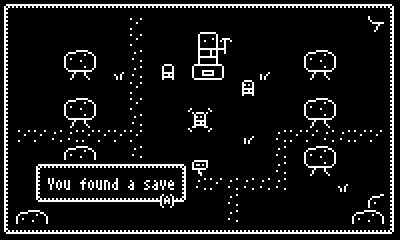
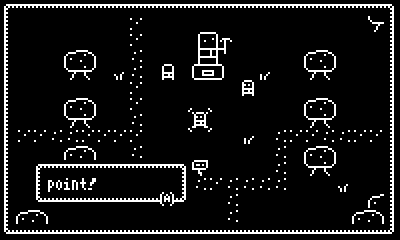
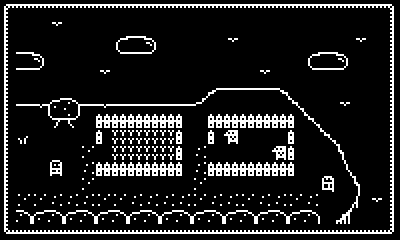
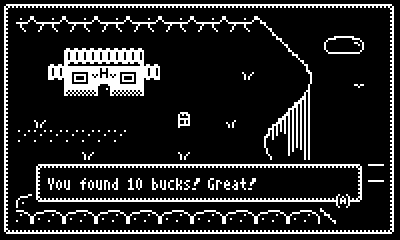
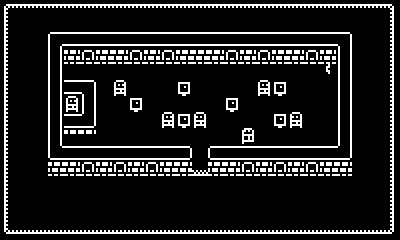
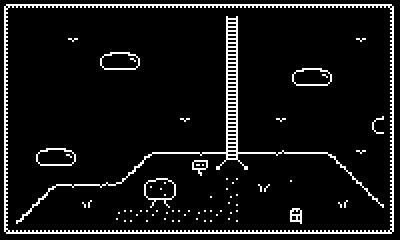
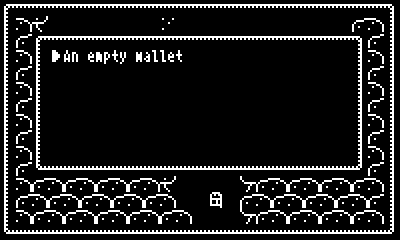
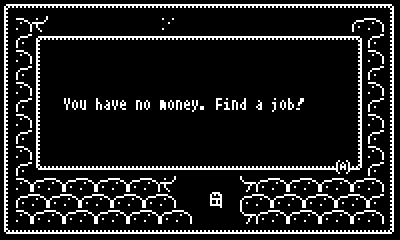
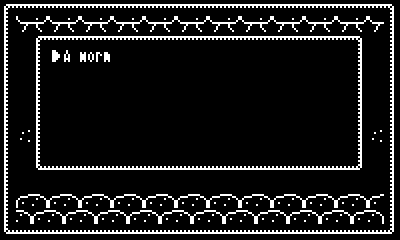
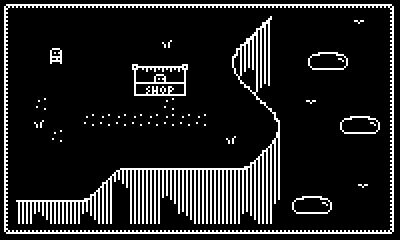
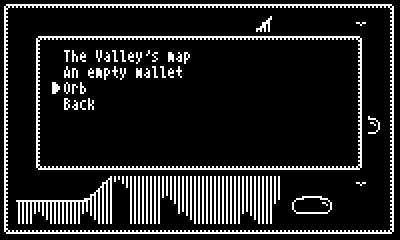
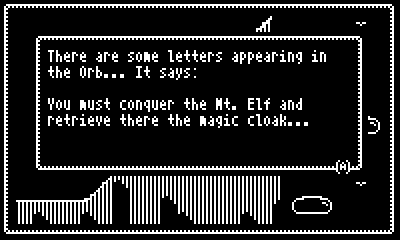
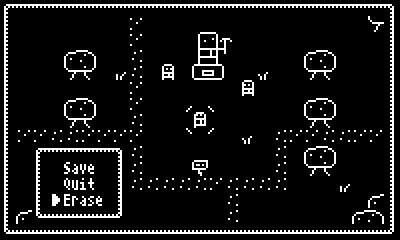
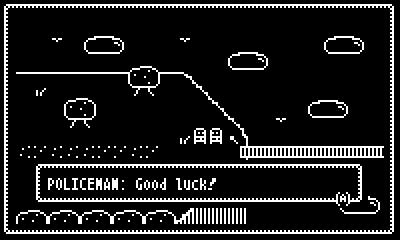
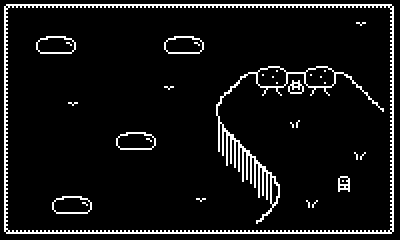
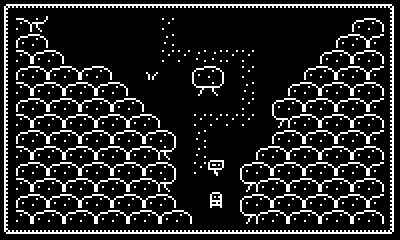
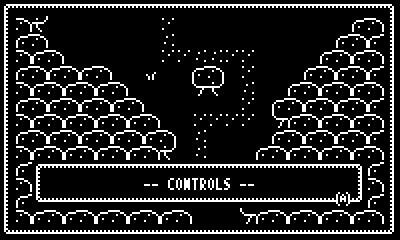
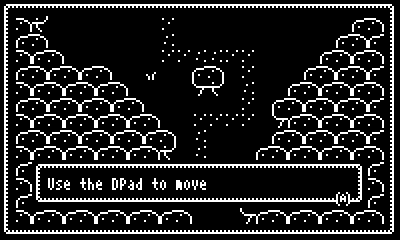
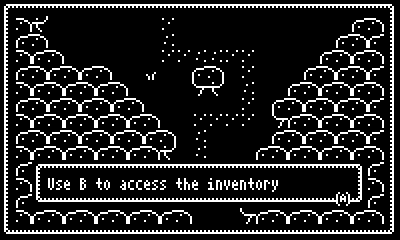
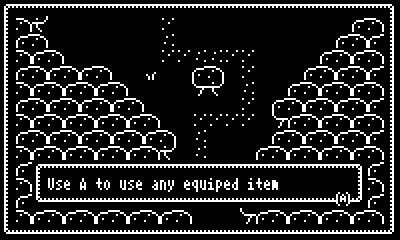
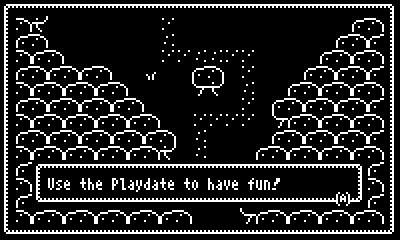
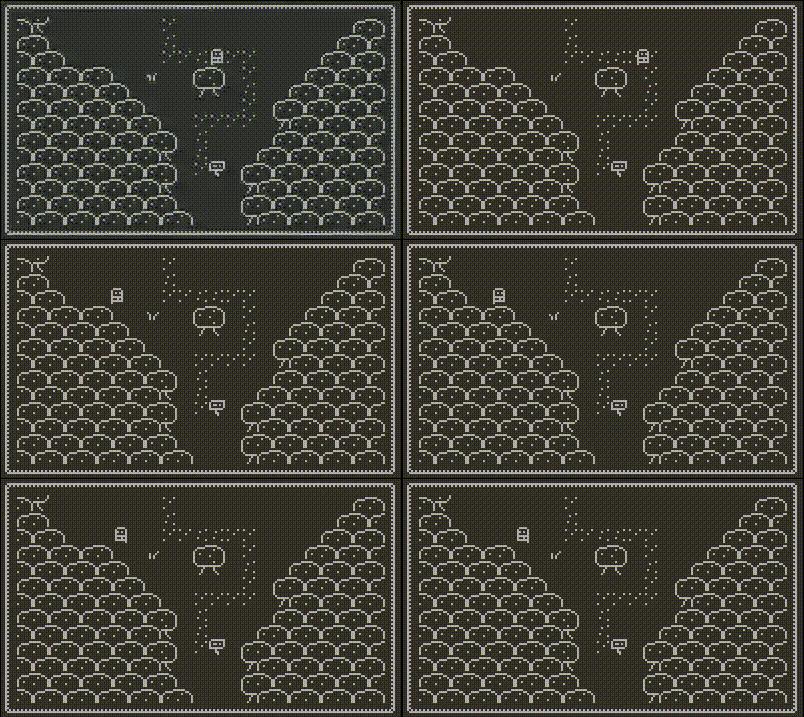
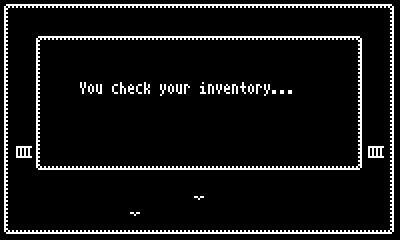
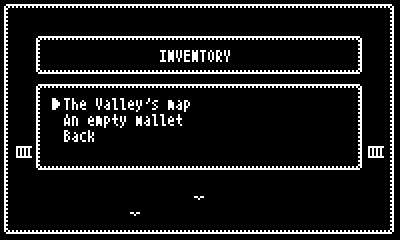
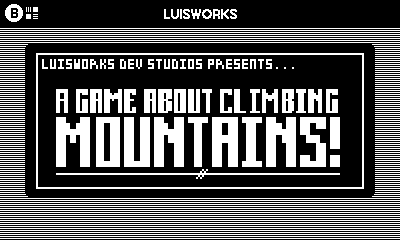
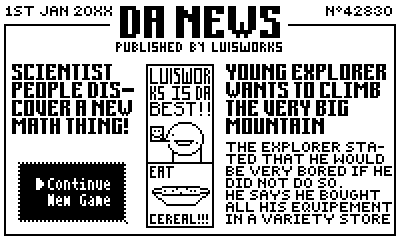
I wrote this WoNdErFuL code for the inventory, but I don’t understand why when I have something in it, the “money” stat dissapears. Here you have images and the code if someone wants to help me
on cancel do
	say "\n\n    You check your inventory..." at 2,2,19,7
	menu at 2,2,18,7 then
		if Worm==1 then
			option "A worm" then
				say "\n\n       That's a worm." at 2,2,19,7
			end
		elseif Map==1 then
			option "The Valley's map" then
				say "\n\nIt's a map. Somehow it was a worm before..." at 2,2,19,7
			end
		elseif Money>0 then
			option "{Money} bucks" then
				say "\n\n       These are {Money} bucks.\nYou're not sure about how you got them, tough." at 2,2,19,7
			end
		elseif Money==0 then
			option "An empty wallet" then
				say "\n\n\n  You have no money. Find a job!" at 2,2,19,7
			end
		elseif A==1 then
			option "Back" then

			end
		end
	end
  end
end
Thanks! But actually what I wanted to figure out is how to make animated cutscenes in pulp. I mean, is there a better way instead of writing 8783756987454 “tell x,y to swap to”? Nevertheless, I did not knew about multiple “say” at a time, so thank you very much!!!
Fixed an error that would make the map item not to appear in the inventory after saving the game.
Finished the inventory system
Fixed an error that would make only the first save point to actually work
Expanded a bit the terrain and added another shop that sells a brand new item: the MaGiC oRb, that tells the player what to do next, butt to acheve it you need to complete a secondary mission.
You can create animated tiles in Pulp, if you want to make a scene less static. However for fully animatated scenes, it's a bit trickier and will take a lot of tiles depending on the size. The general idea is to take an image (equal or less than the size of the screen), split them into chunks and place them into a room. There is a tool for aseprite that lets you import large animations into pulp.
You can create a couple of loops that place the tiles from top to bottom without having to swap every tile on screen manually. There's a much comprehensive guide on how to do this with imported tiles but it's something like this, it draws all tiles on screen.
x = 0
y = 0
tile = 0
while y <=15 do
    while x <= 25 do
        tell x,y to
            swap tile
        end
        tile++
        x++
    end
    y++
end
I wrote about how I achieved this in Resonant Tale here in my devlog.
It’s not the only way to get the appearance of smooth movement - for example it’s also possible to draw a tile at a fractional grid position by using variables with non-integer values. For my purposes in Resonant Tale though faking the appearance of smooth movement with tile animations while still being snapped to the grid was exactly what I wanted
By the way, I'll put you in the "Thanks to" section of the credits, because I think it's great that such an important developer like you is interested in my little pulp game.
Thanks to @orkn I implemented a smooth movement system in the game. The thing is there is a little problem. The walking animation only is active when the player moves to the left. Does anyone know what happens?
Ignore that poll. I’ve had a ReVeLaTiOn last night. You see, I discovered I can turn drawings into pulp rooms. And so, I’ve decided that I will draw everything, and so it will be at least less ugly, and actually it will look as a comic book (i hope)
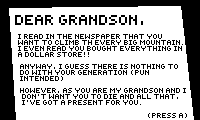
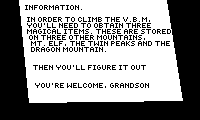
Also, I changed the initial text explaining the story by a letter: