Windows, SDK 3.0.2
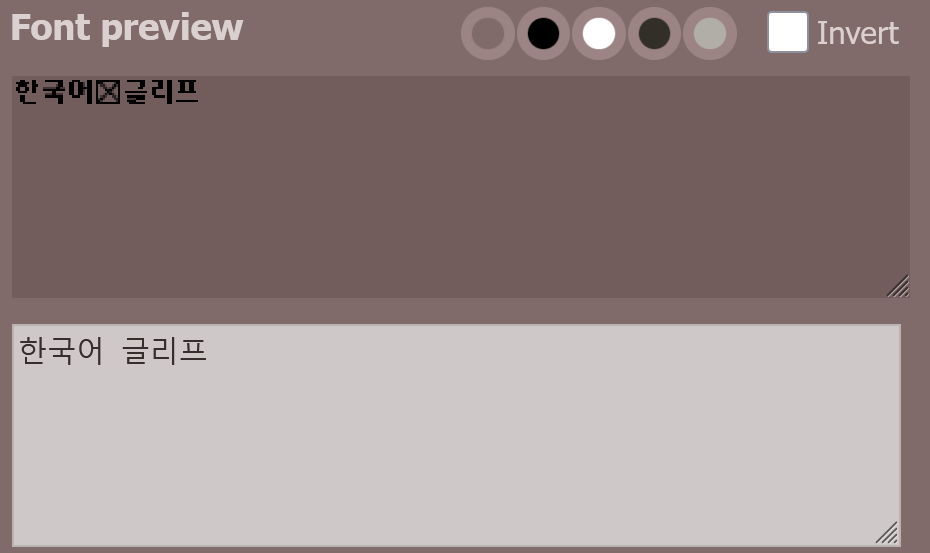
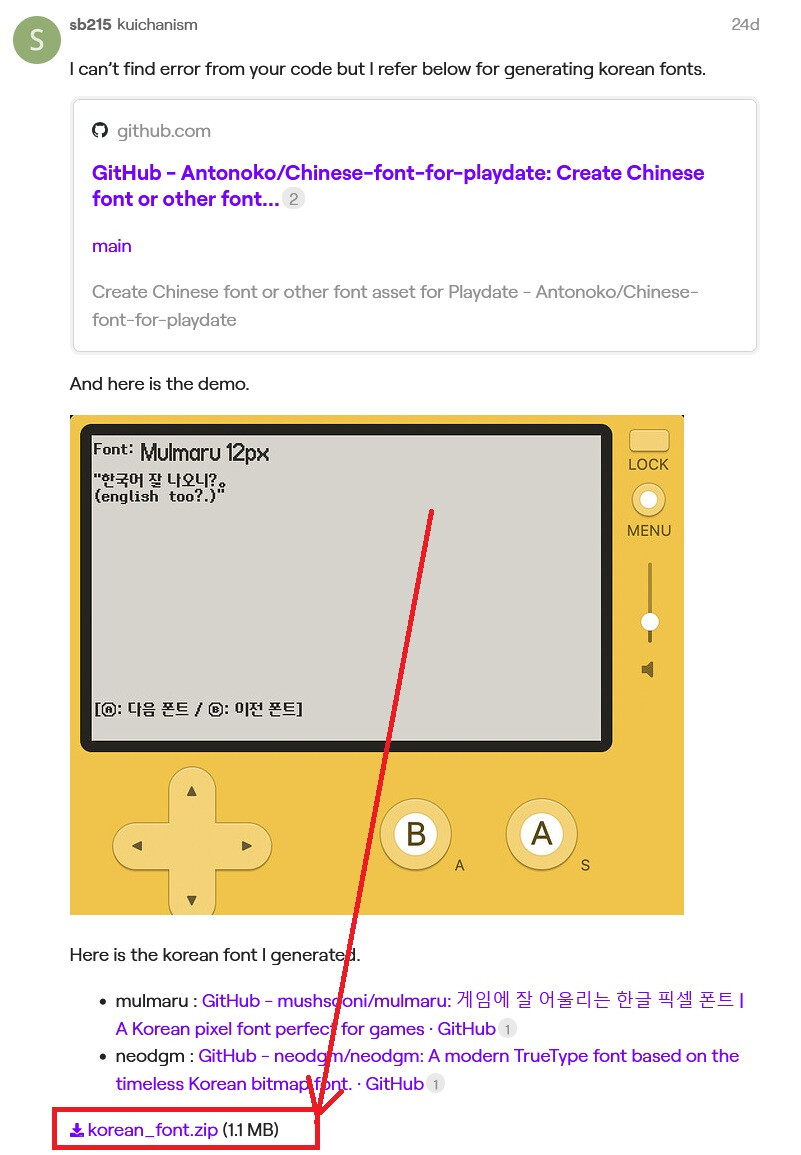
I’ve created a Playdate font from Google's Noto Sans Korean, specifically the static font NotoSansKR-SemiBold.ttf, using the PDFont tool.
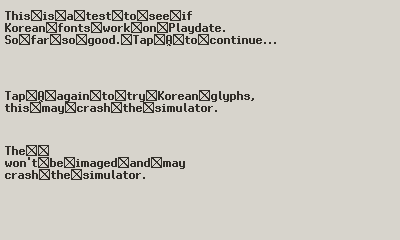
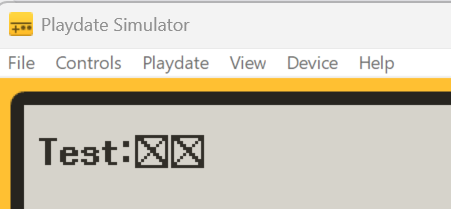
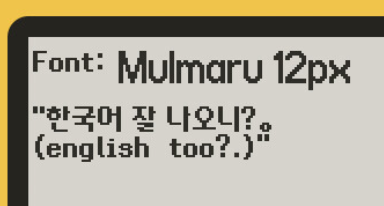
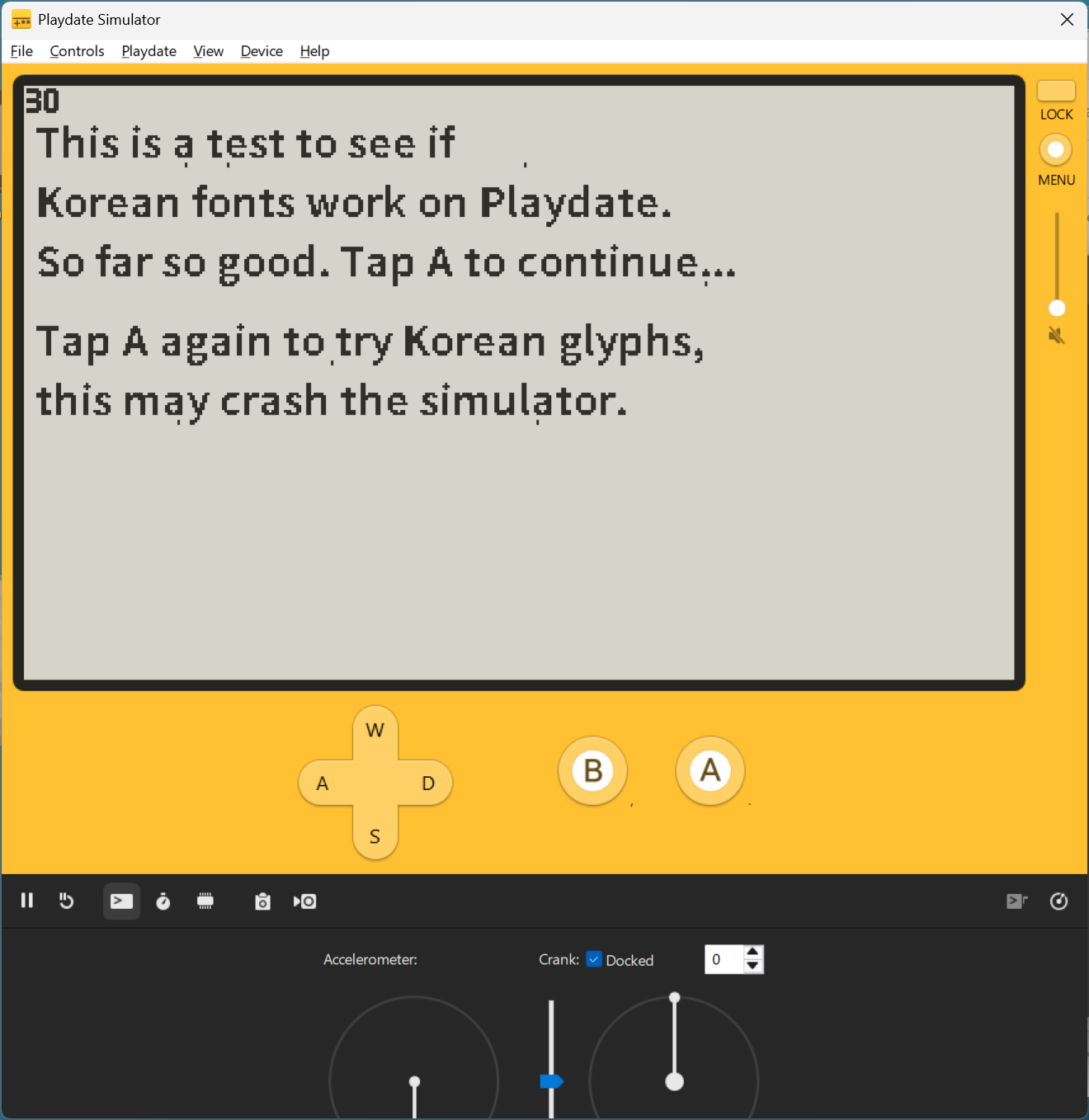
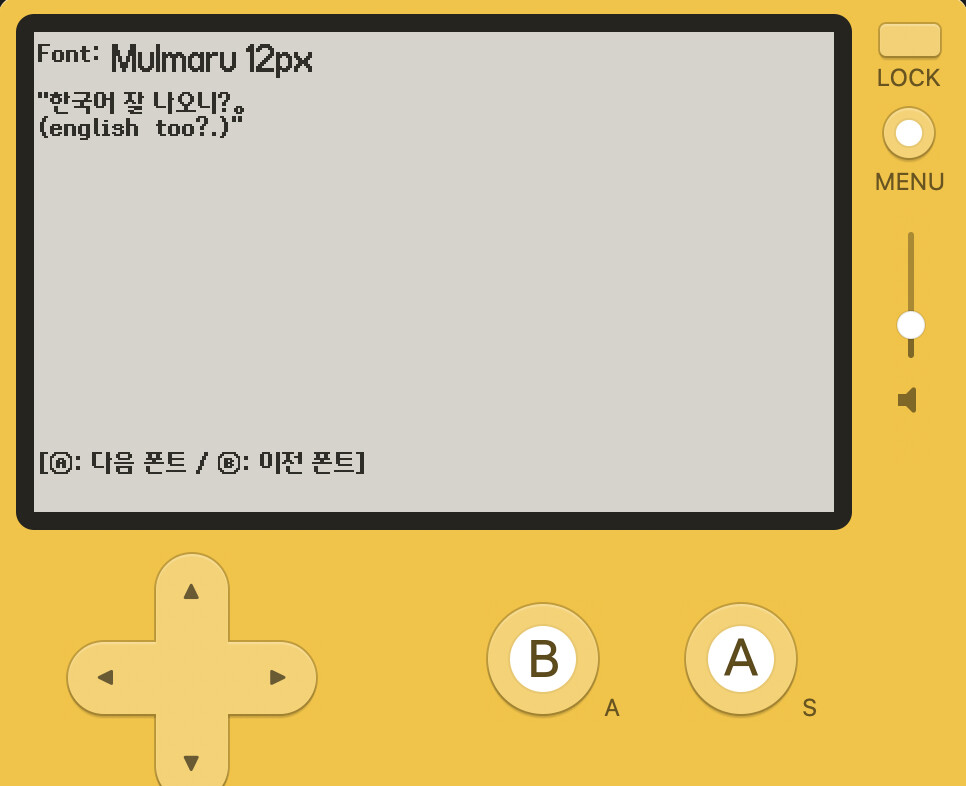
When using the Playdate font the English glyphs image ok, but any attempt to use Korean glyphs either images nothing or crashes the Simulator.
I don’t know if this is a bug in the NotoSans font, the PDFont tool, or the SDK fontstuff.
(all resources to reproduce this issue are in the attached zipfile, including the original NotoSans font and the PDFont tool)
Steps to reproduce:
- Build the Playdate font:
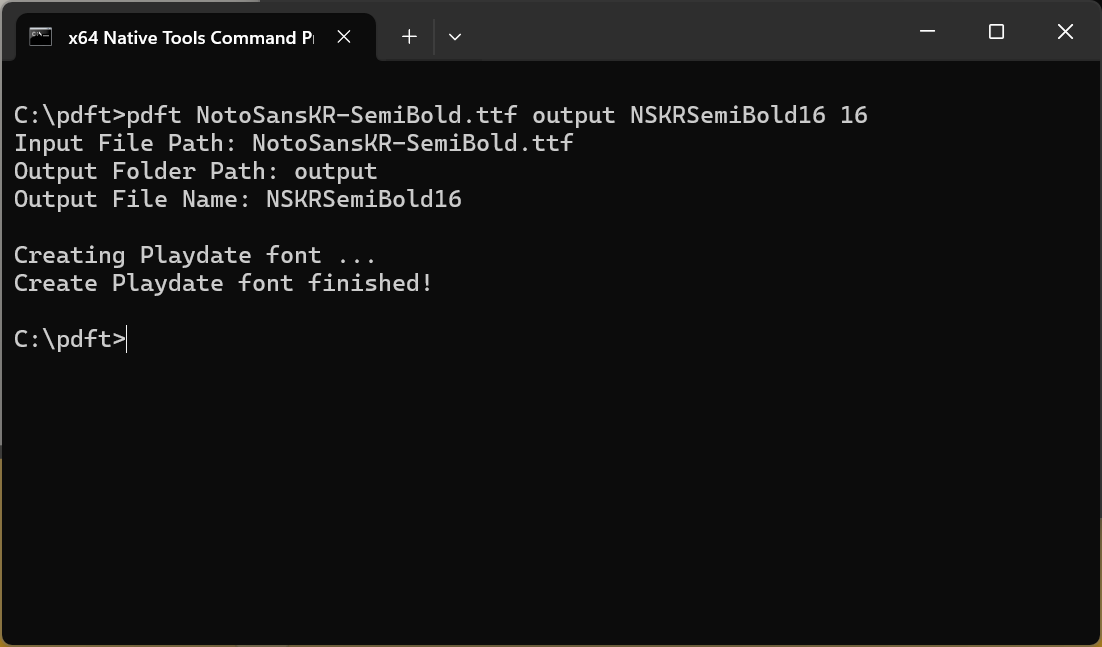
- Set up a test project:
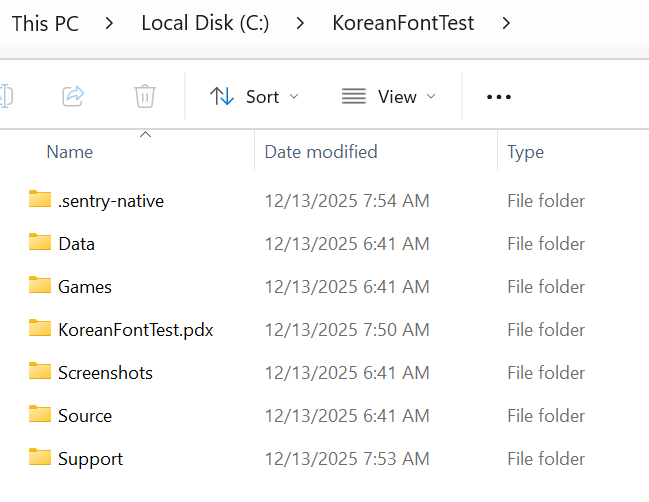
- Write some Lua code:
local gfx = playdate.graphics
local firstPass = true
local secondPass = false
local thirdPass = falsetheFont = gfx.font.new("fonts/NSKRSemiBold16")
gfx.setFont(theFont)gfx.setColor(gfx.kColorWhite)
gfx.setImageDrawMode(gfx.kDrawModeCopy)firstText = "This is a test to see if\nKorean fonts work on Playdate.\nSo far so good. Tap A to continue..."
secondText = "Tap A again to try Korean glyphs,\nthis may crash the simulator."
thirdText = "The 한국어 글리프\nwon't be imaged and may\ncrash the simulator."
--^ "The Korean glyphs\nwon't be imaged and may\ncrash the simulator."function playdate.AButtonUp()
if secondPass == true then thirdPass = true end
if firstPass == true then secondPass = true end
endfunction playdate.update()
gfx.fillRect(0, 0, 400, 240)
if firstPass == true then gfx.drawText(firstText, 5, 10) end
if secondPass == true then gfx.drawText(secondText, 5, 90) end
if thirdPass == true then gfx.drawText(thirdText, 5, 145) end
playdate.drawFPS(0,0)
end
- Build and run the .pdx
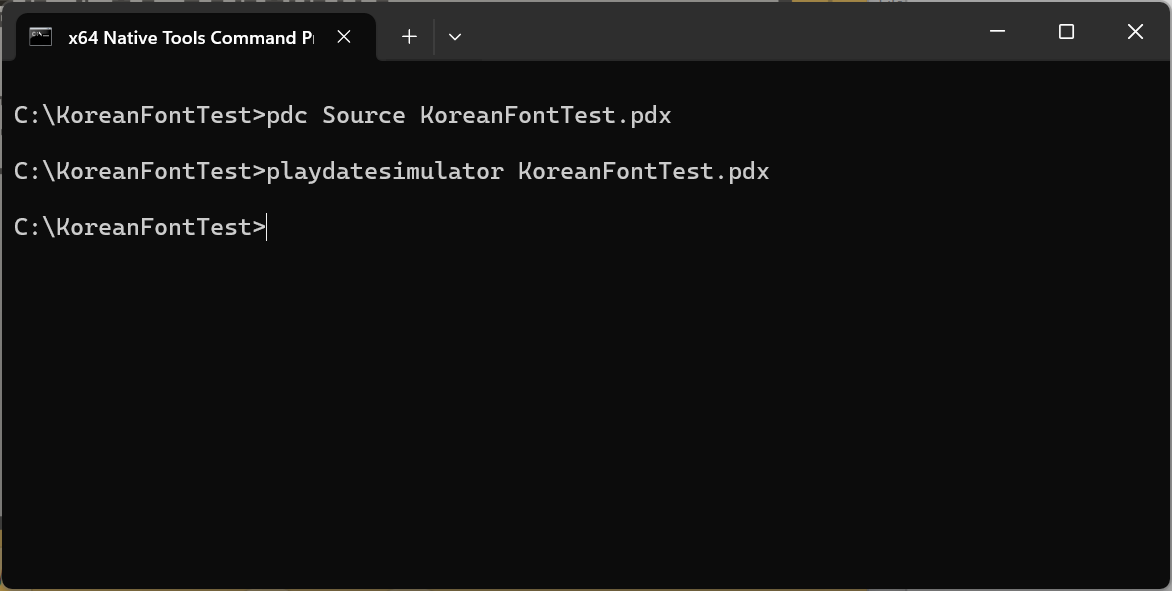
- Tap tap crash:
Test project with .pdx and resources to reproduce here:
KoreanFontTest.zip (5.4 MB)
 !
!